 BambooForge Labs
Backend Theme for Odoo Community
A modern, fully responsive backend theme for Odoo Community: dark mode, per-user accent colours, drag-to-reorder apps and pinned favourites.
Available for Odoo 16.0, Odoo 17.0, Odoo 18.0, Odoo 19.0, Odoo 20.0. Technical name bambooforge_backend_theme.
Transcript of the walkthrough (Odoo 20)
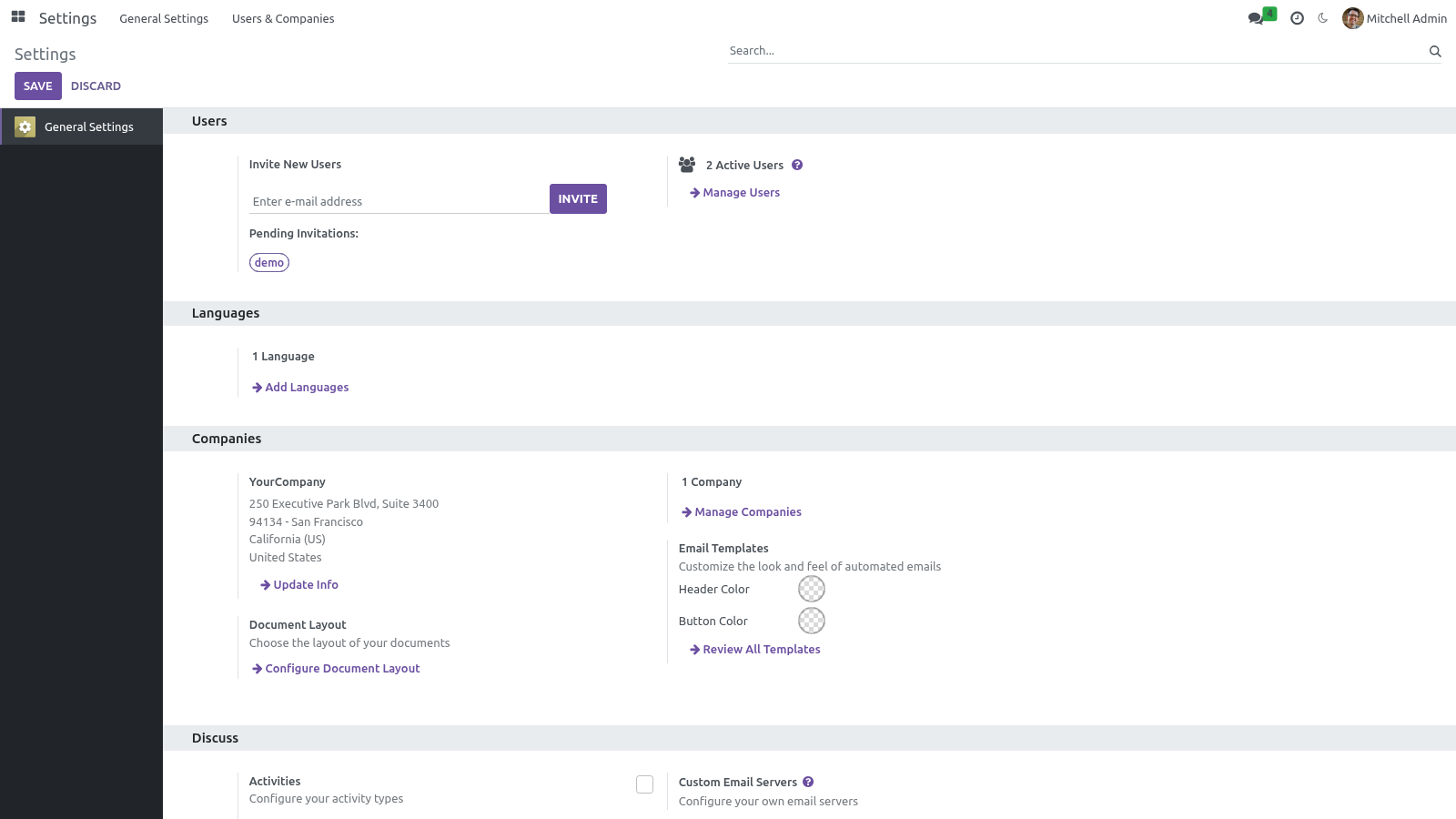
Backend Theme for Odoo Community. A modern, fully responsive backend theme for Odoo Community: dark mode, per-user accent colours, drag-to-reorder apps and pinned favourites. The theme restyles the Odoo 20 backend (the internal web client) and adds the personalization features usually reserved for Enterprise: In the next few minutes: backend theme for odoo community, then options & personalization, then where you set them, then dark mode, then accent color. Then what this app deliberately does not do, so you can tell before you buy whether it fits.
1. Copy bambooforge_backend_theme into your Odoo addons path. 2. Restart the Odoo service.
3. Open Apps, click Update Apps List, search for bambooforge_backend_theme and press Activate / Install. The web and mail dependencies install automatically. Backend Theme for Odoo Community.
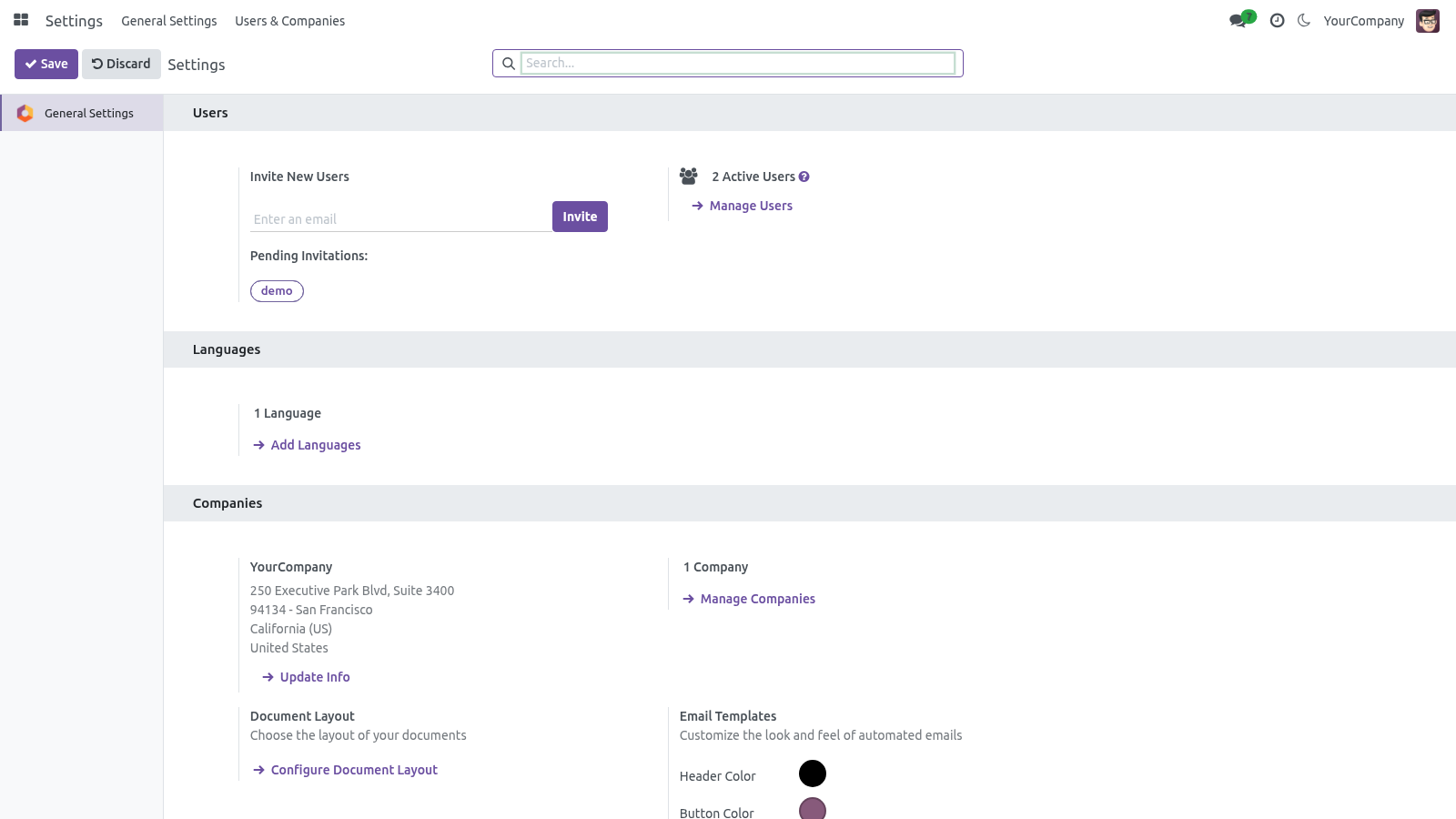
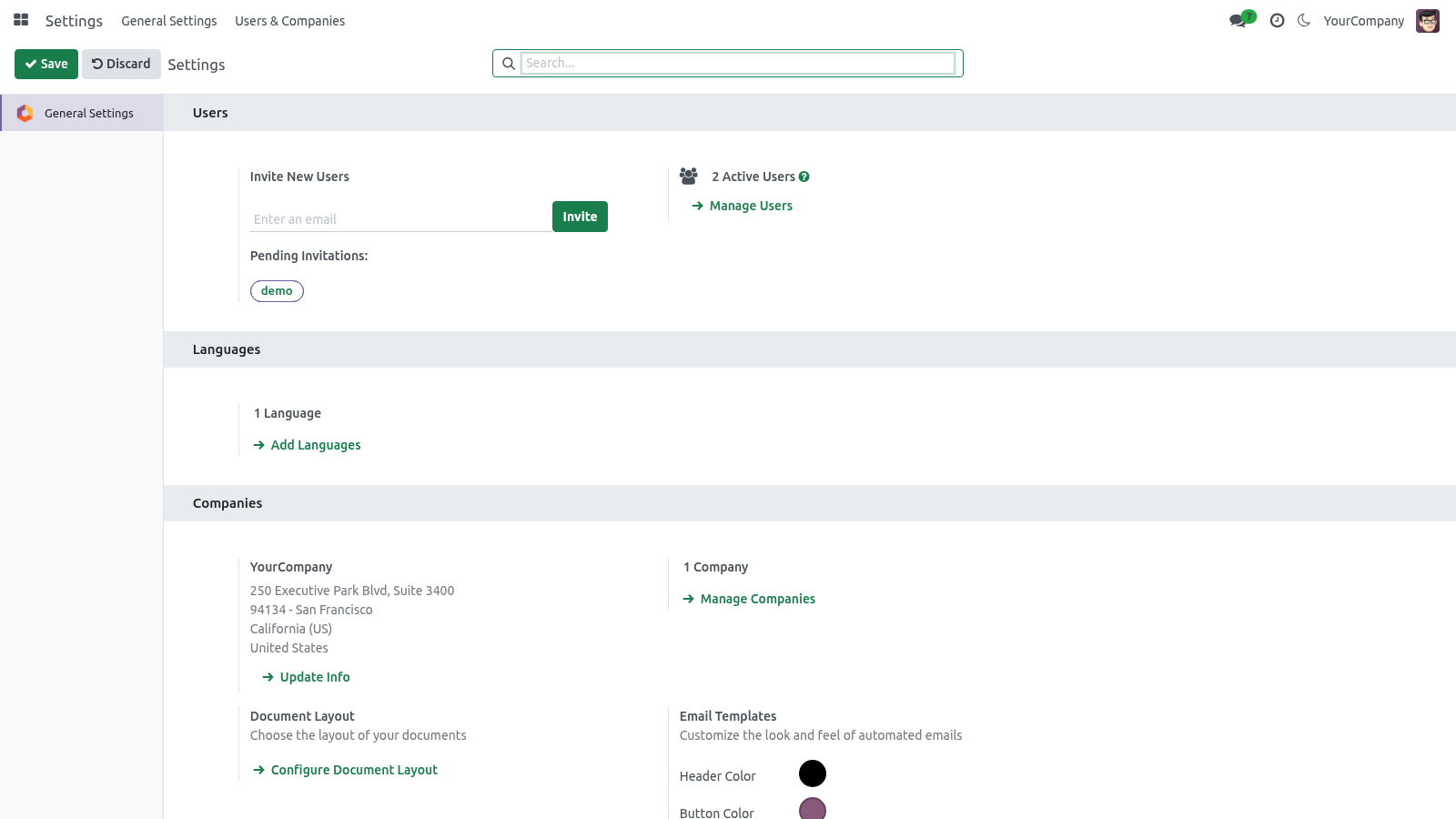
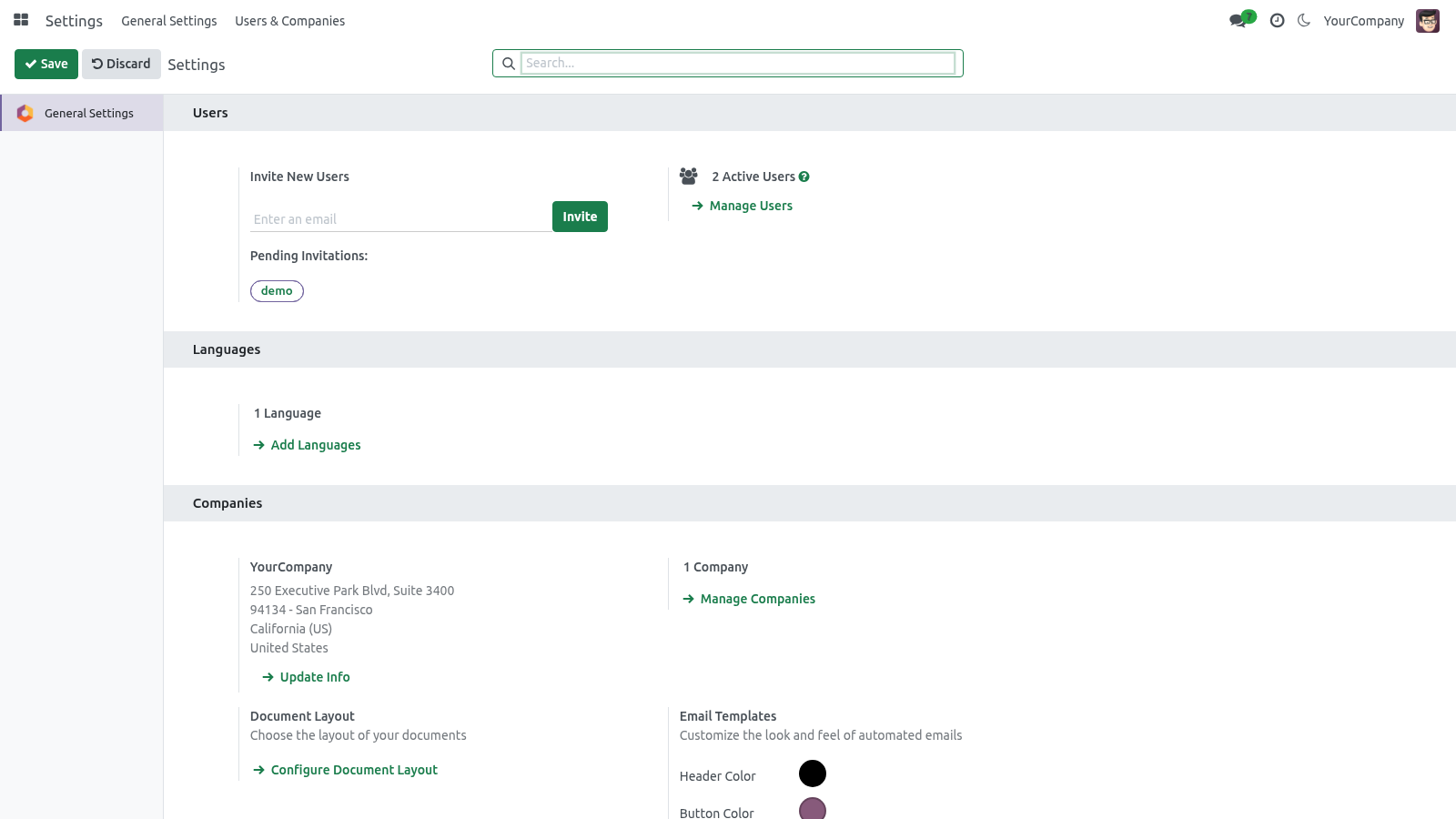
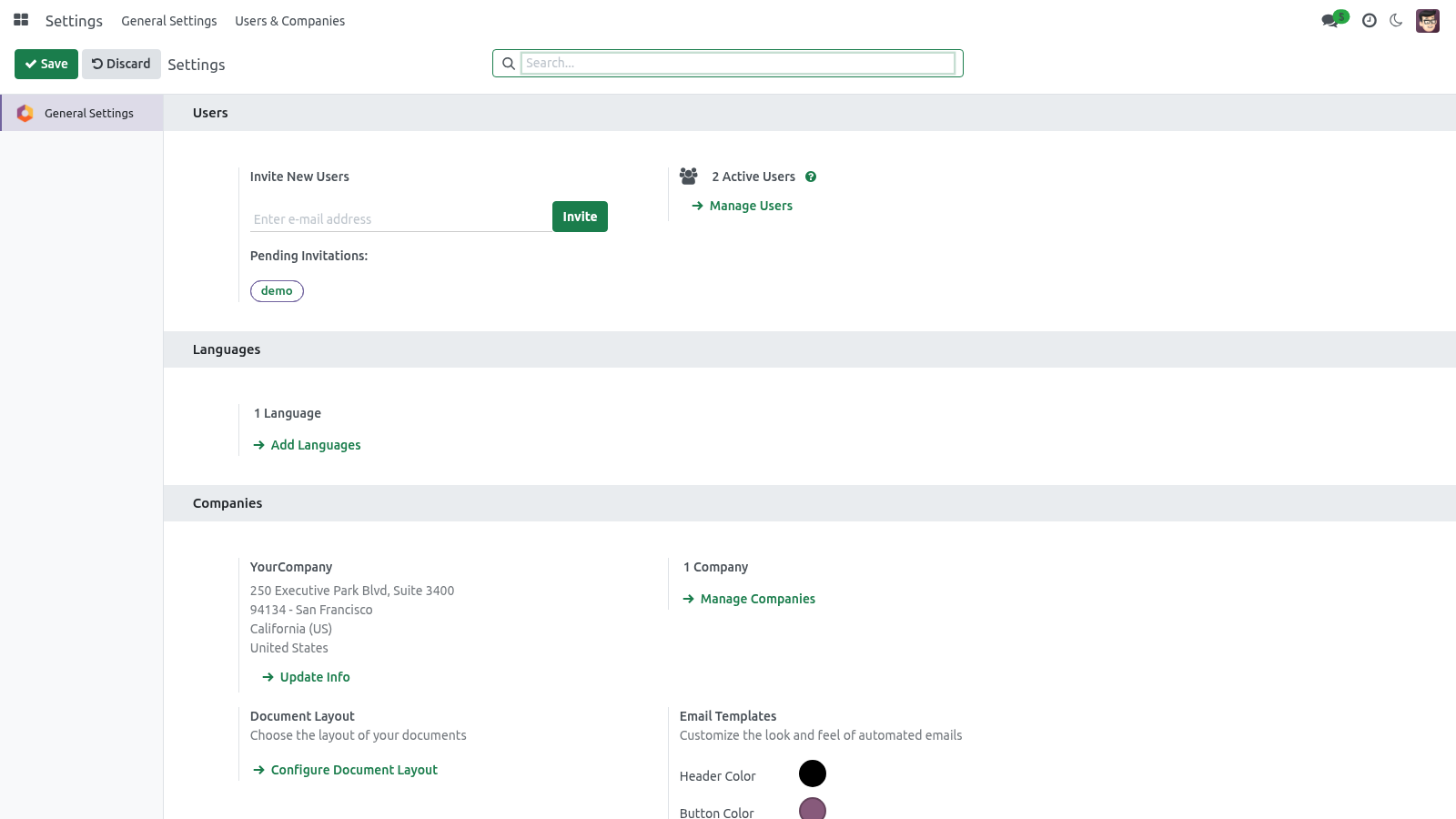
A modern, fully responsive backend theme for Odoo 20 Community that lets every user make Odoo their own — a one-click dark mode, a personal accent color, a full-screen app grid with fuzzy search, plus drag-to-reorder and pinned favorite apps. It is a polished fork of OCA web_responsive with a per-user appearance engine on top. This page is the complete manual. If you follow it top to bottom you can install the theme, enable it, set every option, and fix the common issues without contacting support.
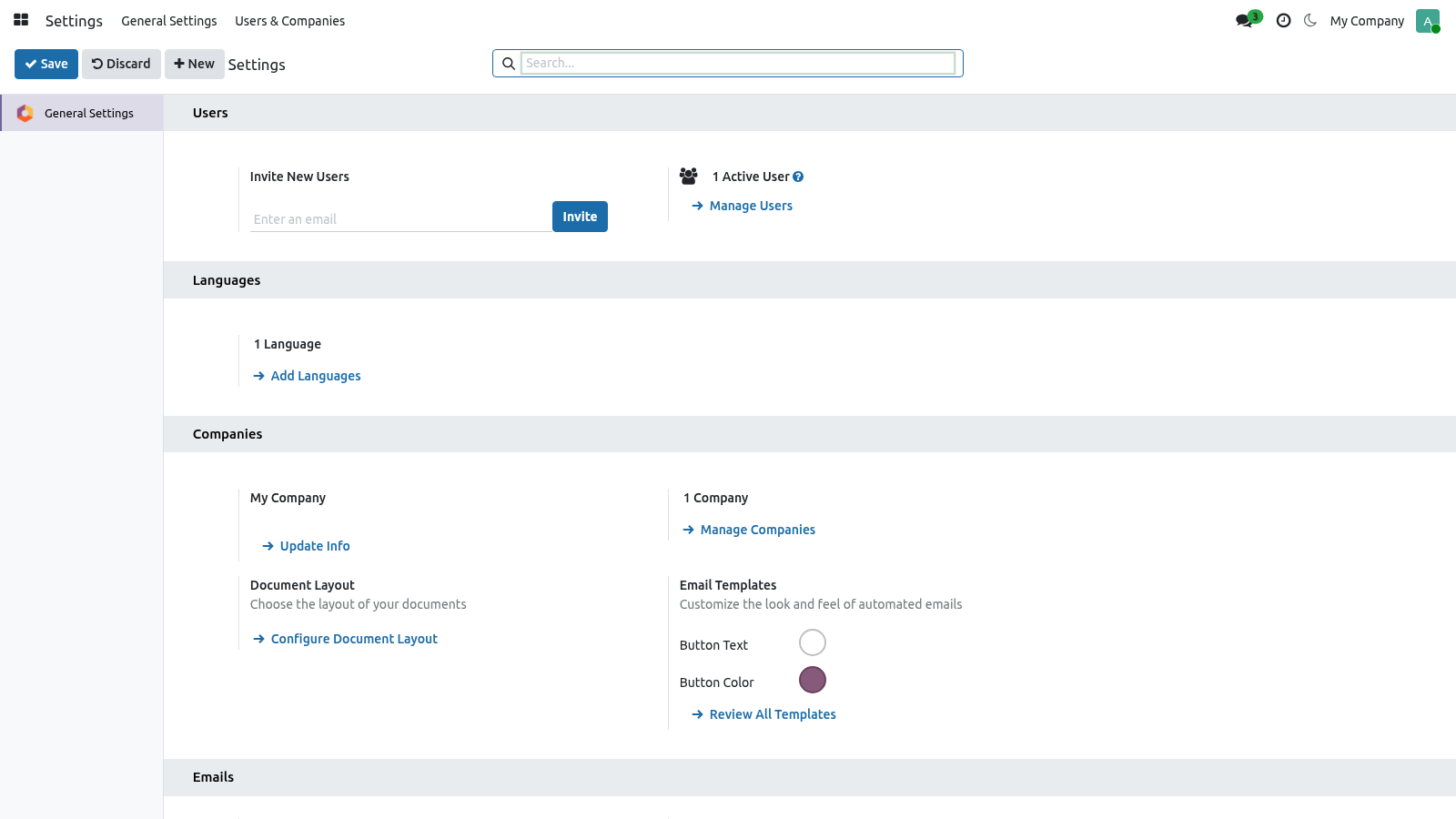
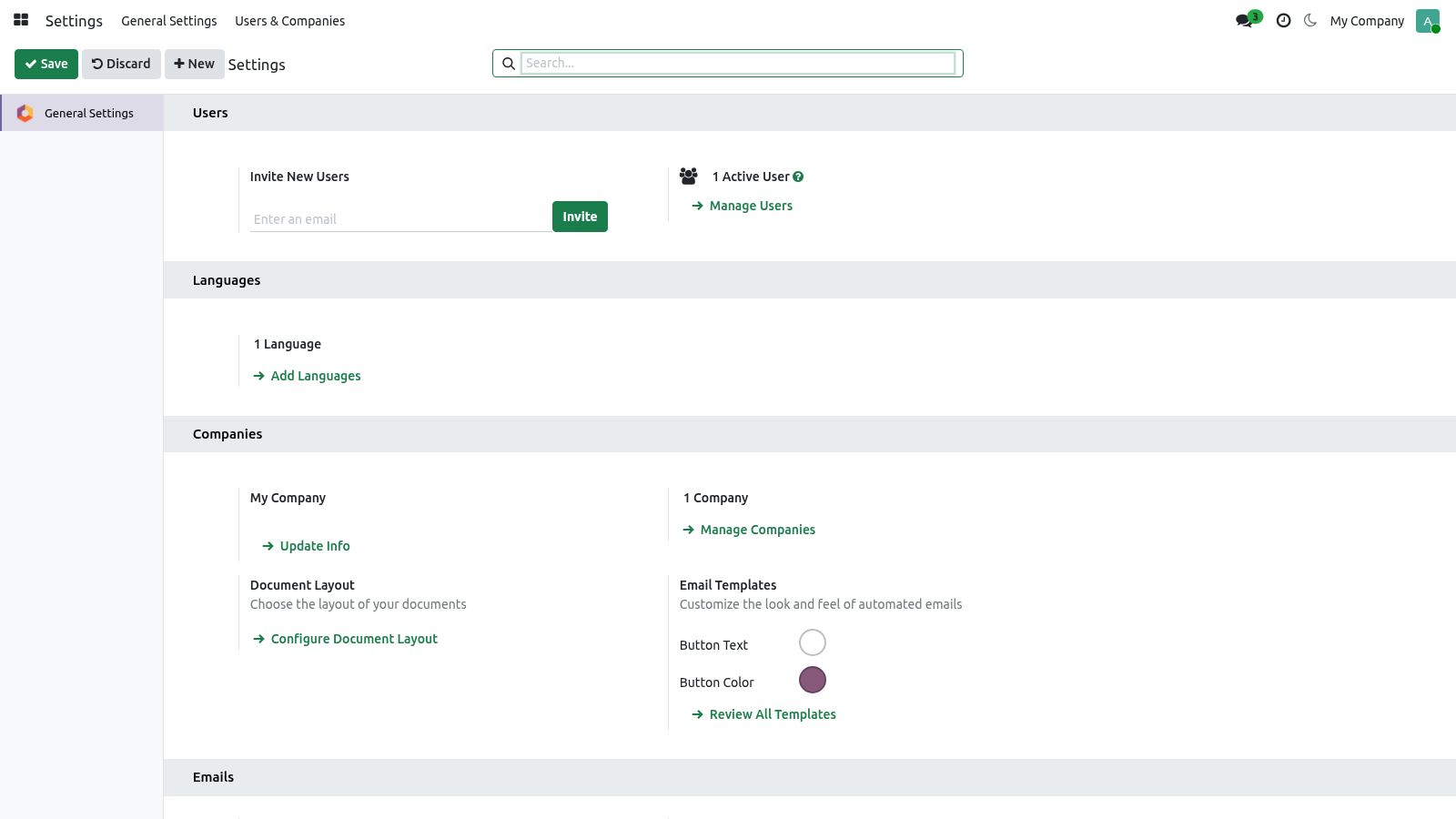
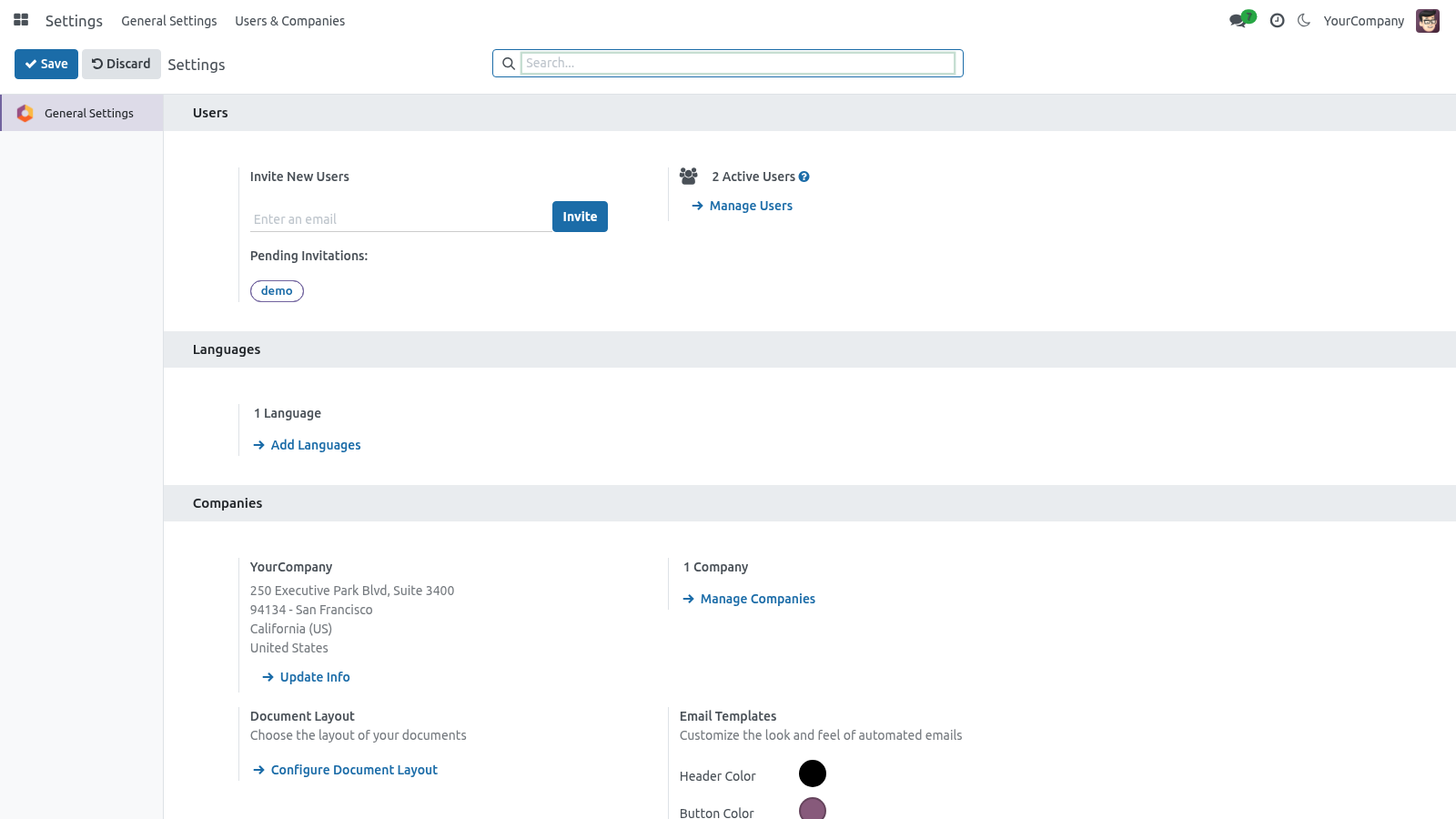
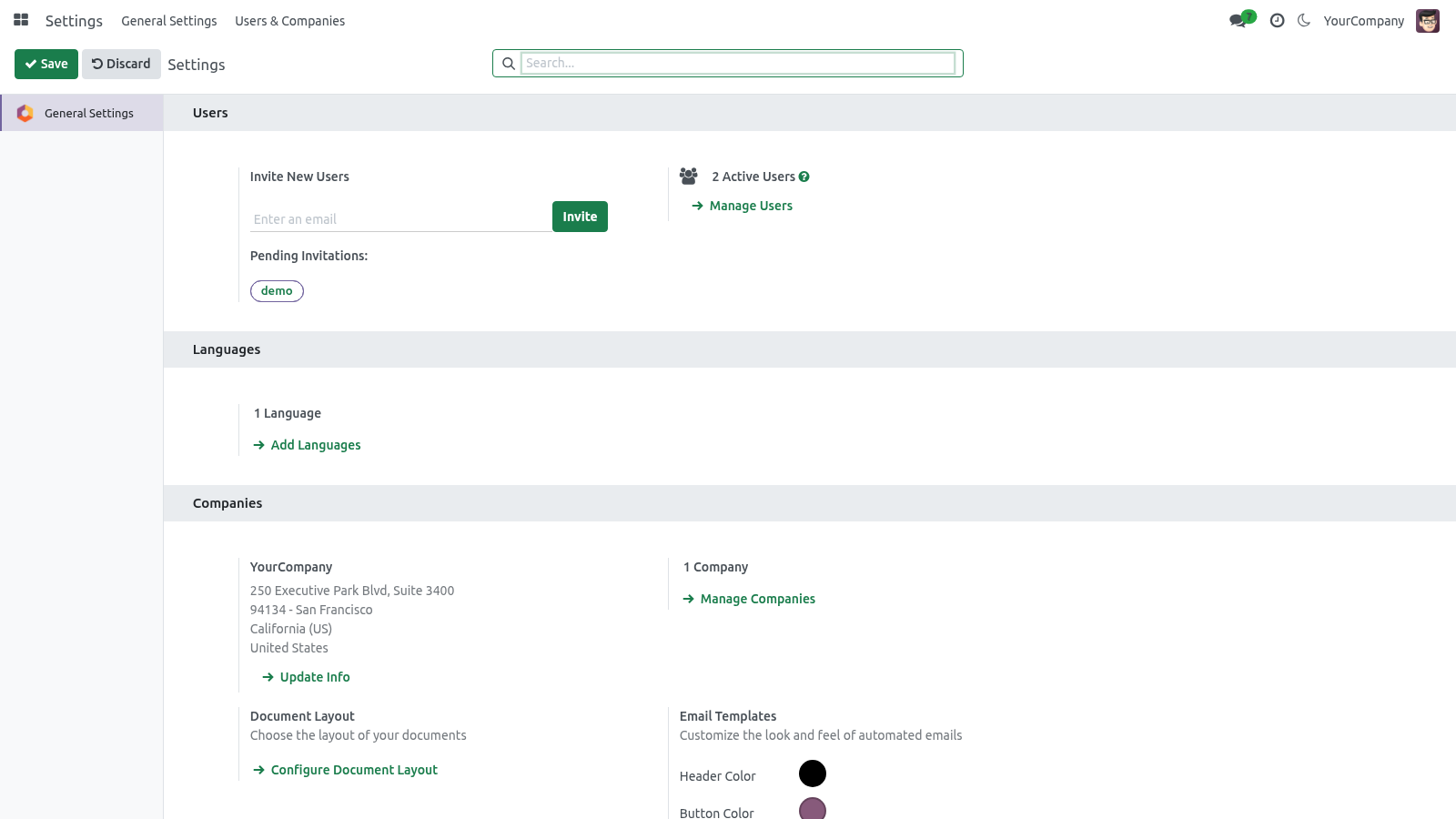
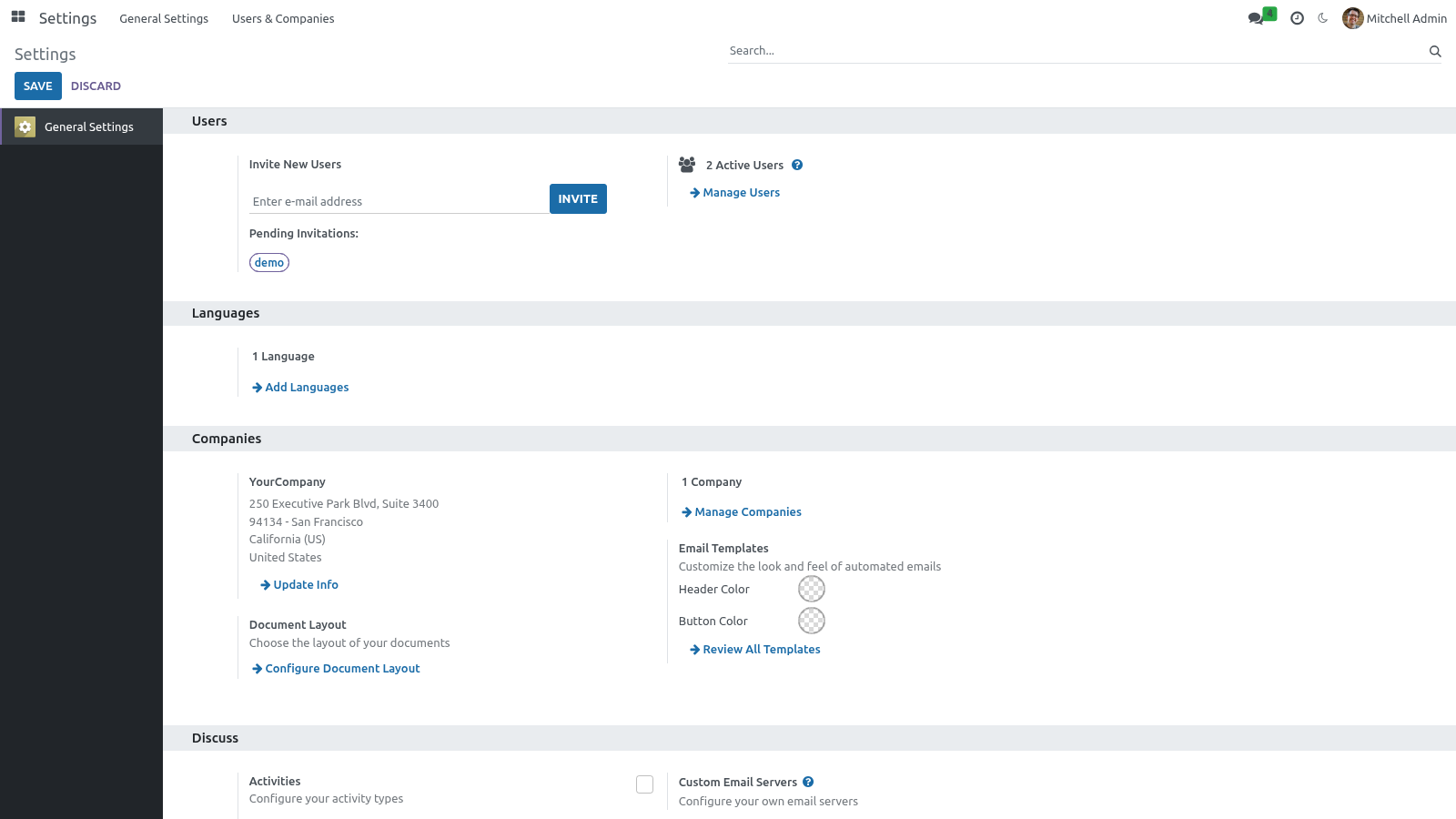
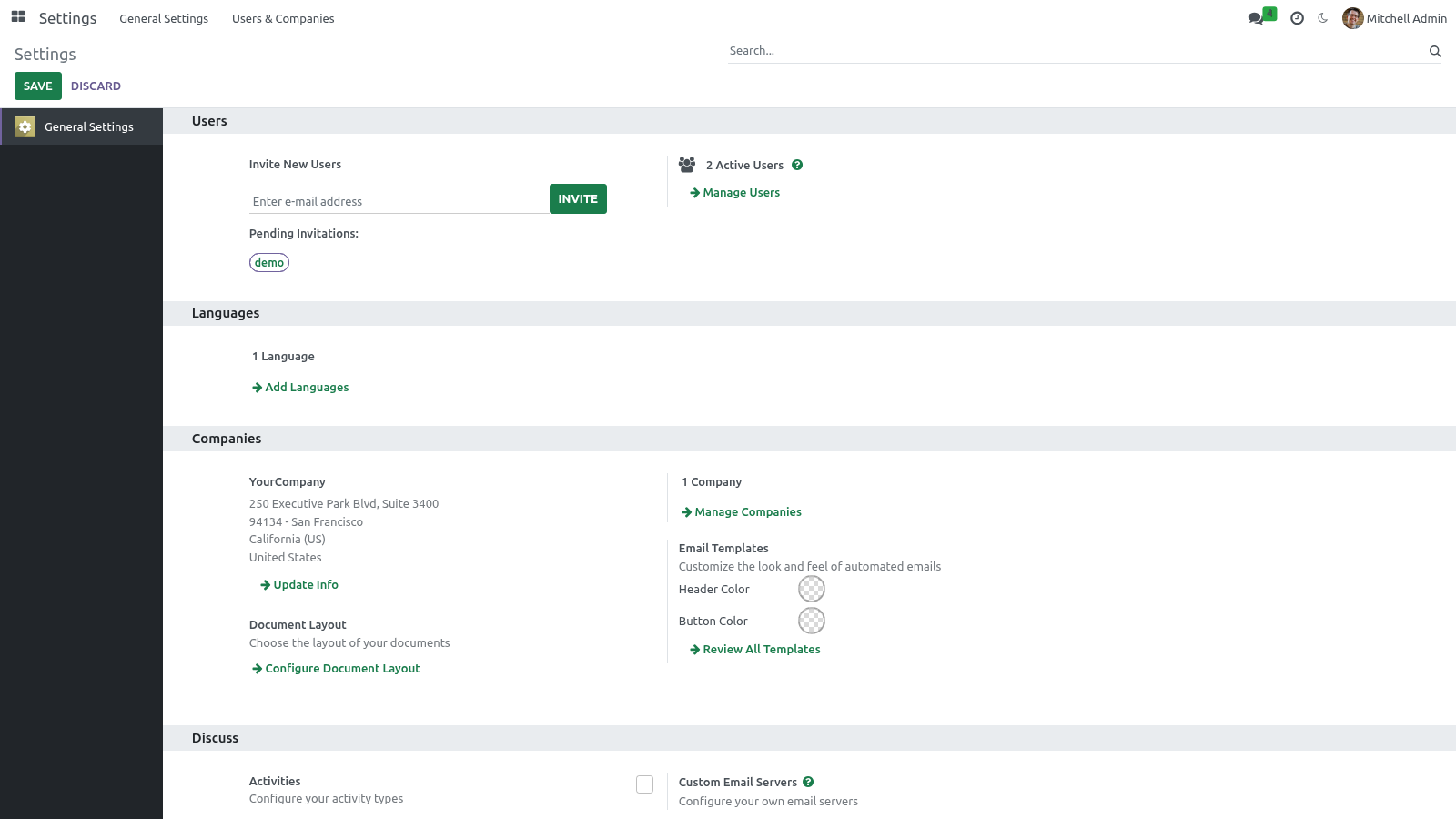
Options & personalization. Every option below is per user — your choice never changes anyone else's screen. Where you set them. There are two places, plus a one-click systray shortcut: Backend Appearance — Light / Dark / Auto (follow system).
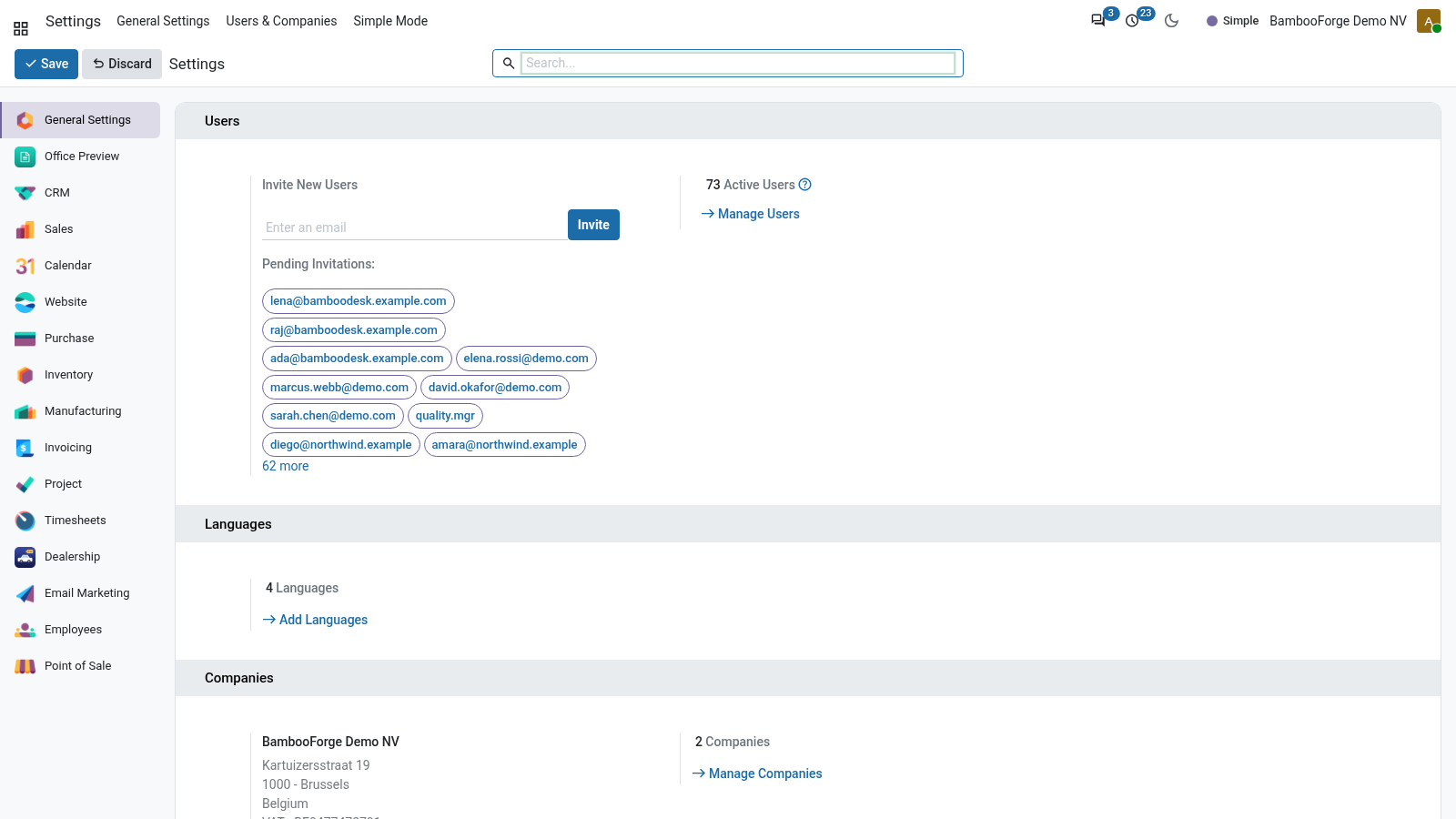
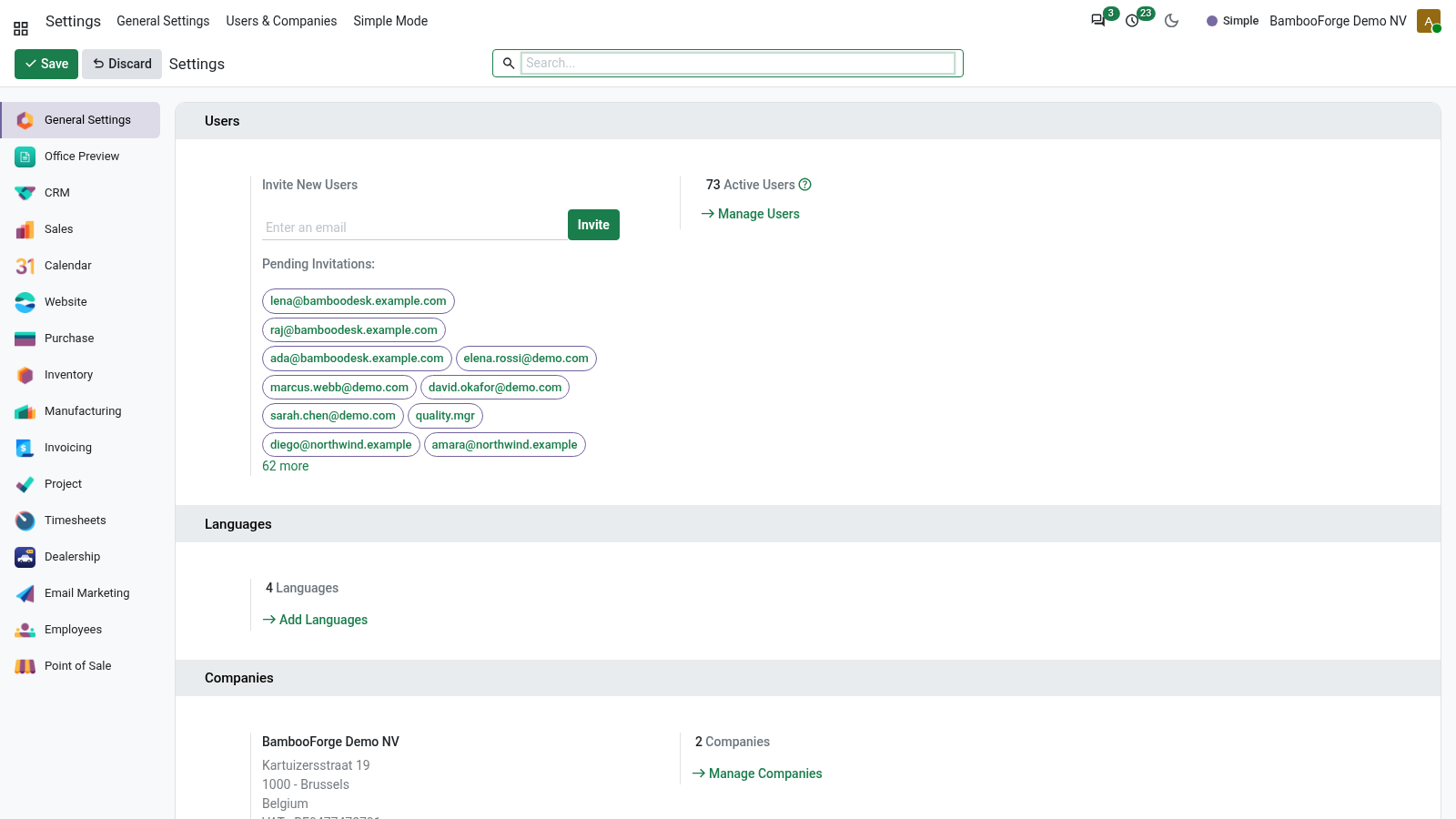
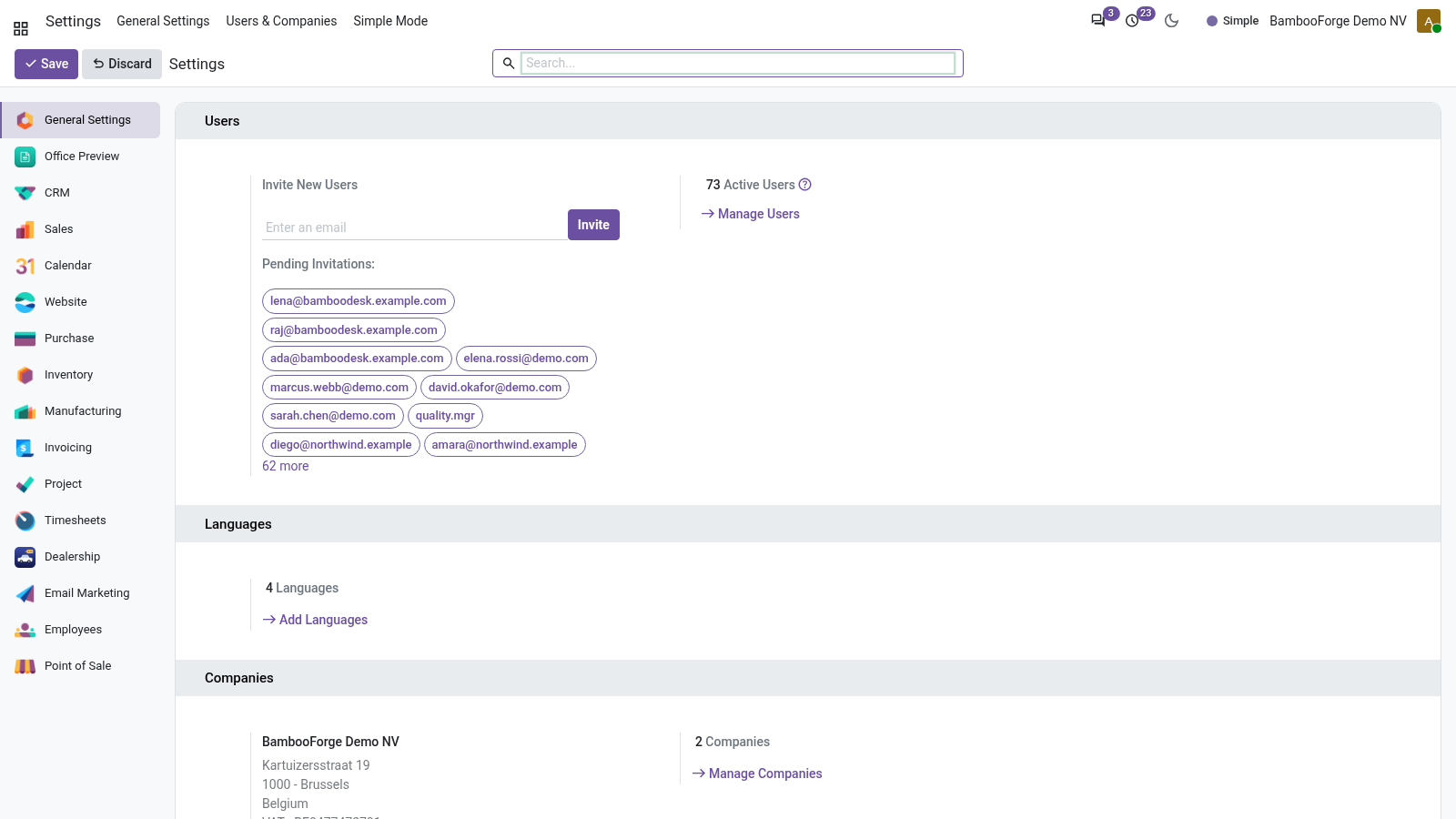
Accent Preset — one of six palettes, or Custom. Accent Color — the live hex color picker (used when the preset is Custom, or to fine-tune any preset). 1. Preferences (the avatar menu, top-right ▸ Preferences).
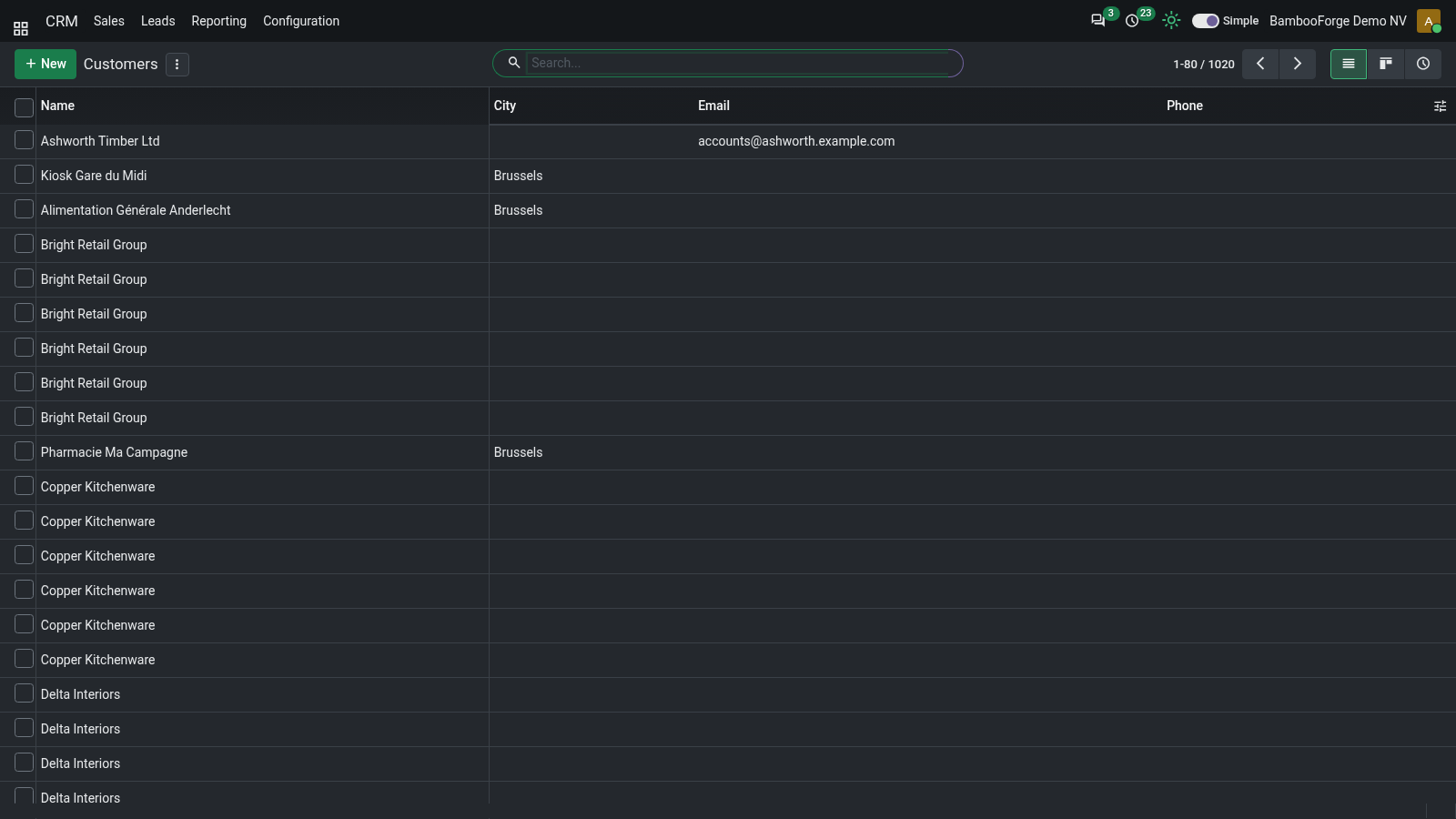
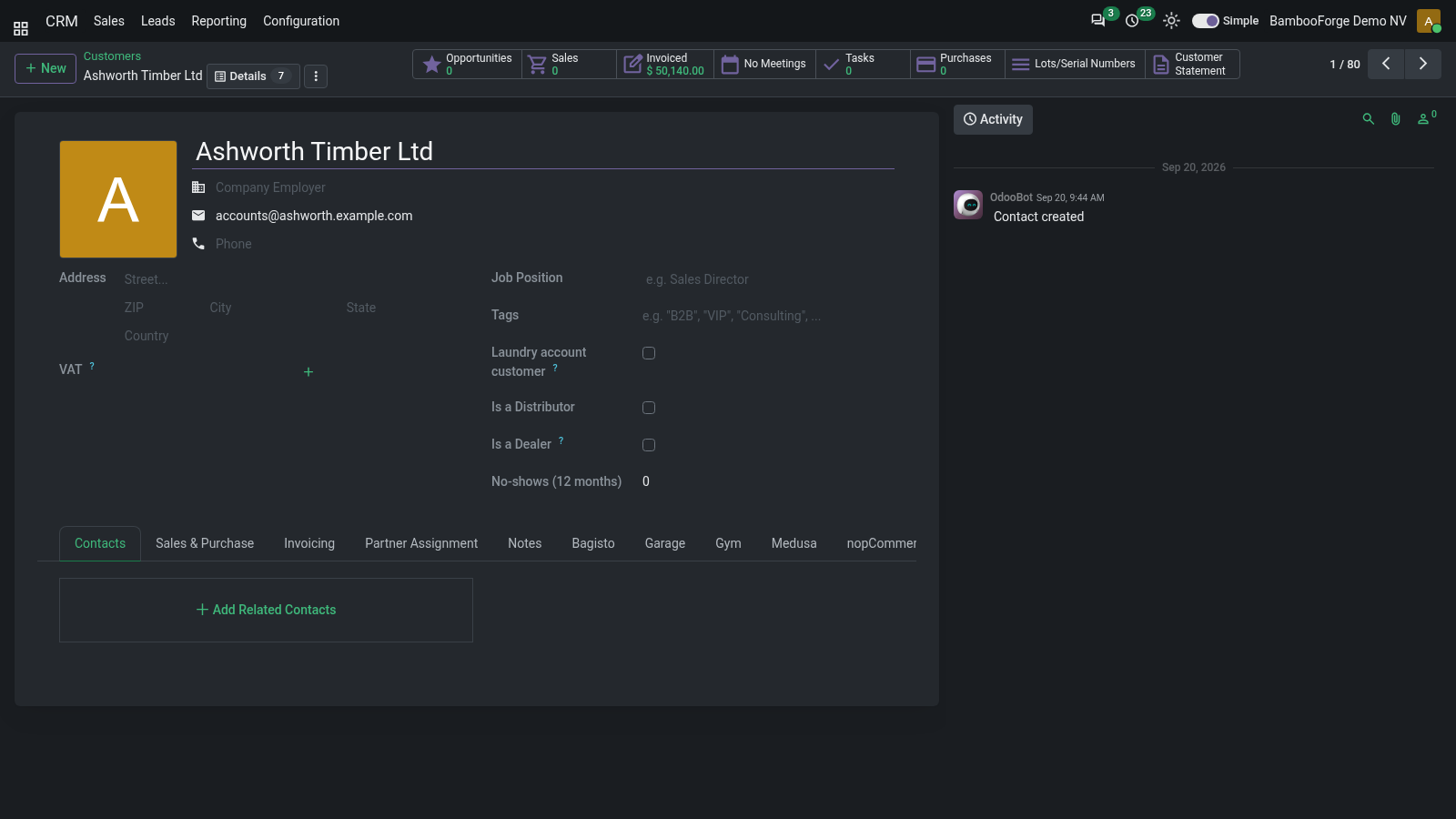
This is the main place. Three fields are added right under your Timezone: Dark mode. The systray sun / moon button is the fast path: it toggles Light ⇄ Dark and persists the choice immediately — no need to open Preferences. Accent color.
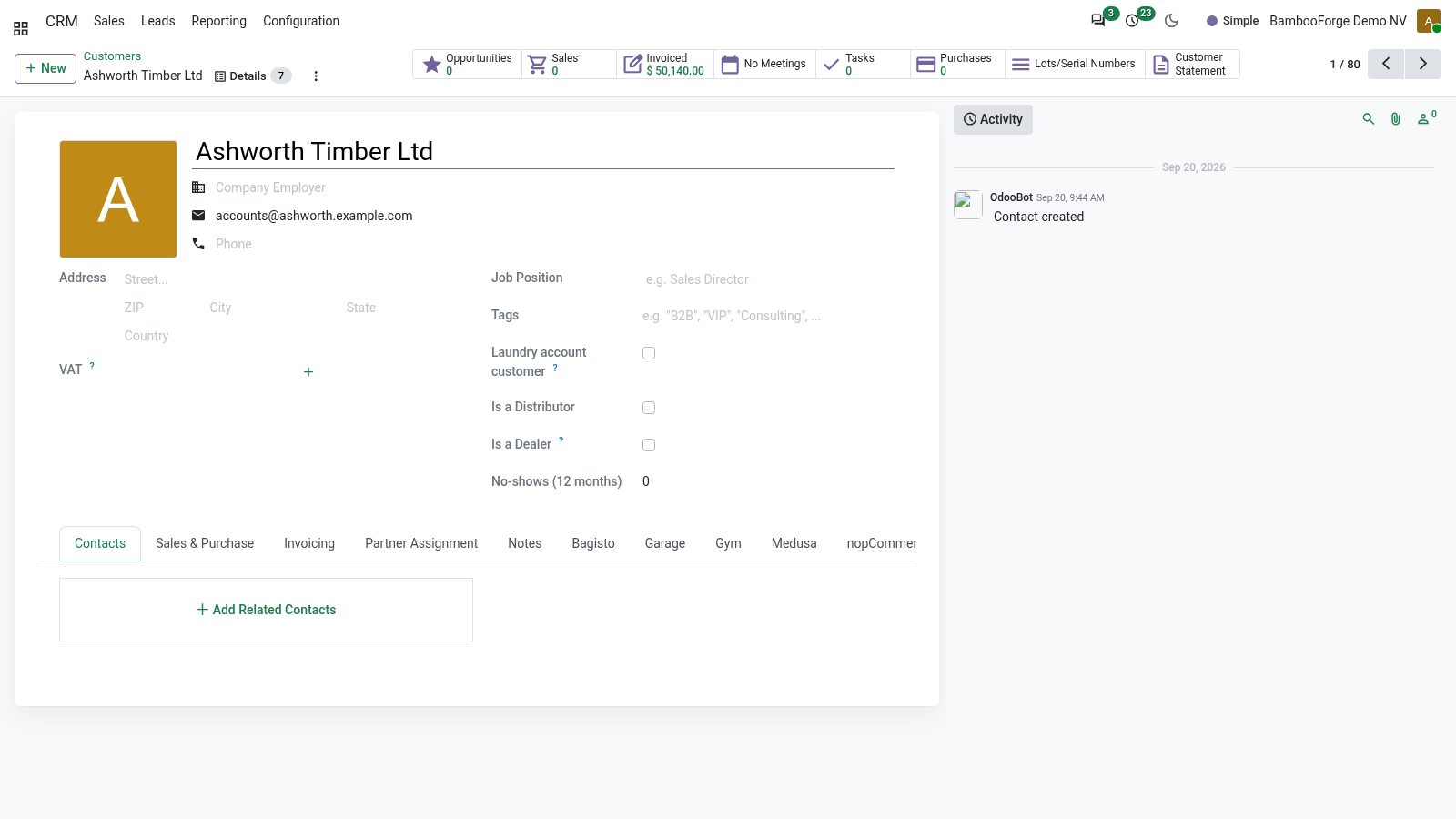
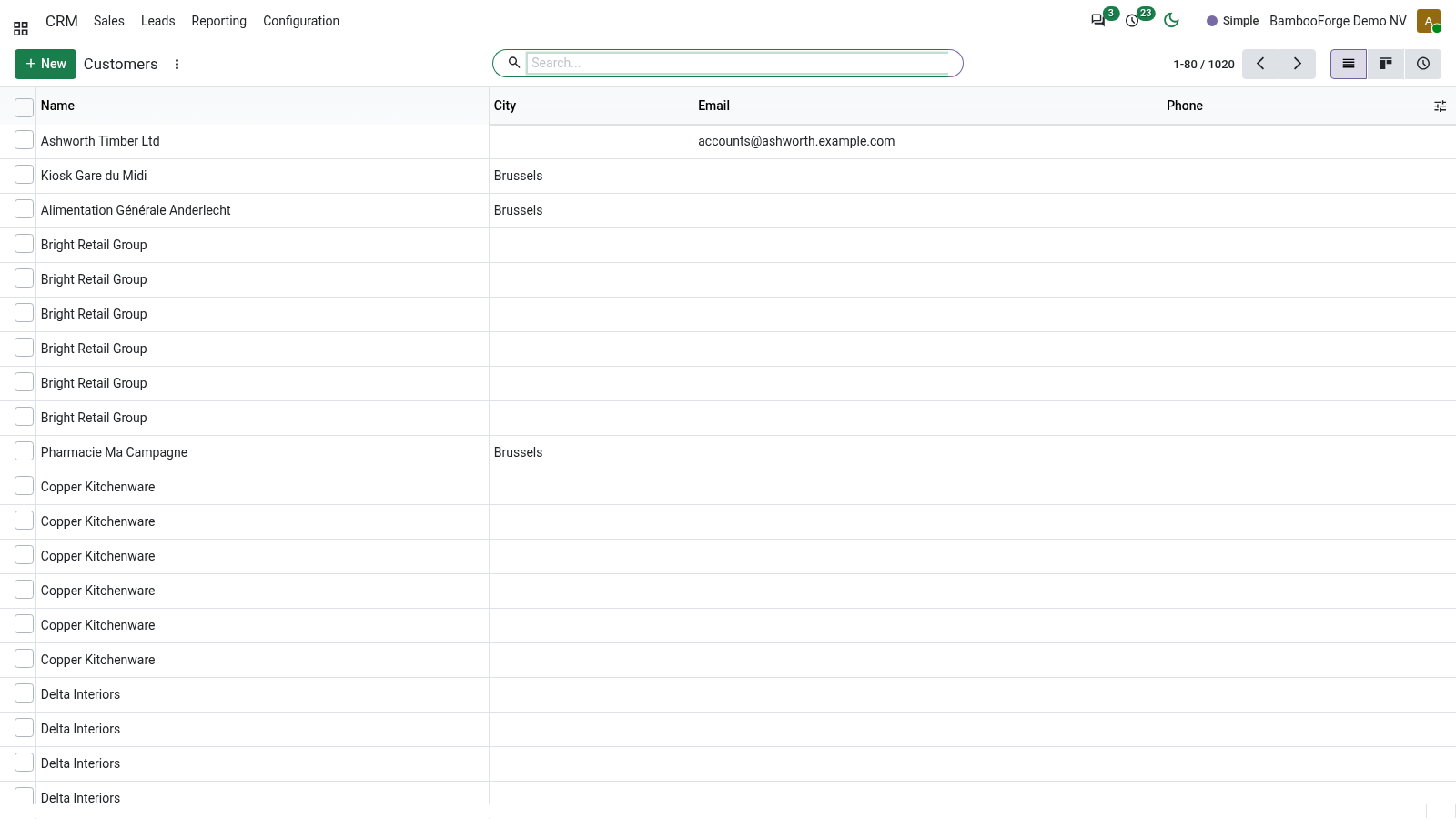
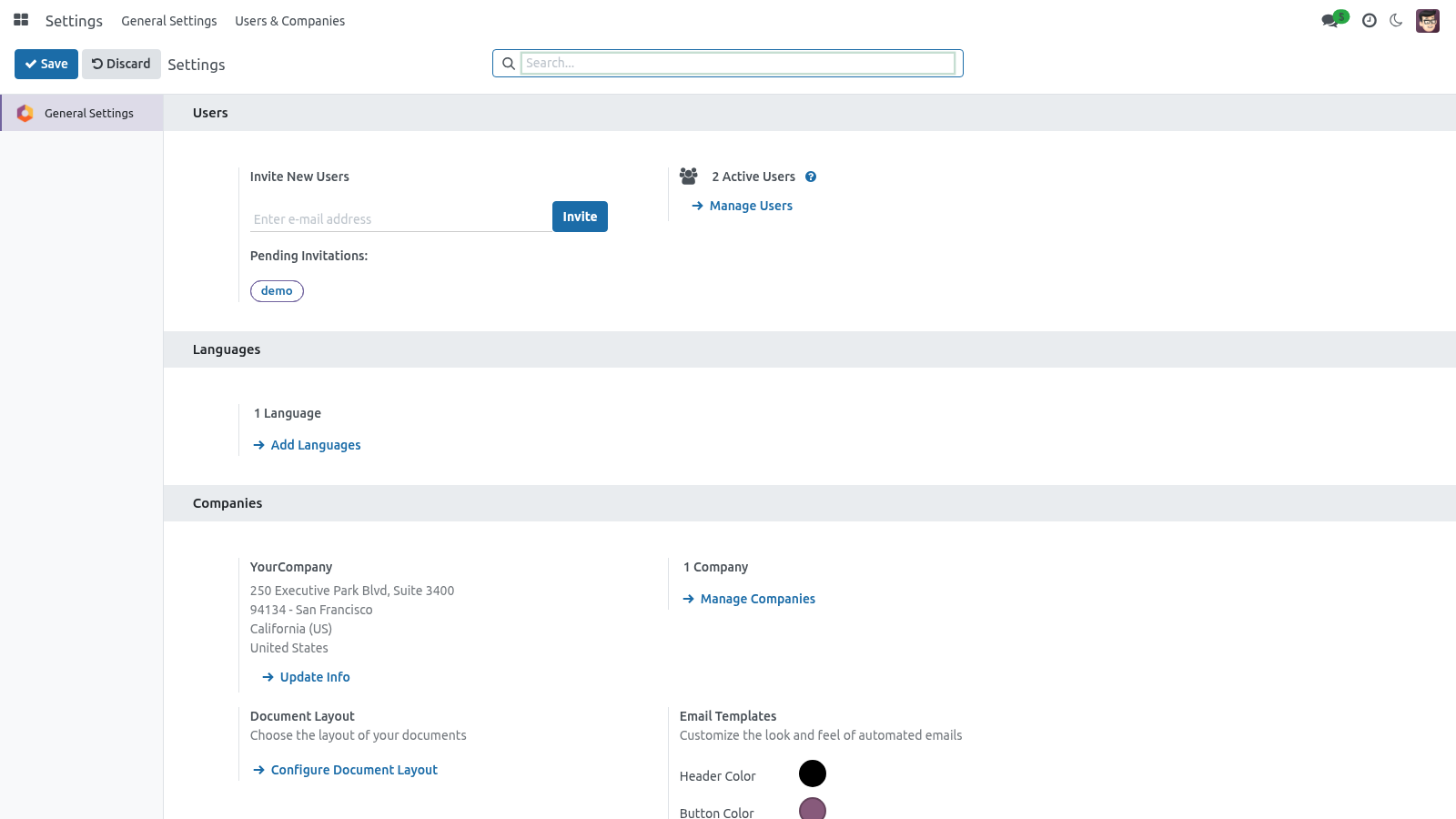
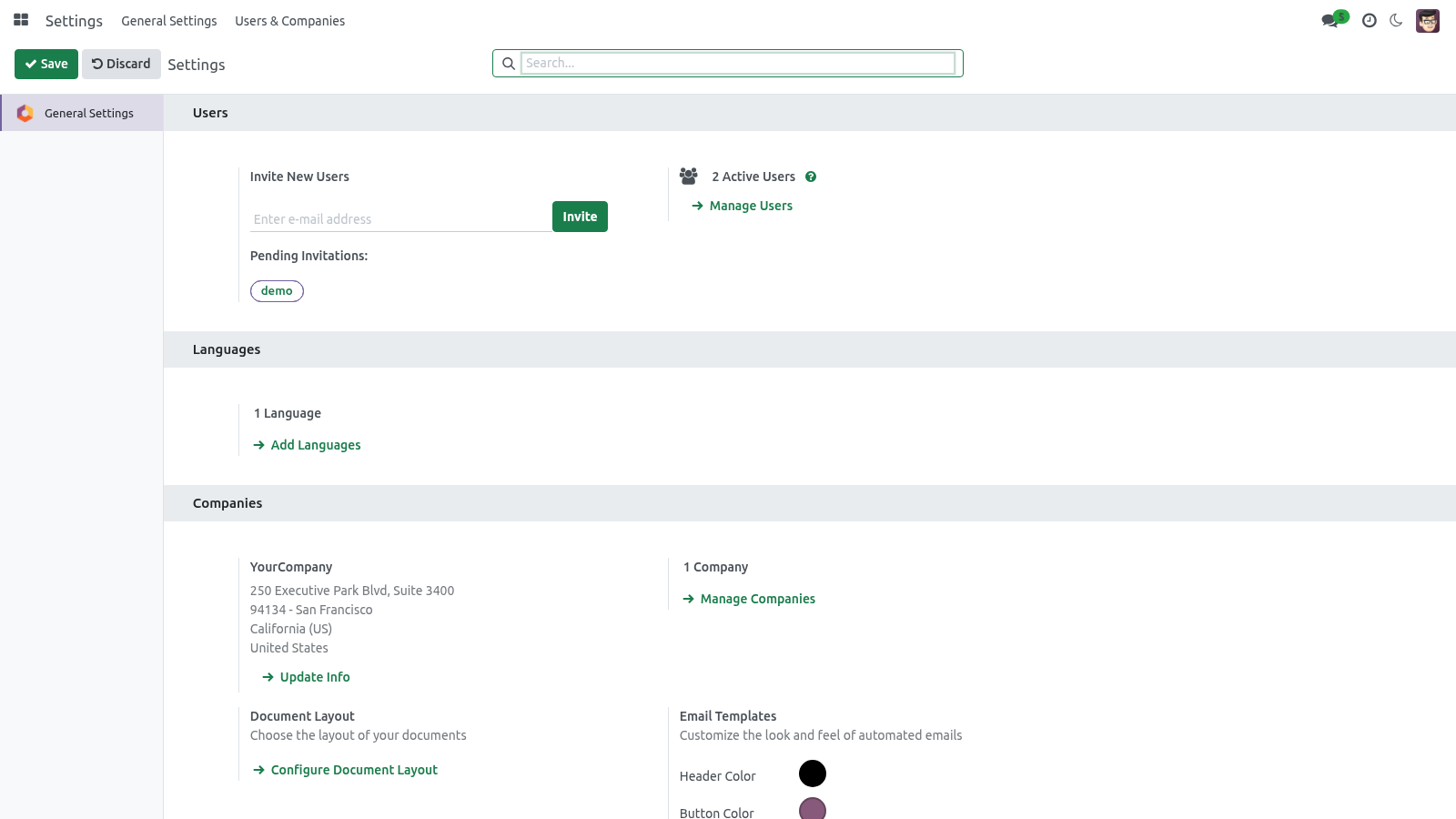
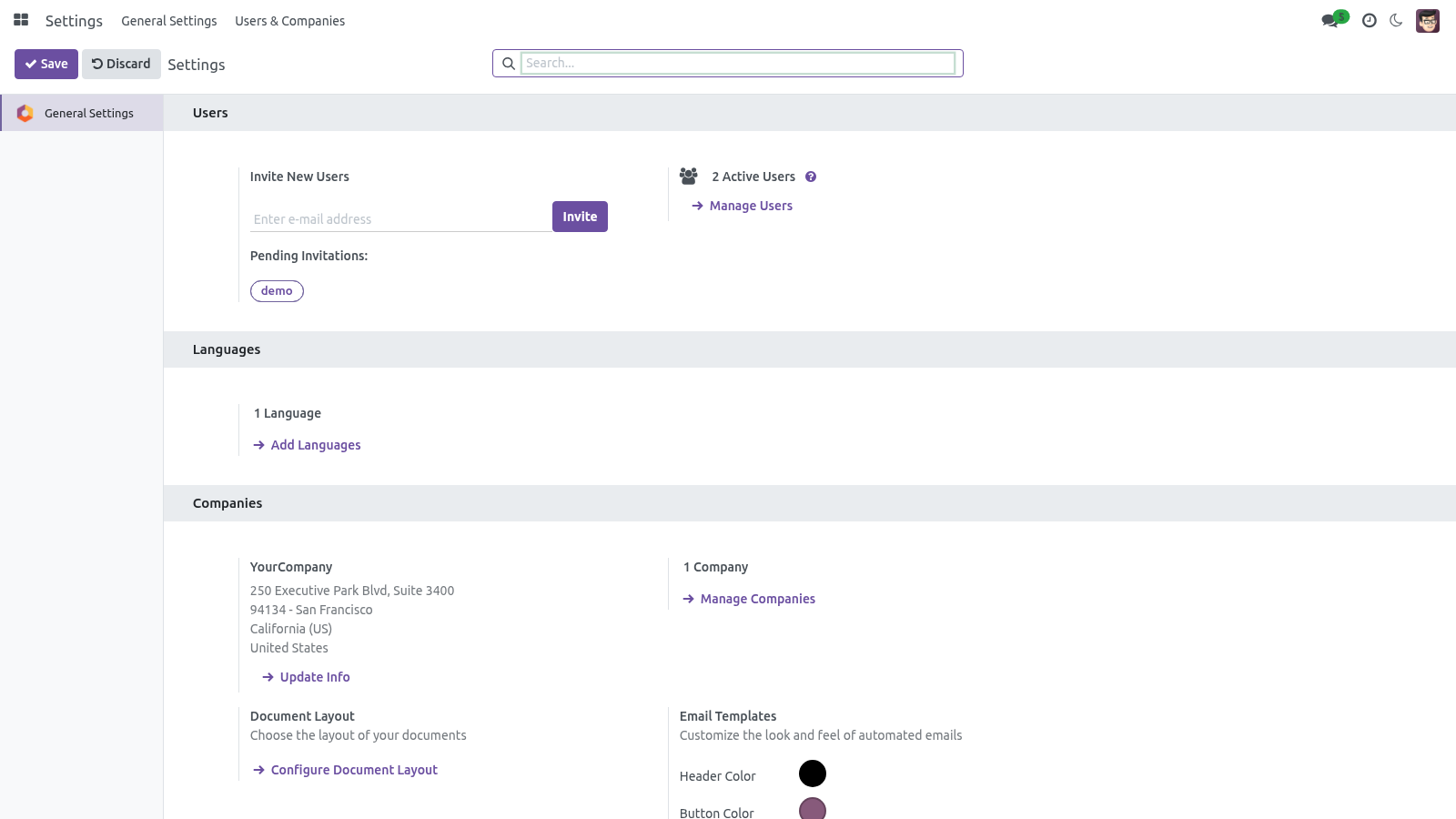
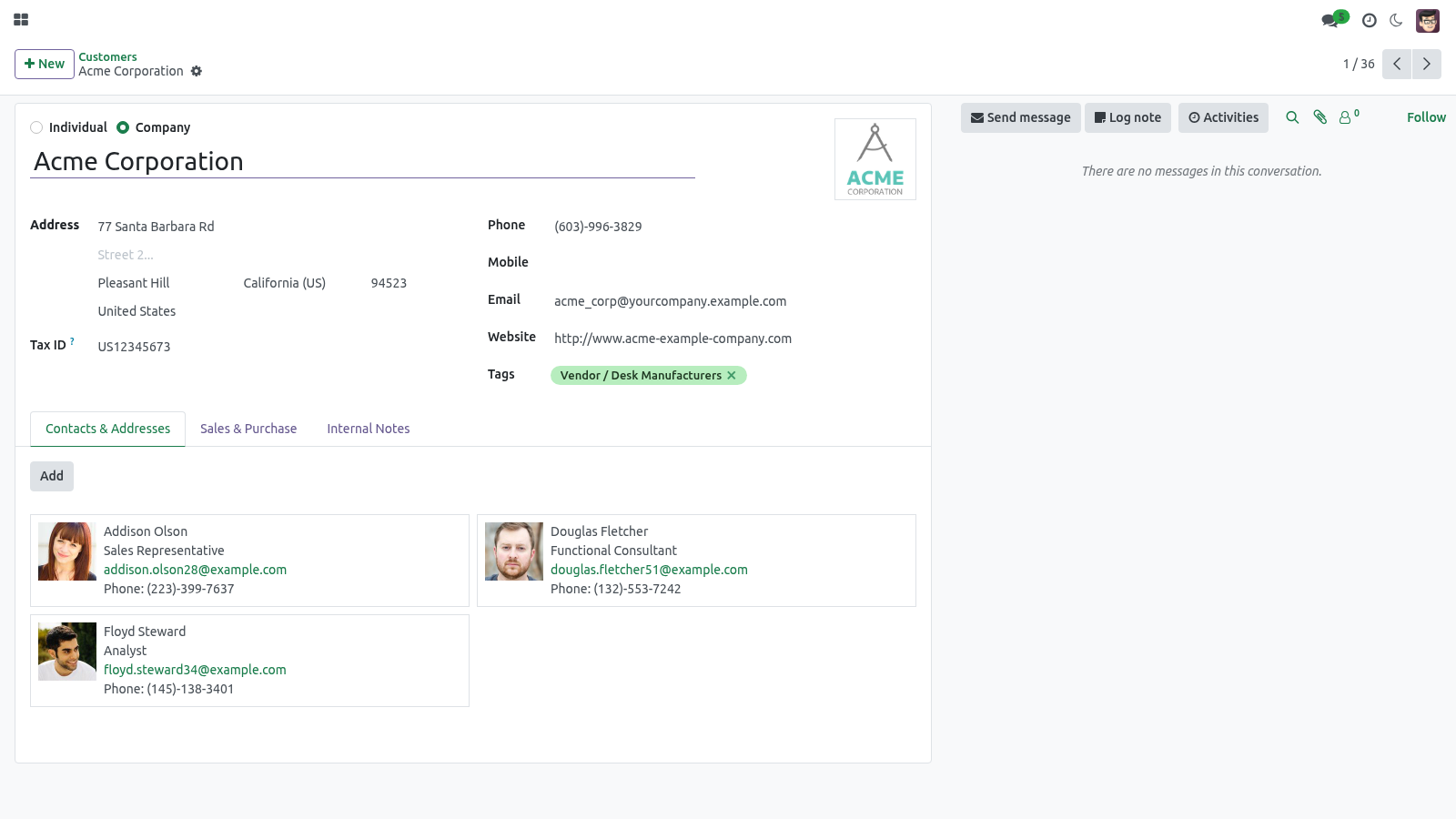
The Accent Preset field offers six ready-made palettes plus Custom: Picking a preset fills the Accent Color hex automatically; choosing Custom leaves the hex as-is so you can dial in any brand color with the picker. The accent drives the highlight color of buttons, links, active menus, notebook tabs, checkboxes, switches, the focused search box and the selected status-bar stage. Recoloring happens live — the bundle is compiled once and the color is applied at runtime as a CSS variable, so there is no SCSS recompile and no administrator step. The apps menu.
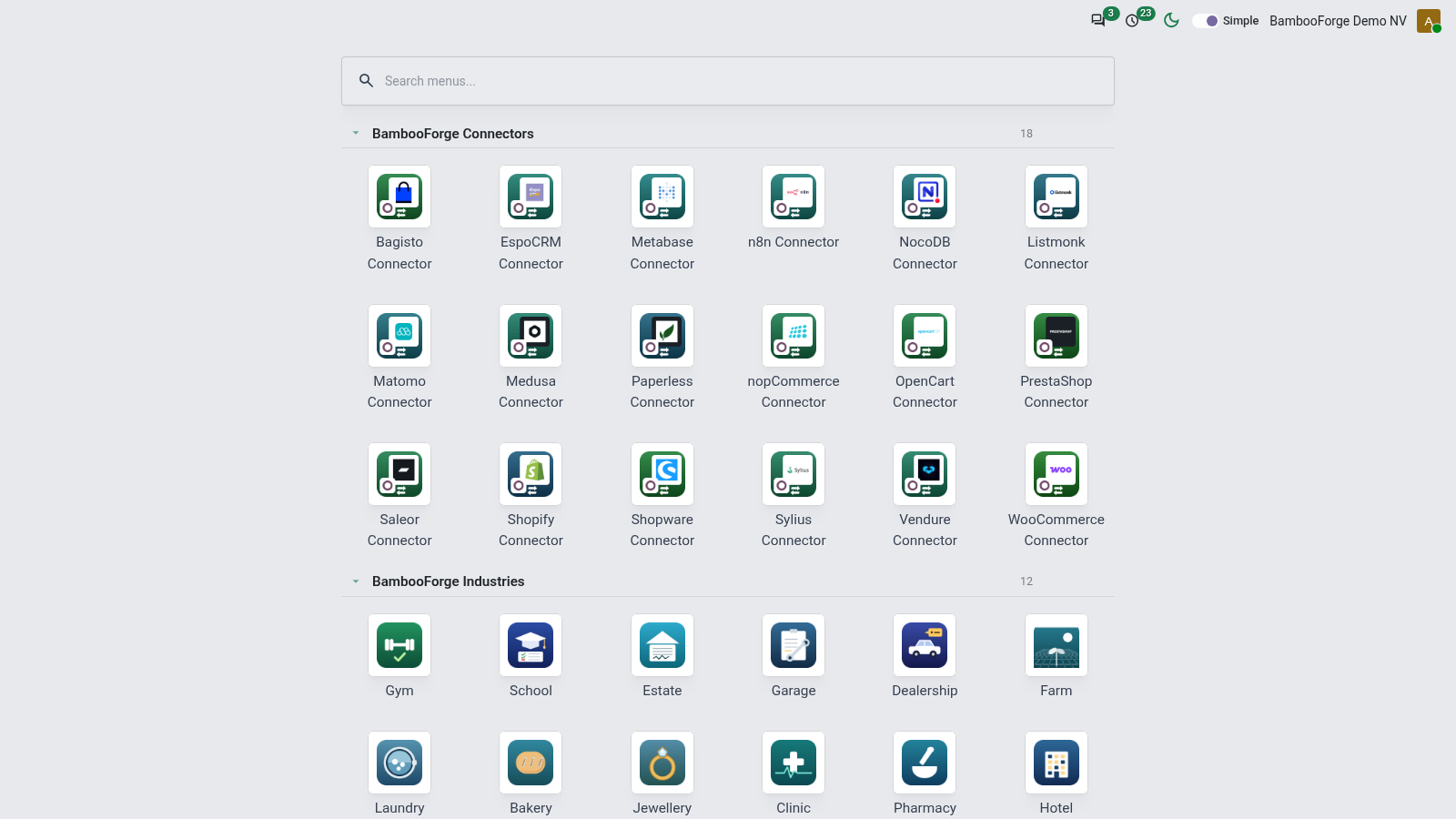
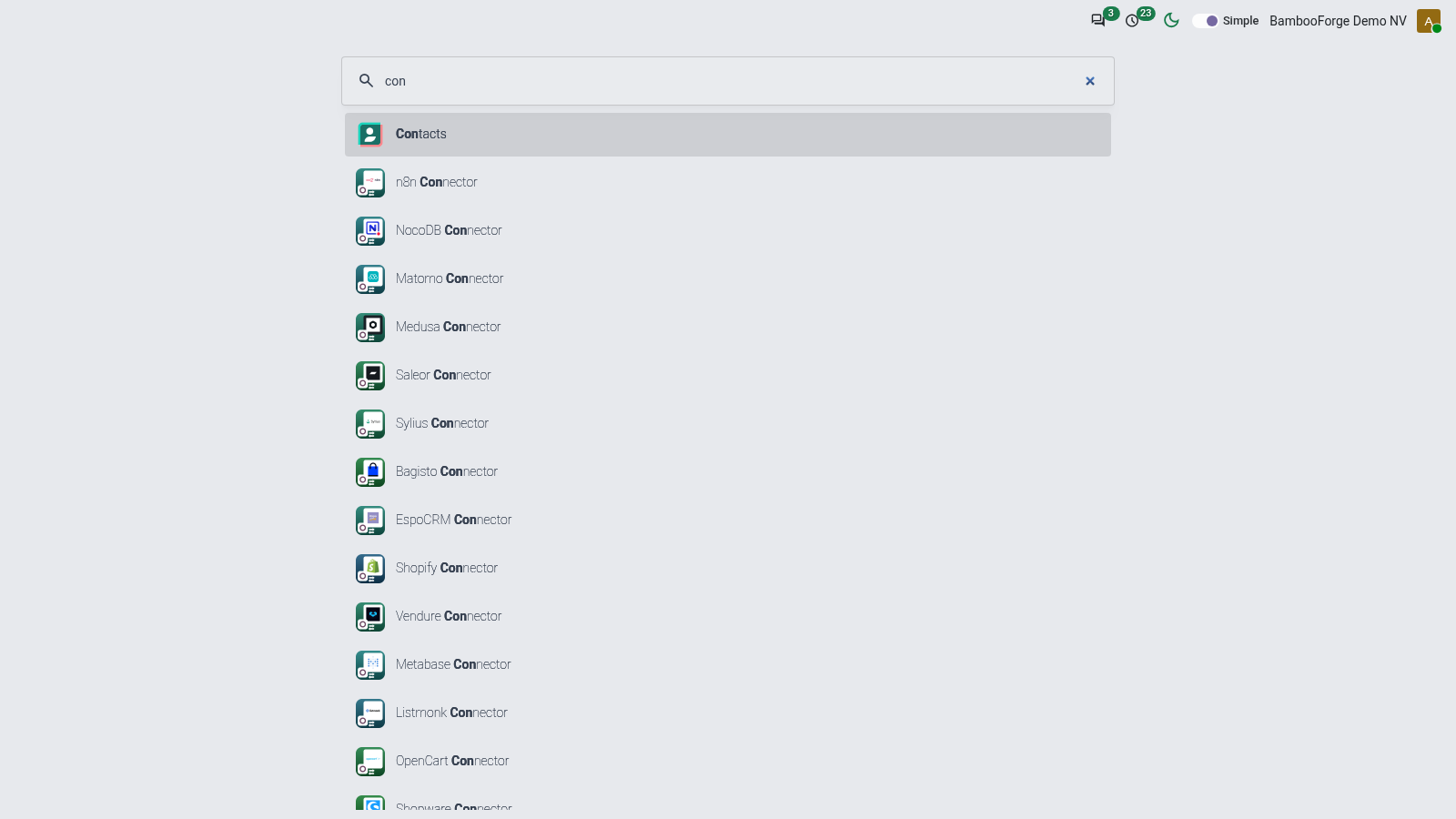
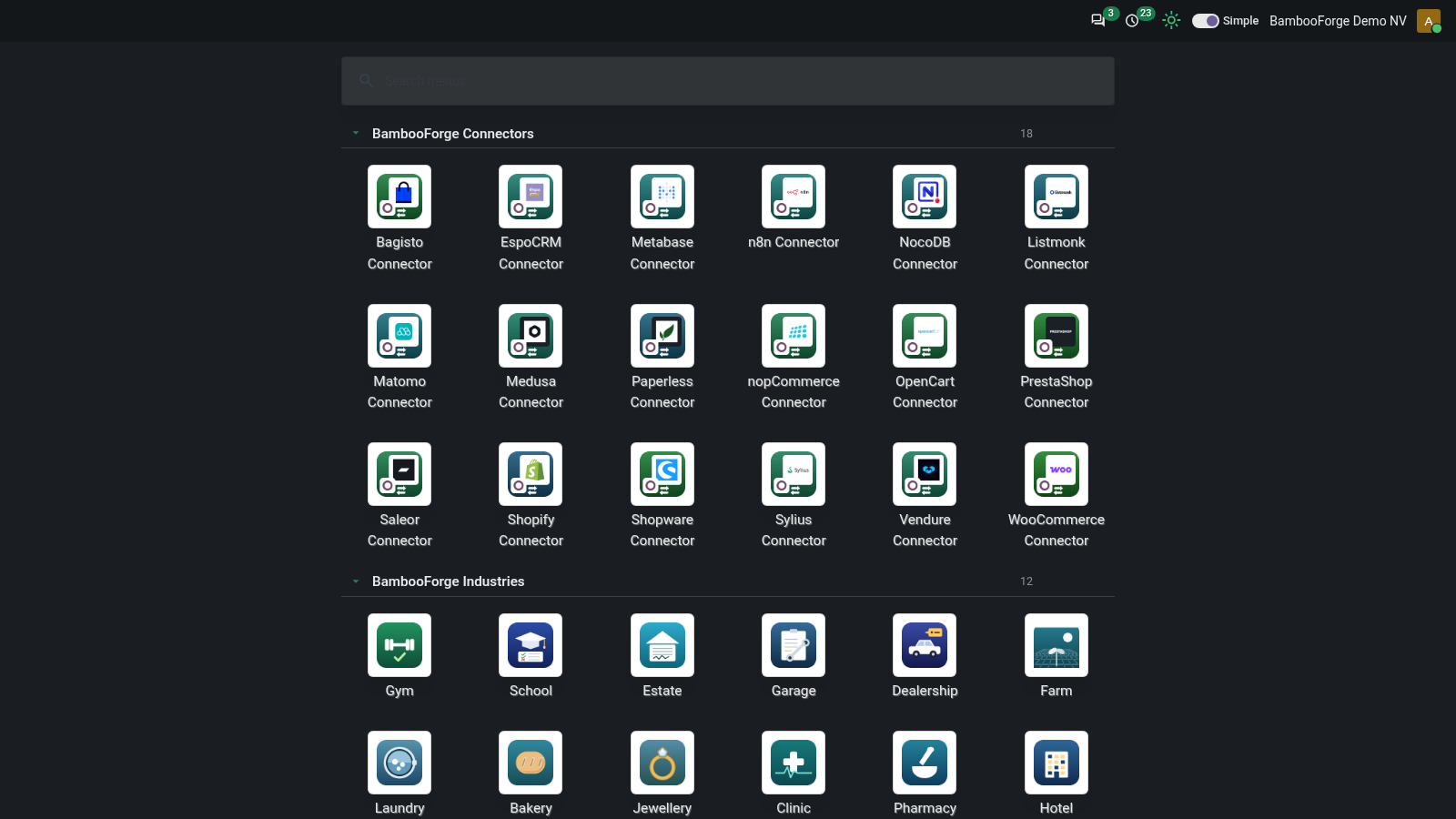
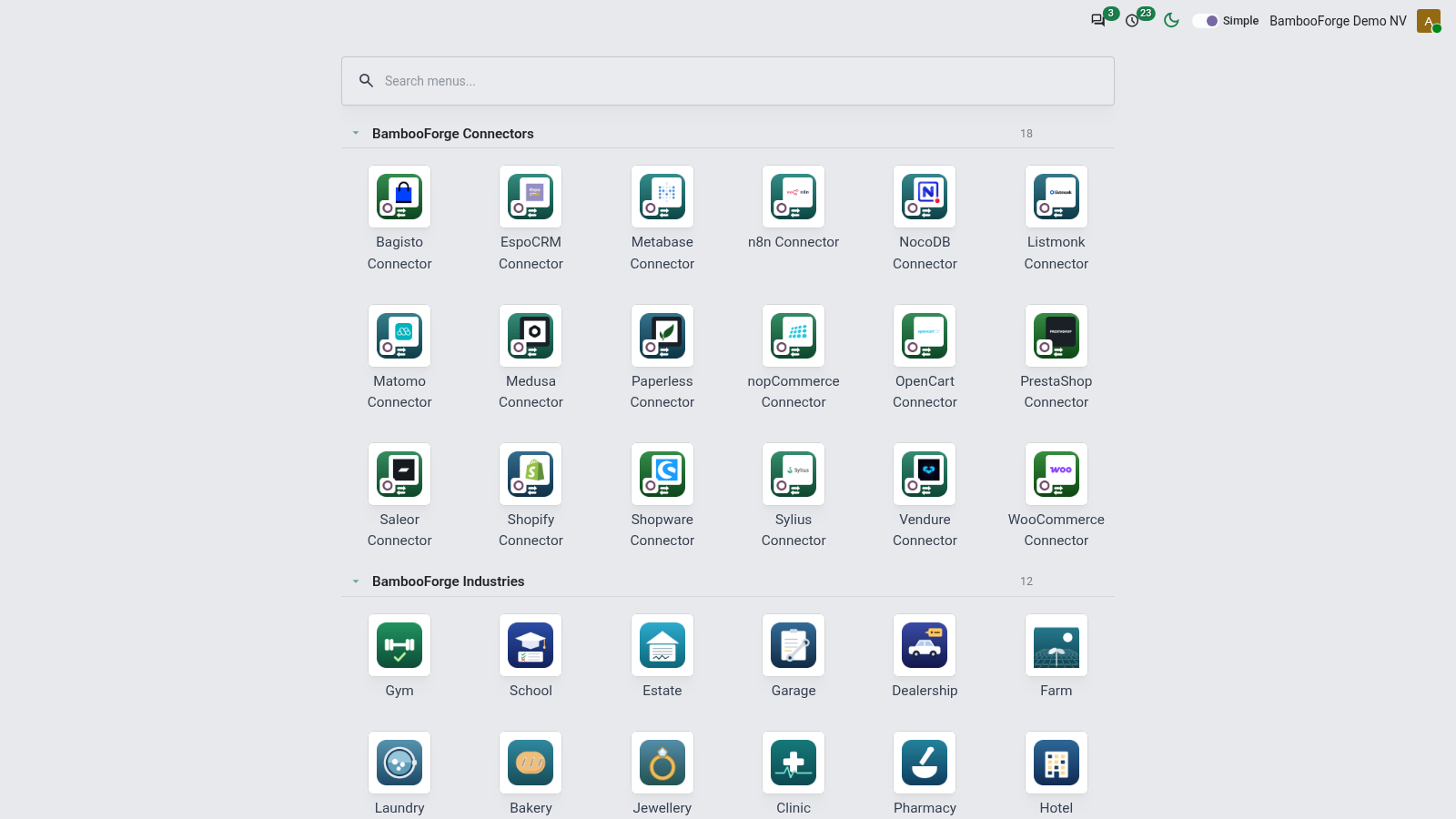
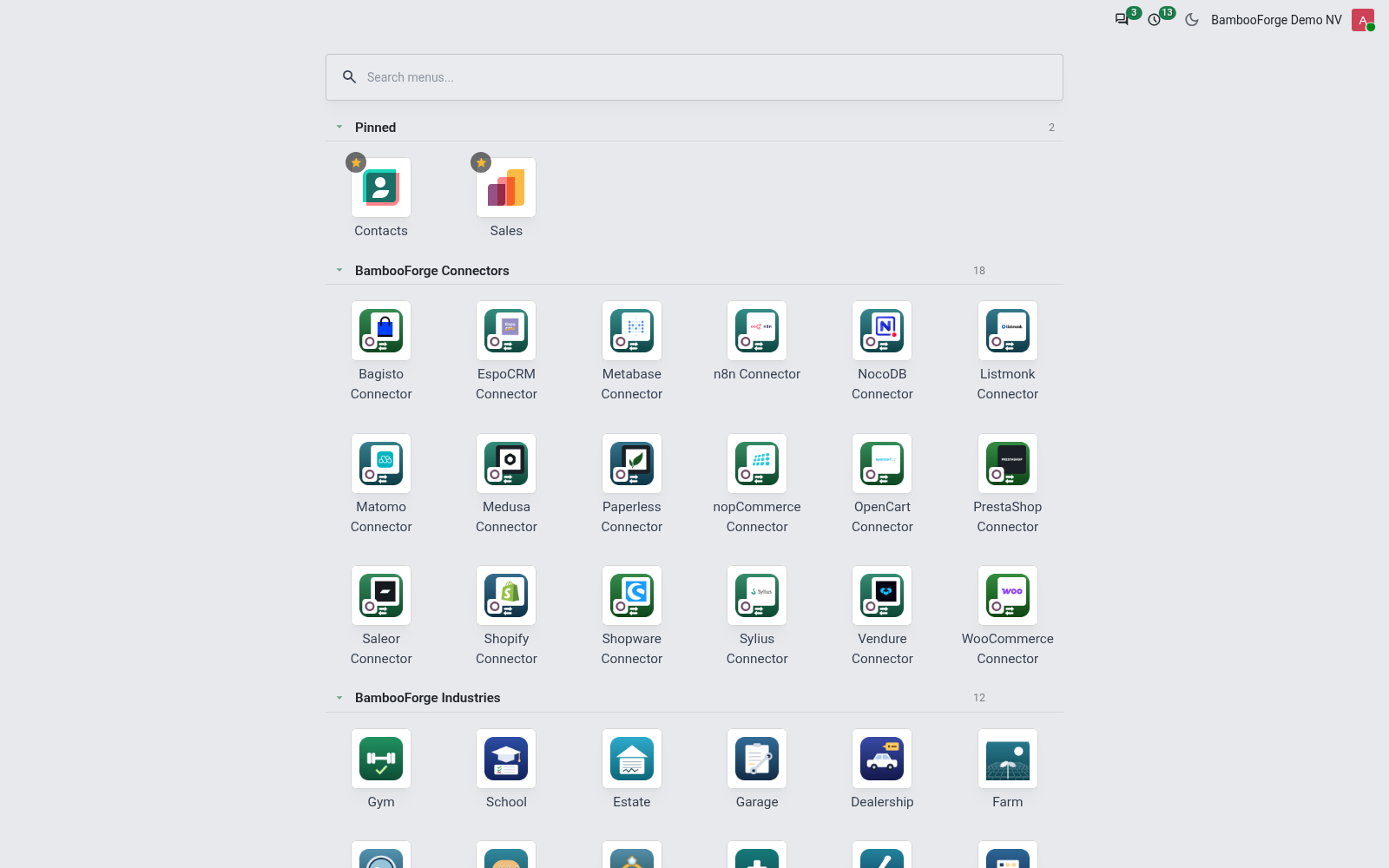
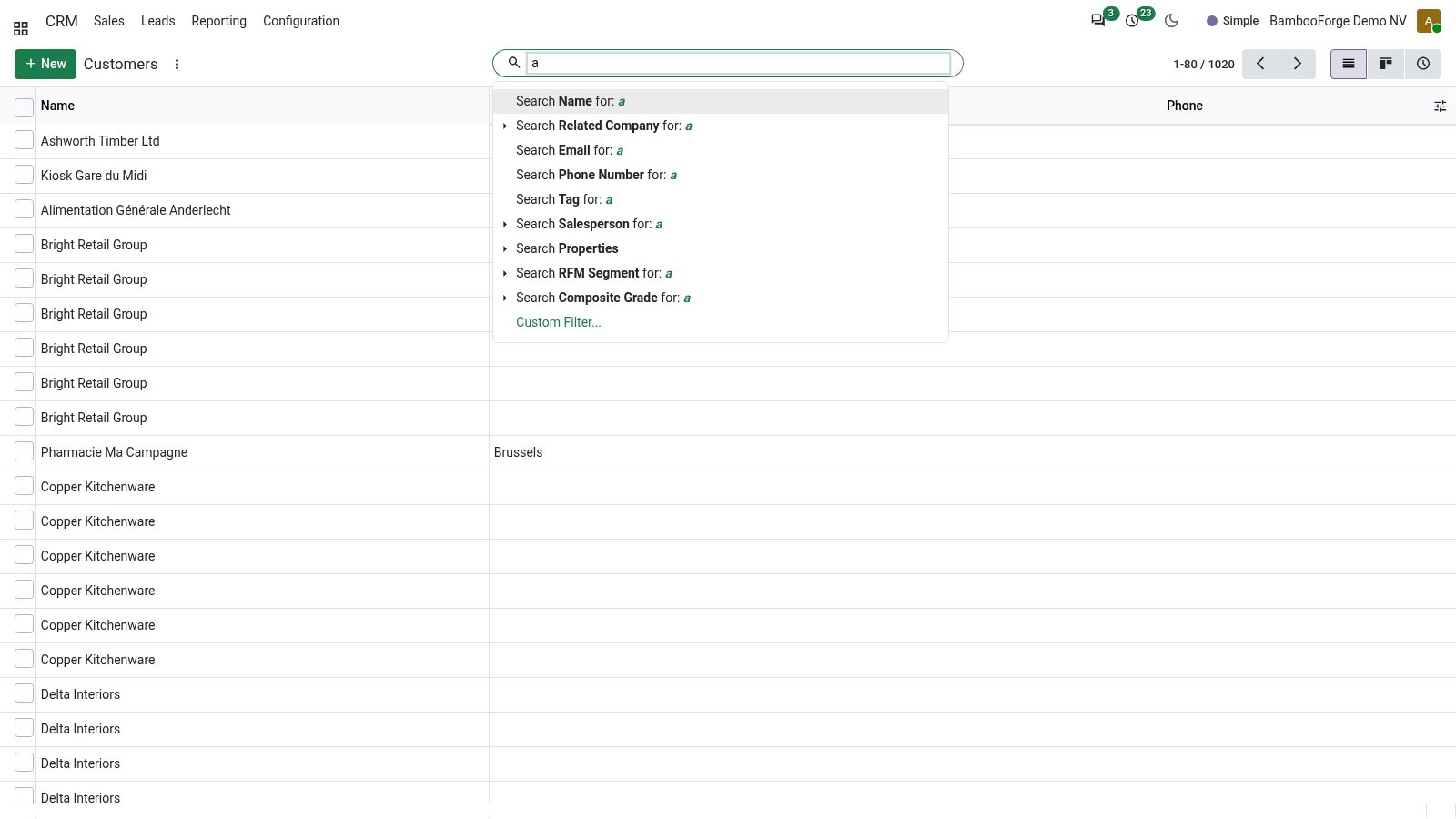
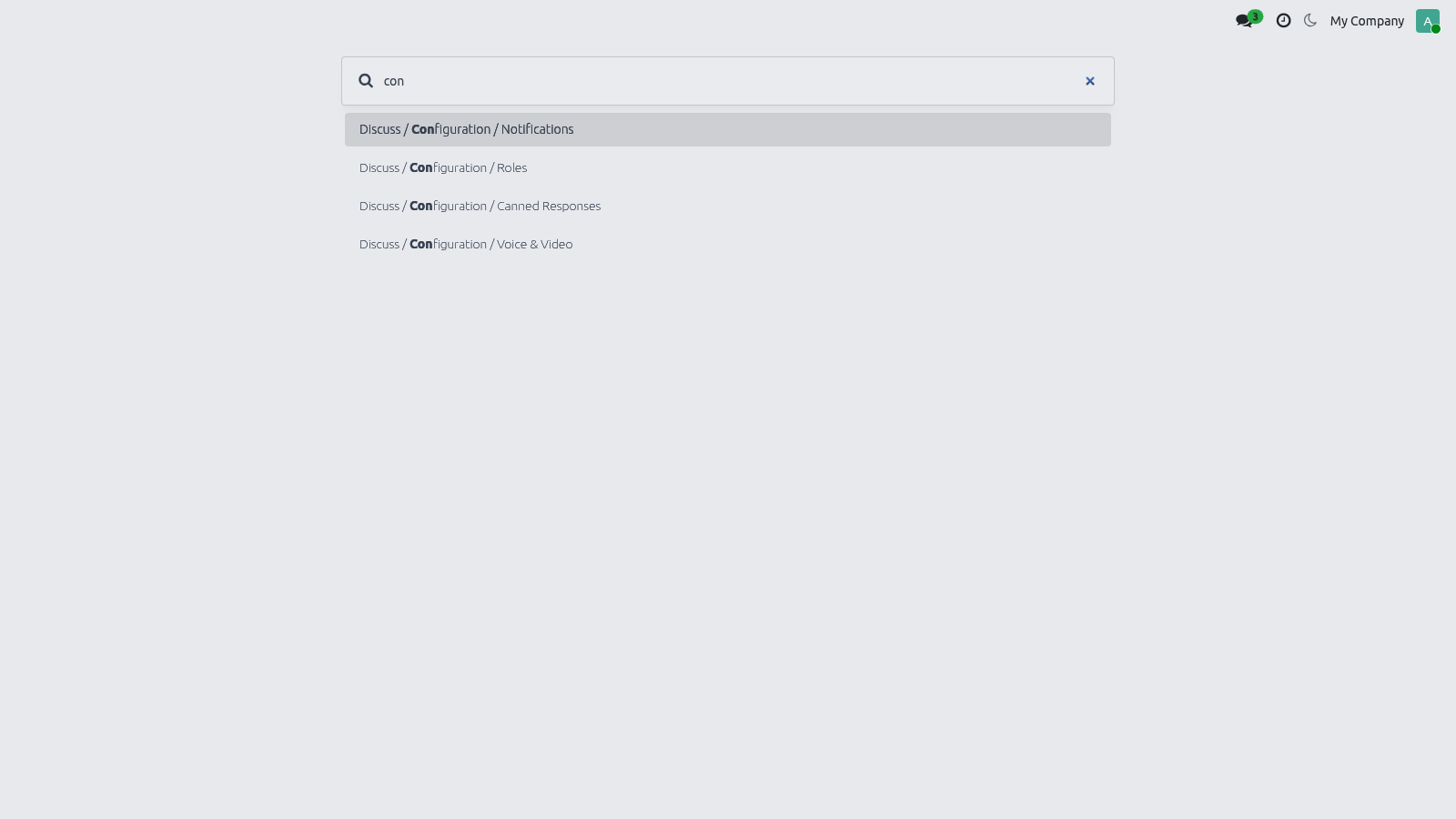
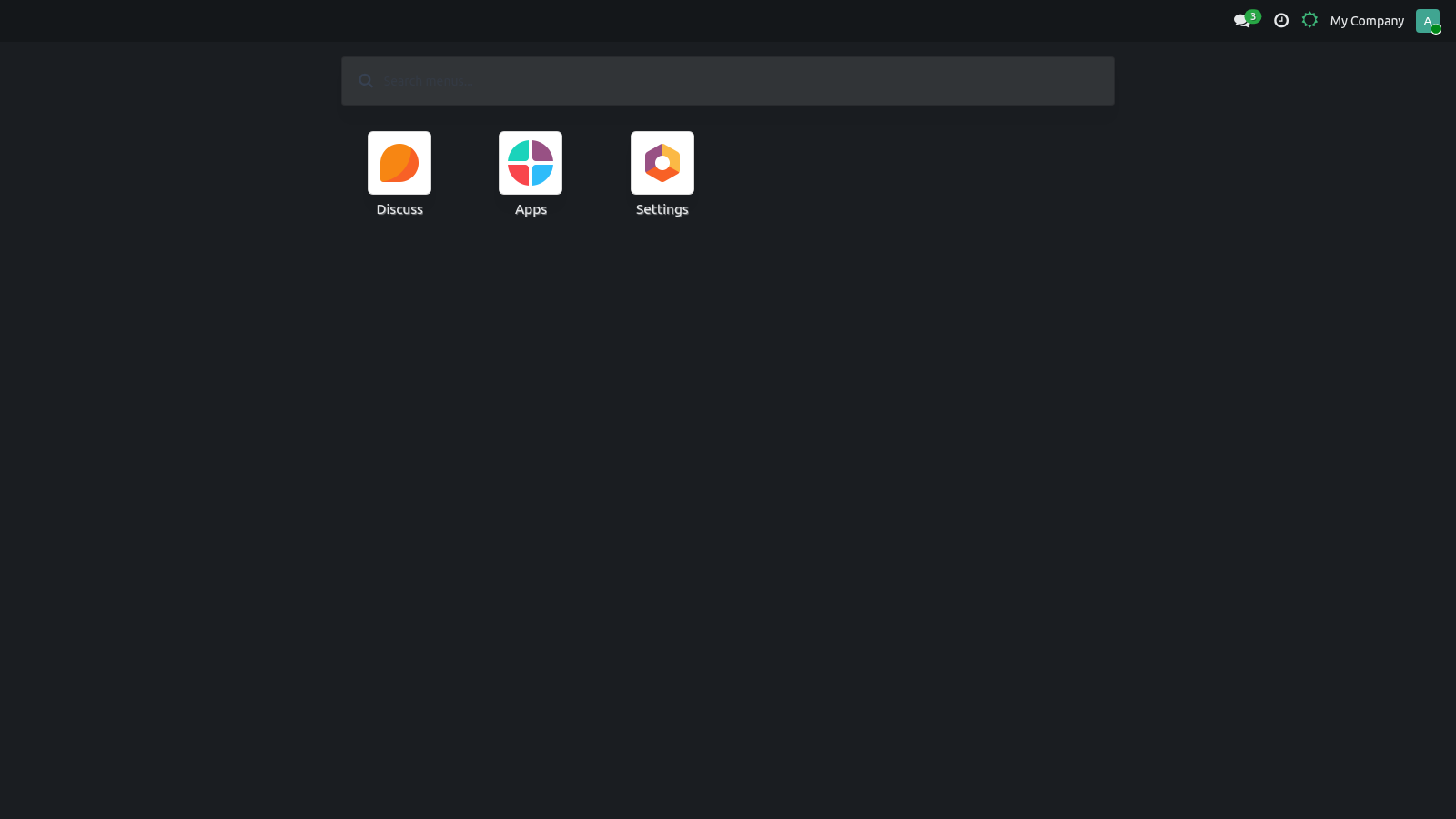
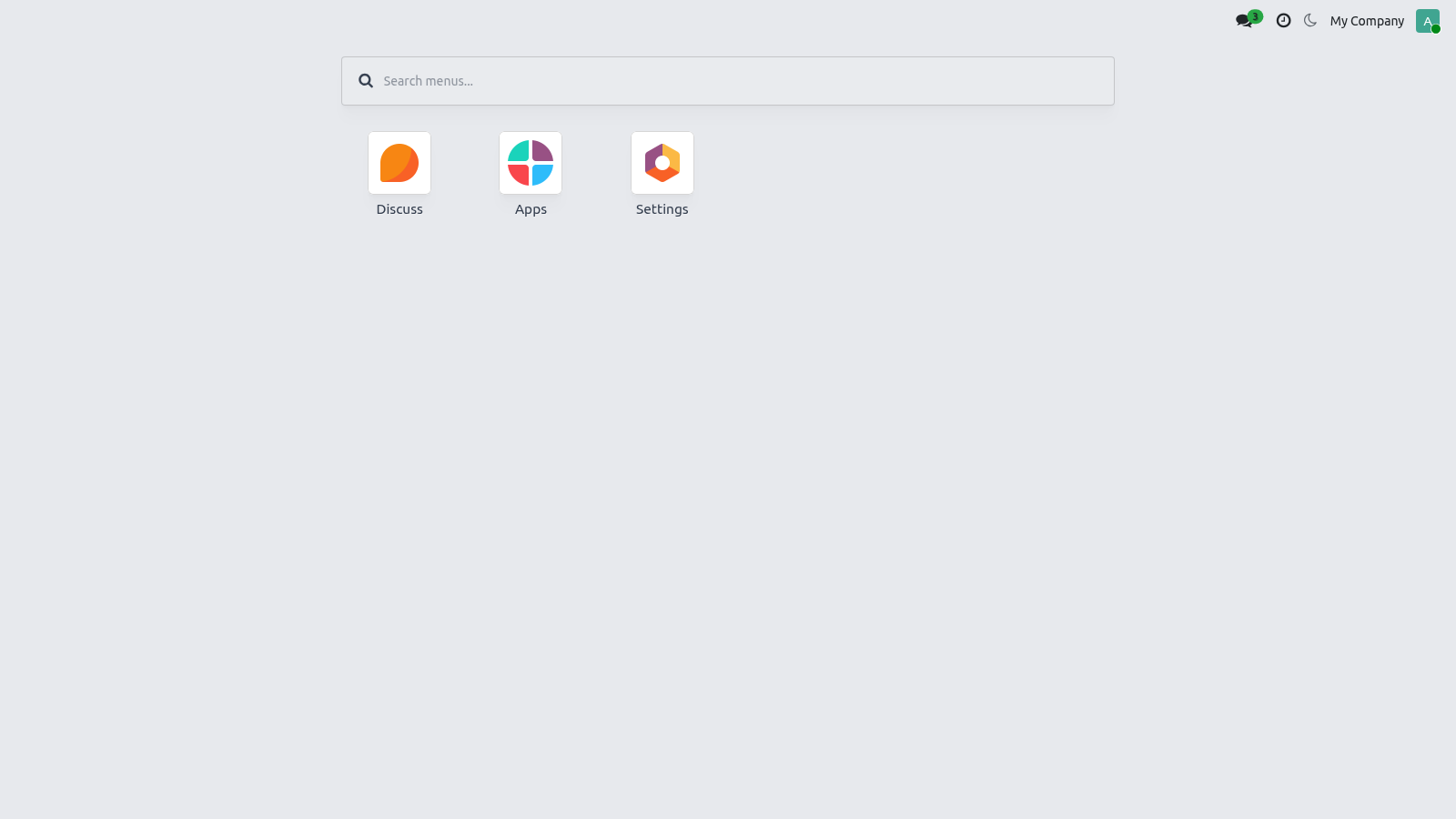
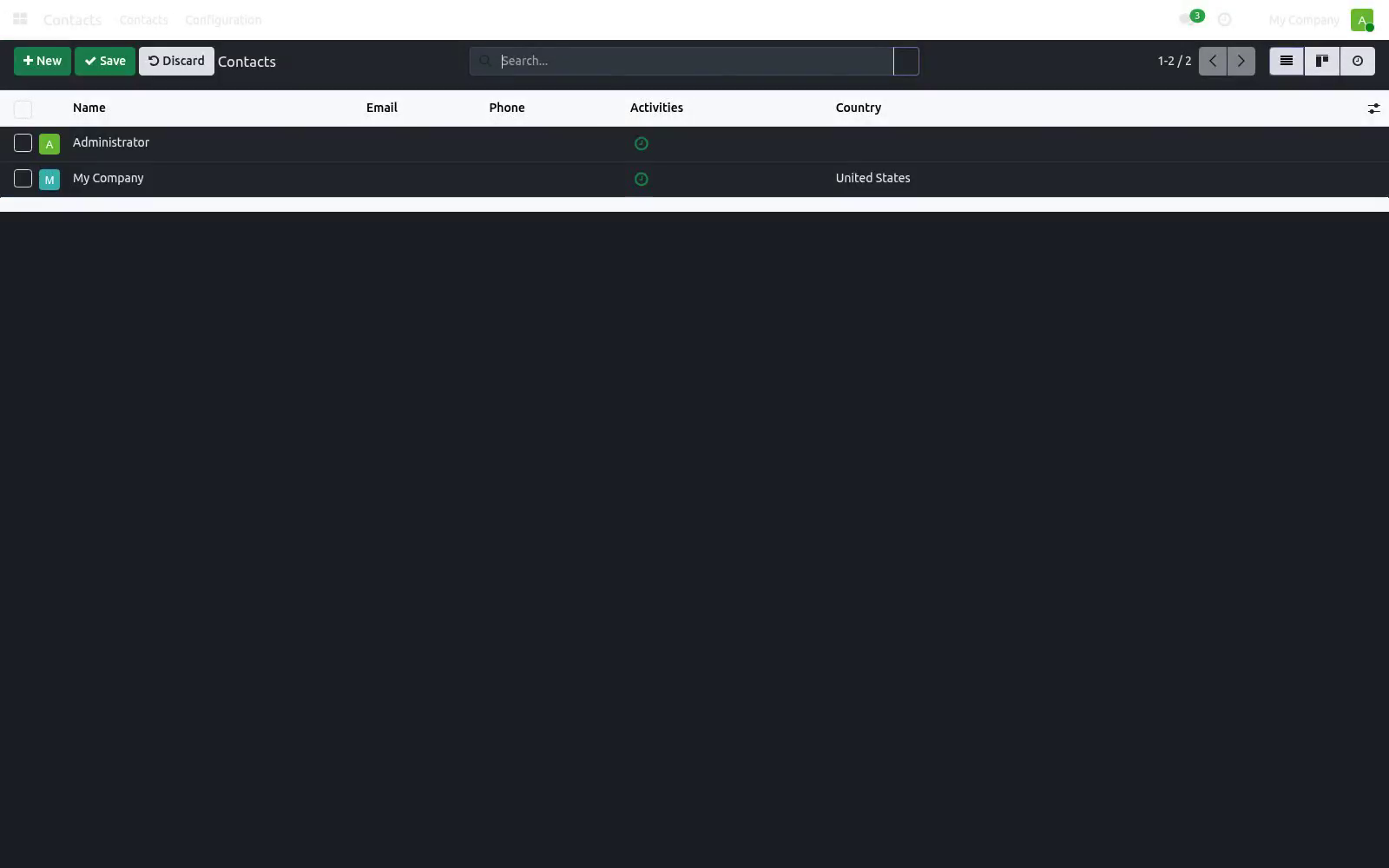
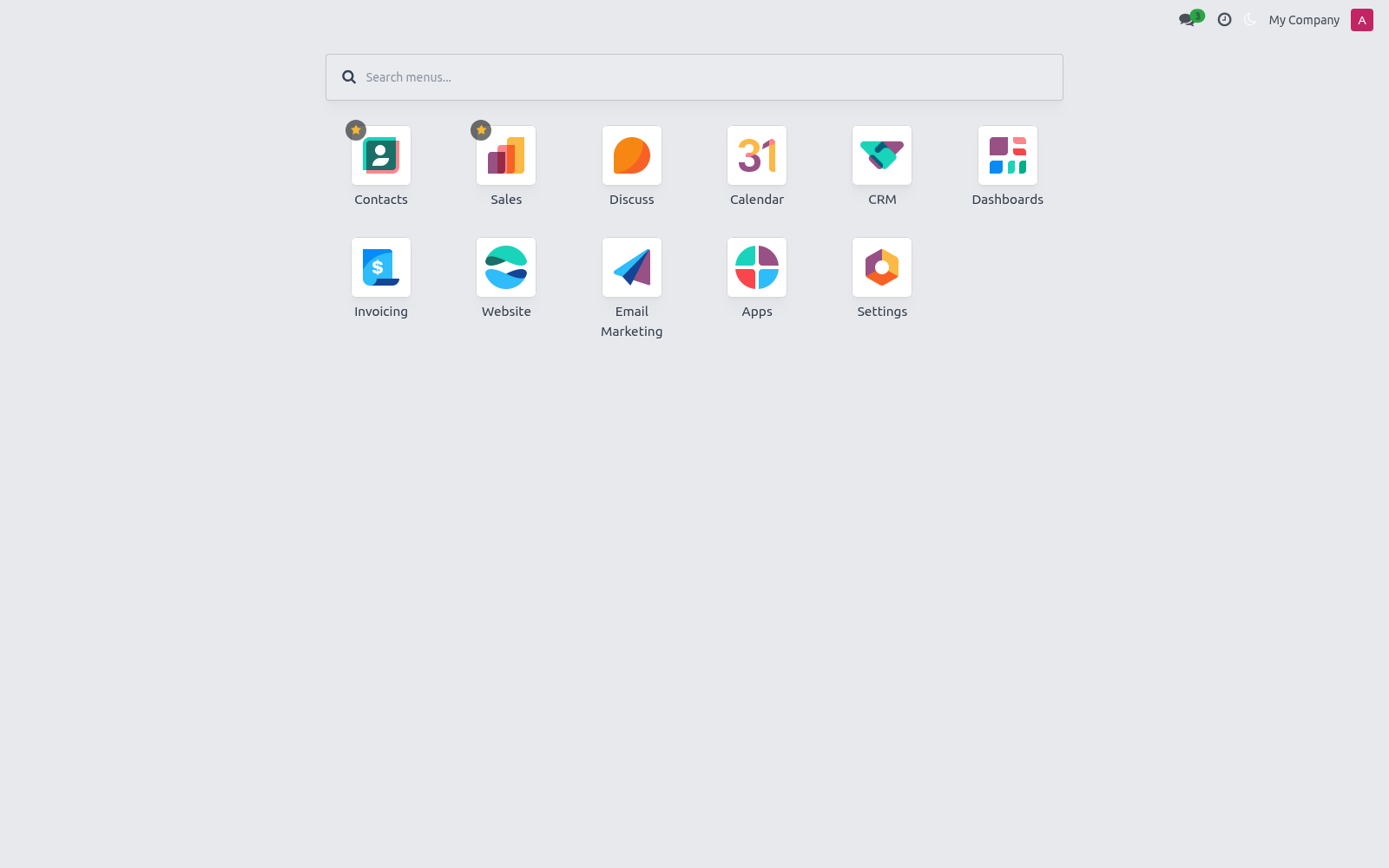
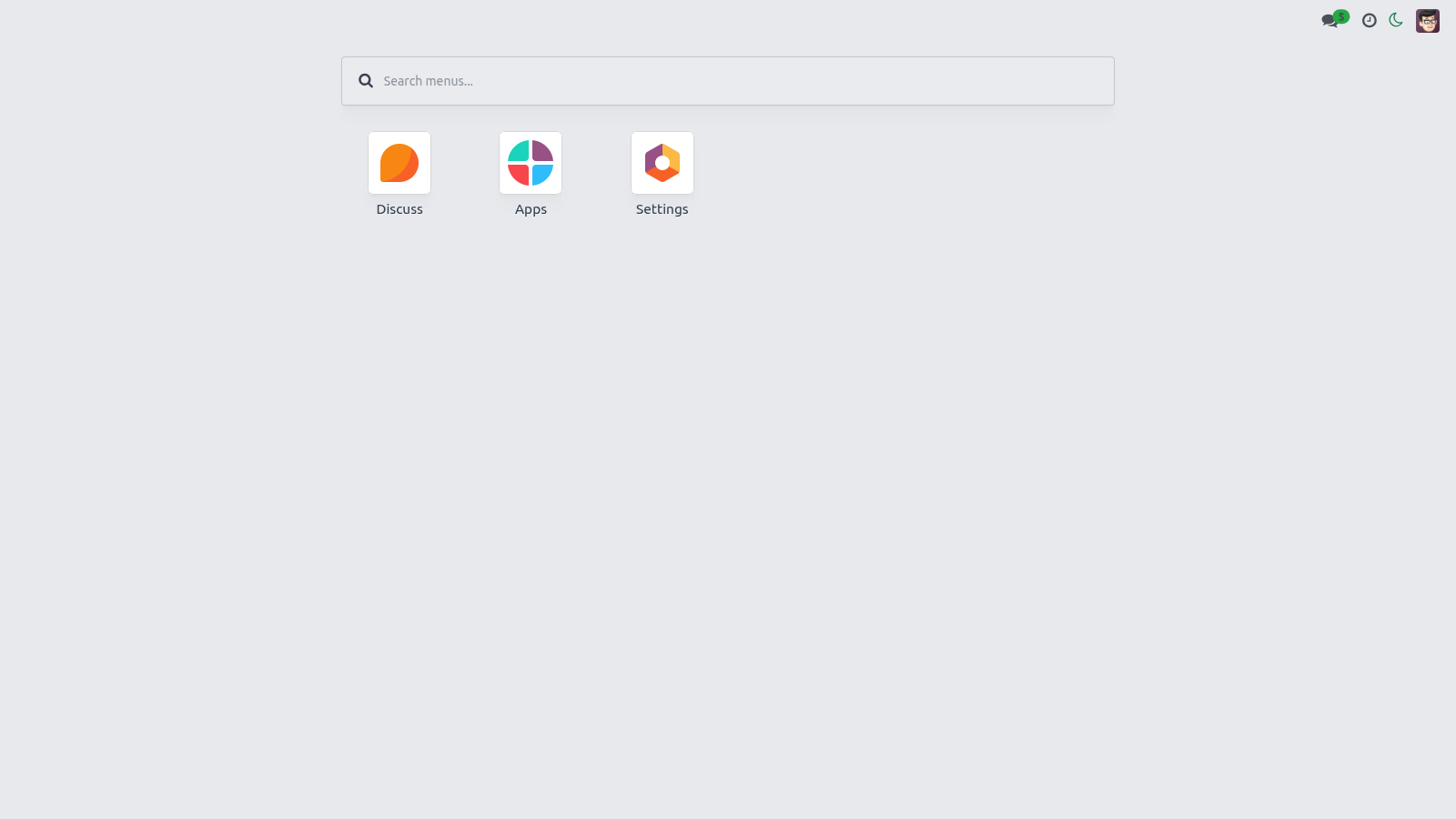
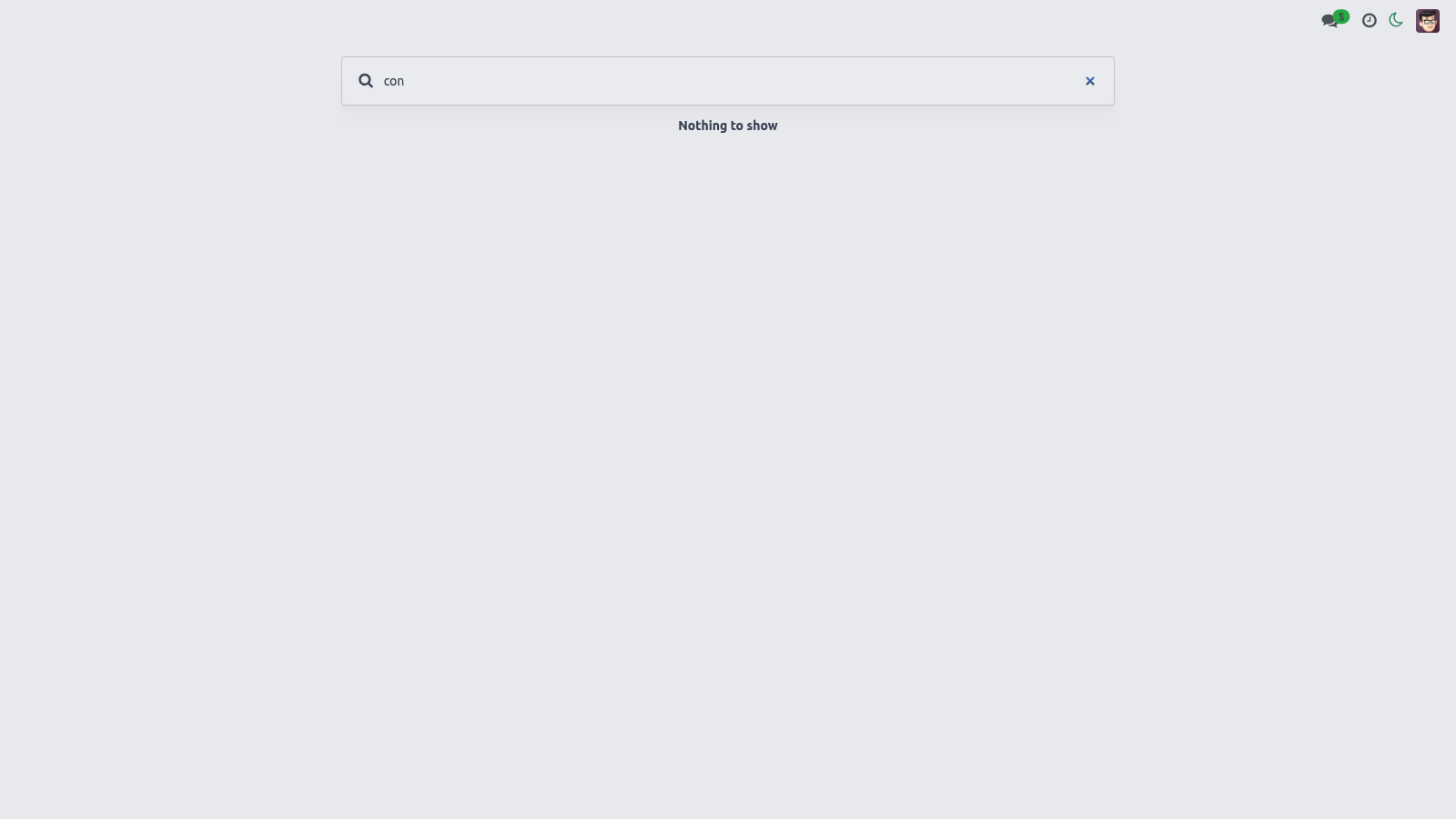
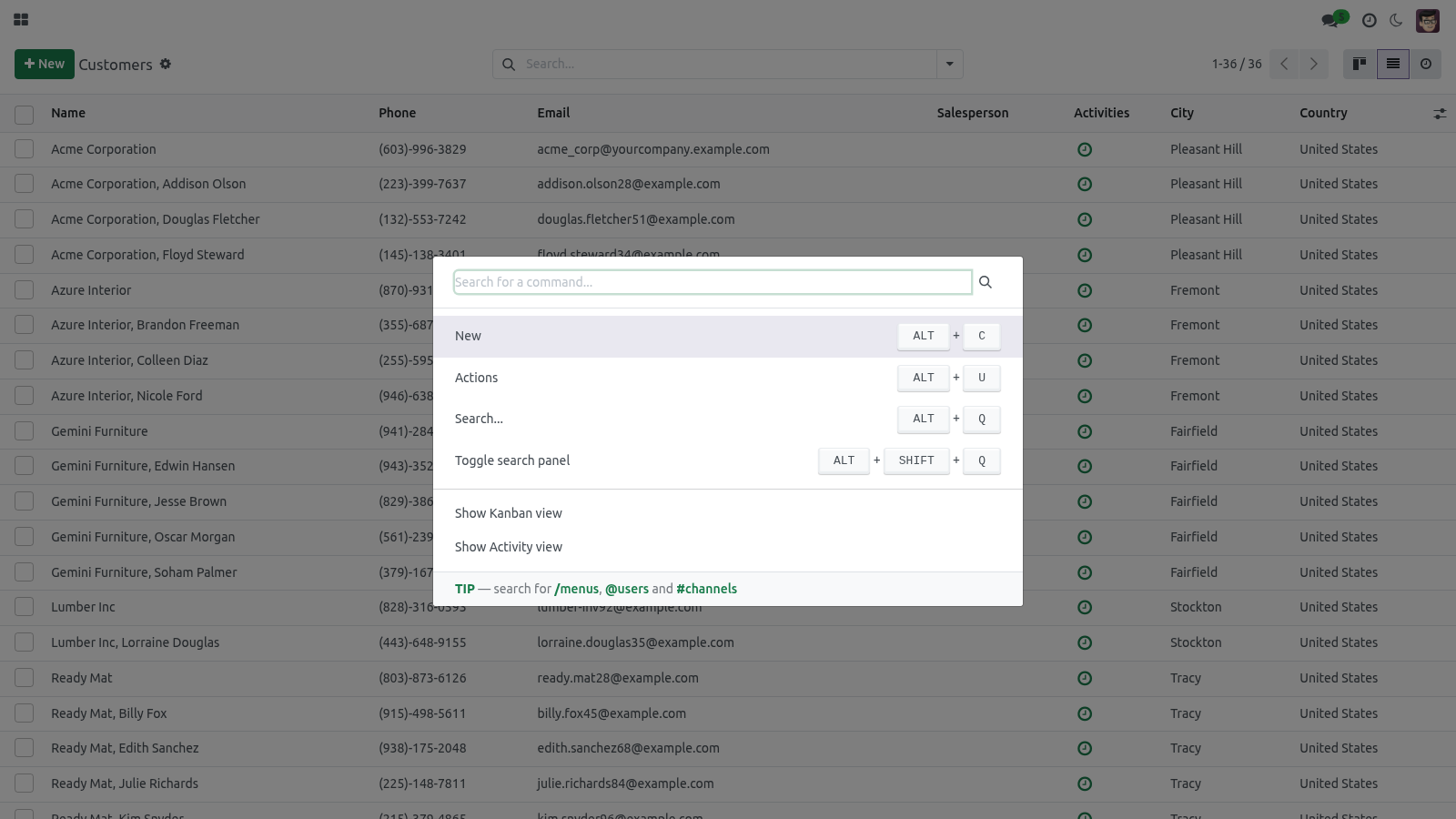
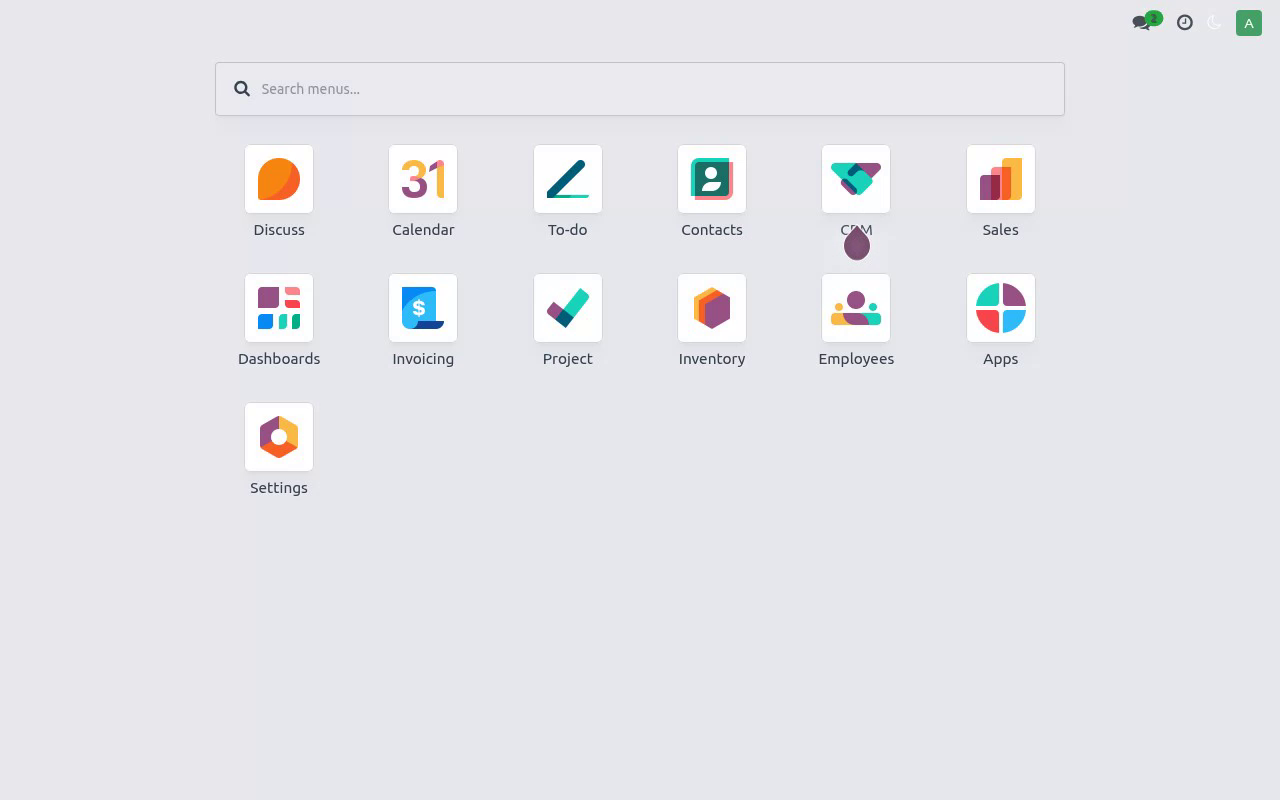
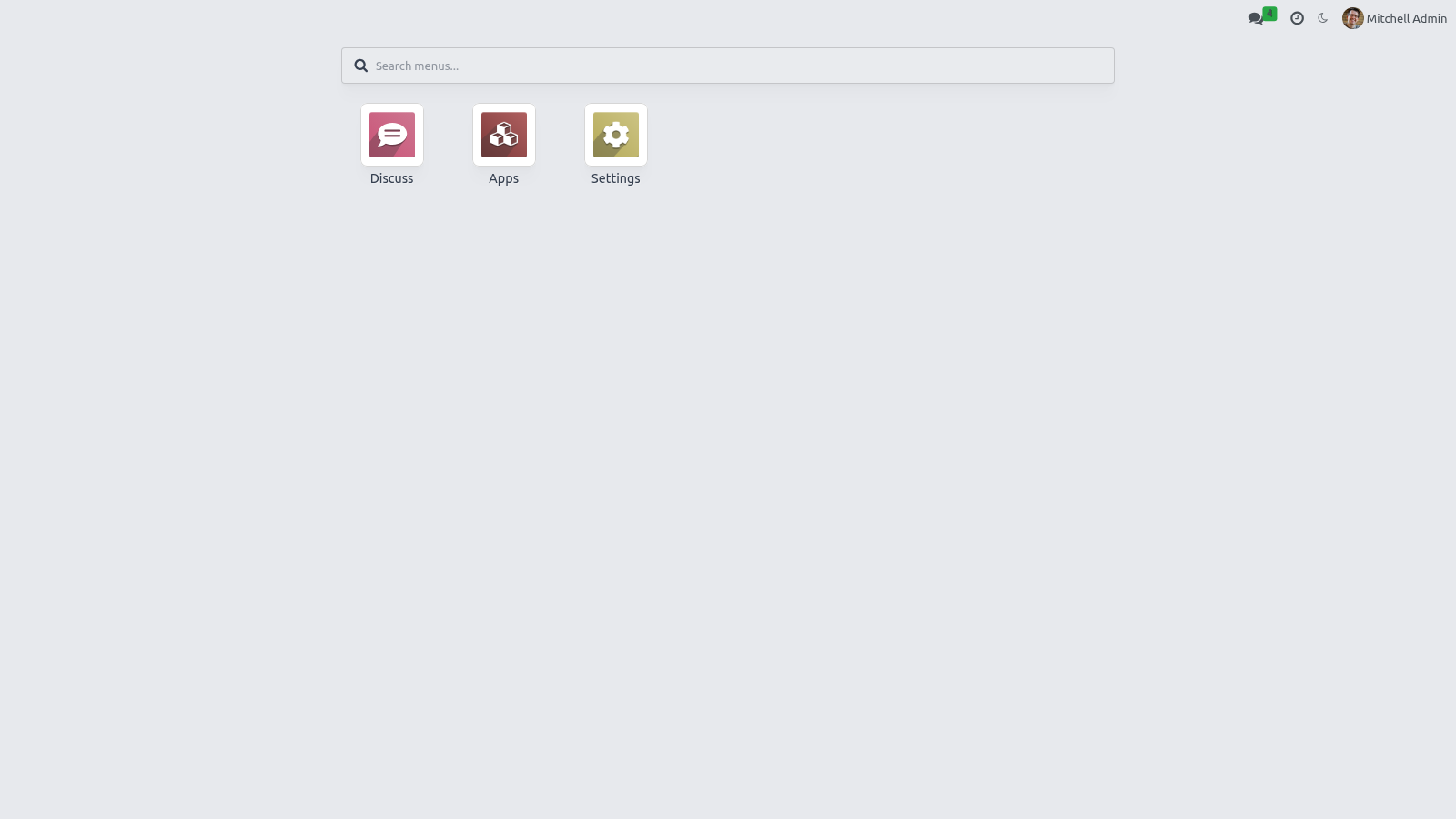
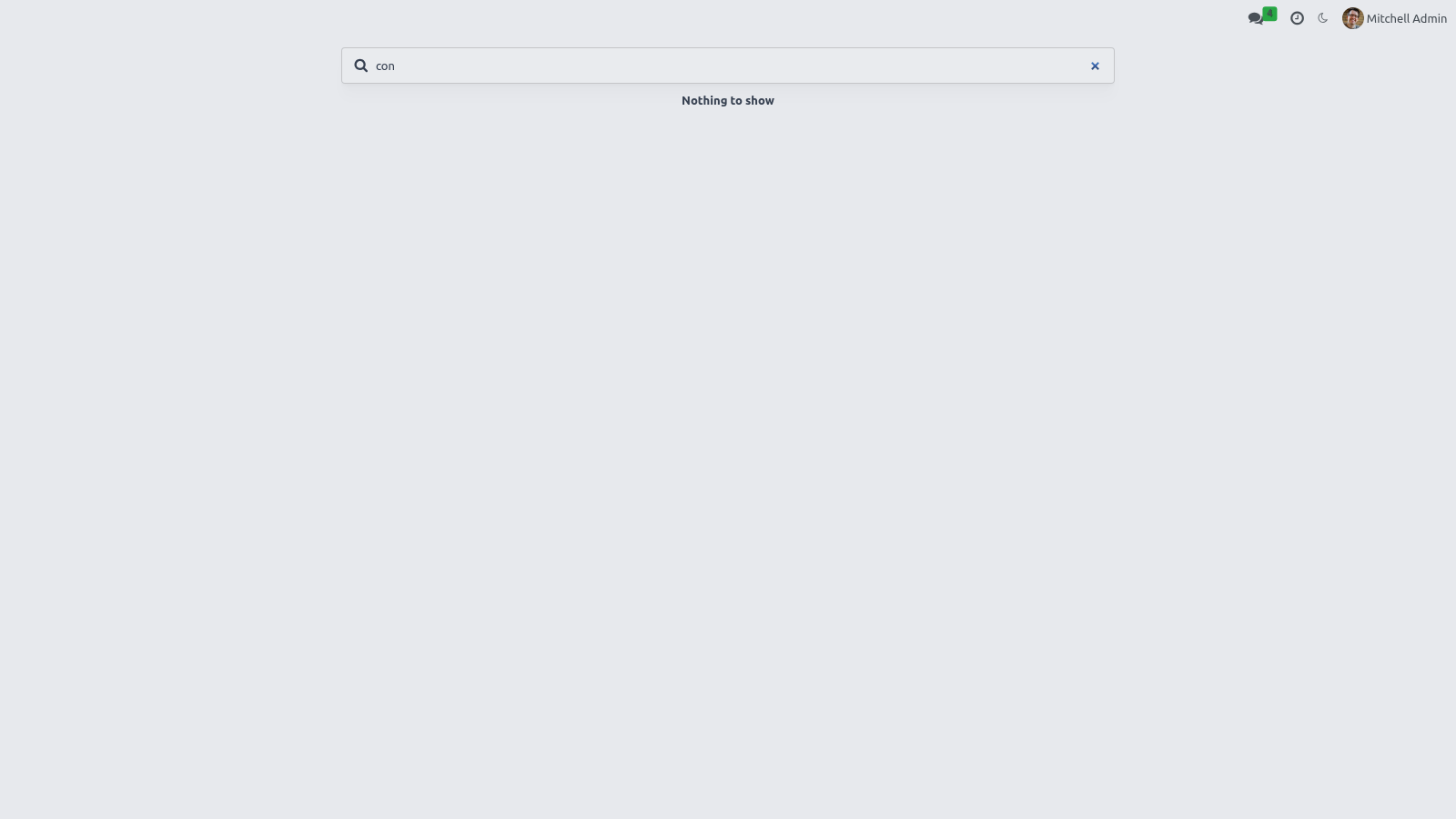
Click the apps / home button in the top-left to open a full-screen card grid of every app you can access. Fuzzy search — start typing in the search box at the top. It searches across app names and their deep menu entries with a forgiving (fuzzy) match, so a near-miss or typo still finds the menu. Results update as you type.
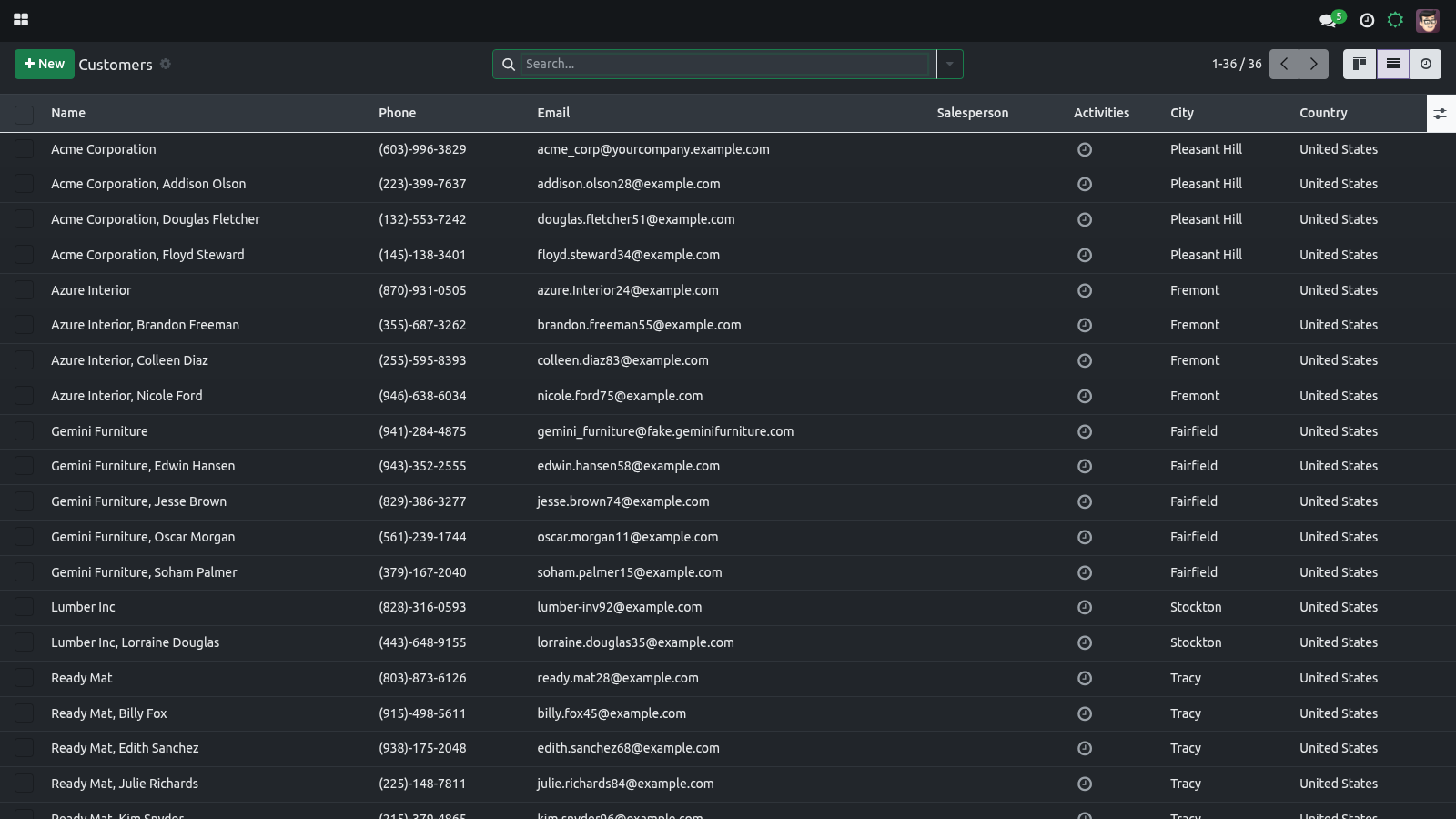
Keyboard navigation — use the arrow keys to move between cards and Esc to close the grid, so you can drive the launcher without the mouse. Reorder and pin apps. Both the personal order and the pinned set are stored on your own user record, so they follow you across devices and sessions. Drag to reorder — with the apps grid open, drag any card to a new position.
The new order is saved to your account and used every time you open the grid. A newly installed app that has no saved position simply appears at the end. Pin a favorite — hover a card and click its star to pin it. Pinned apps float to the top of the grid (keeping their relative order); click the star again to unpin.
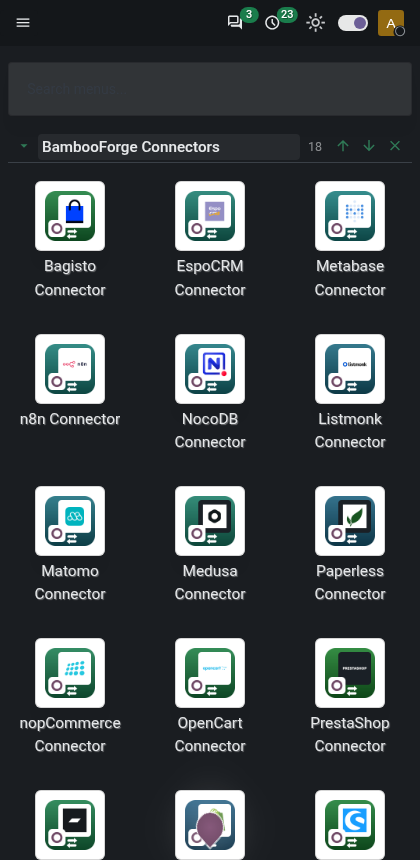
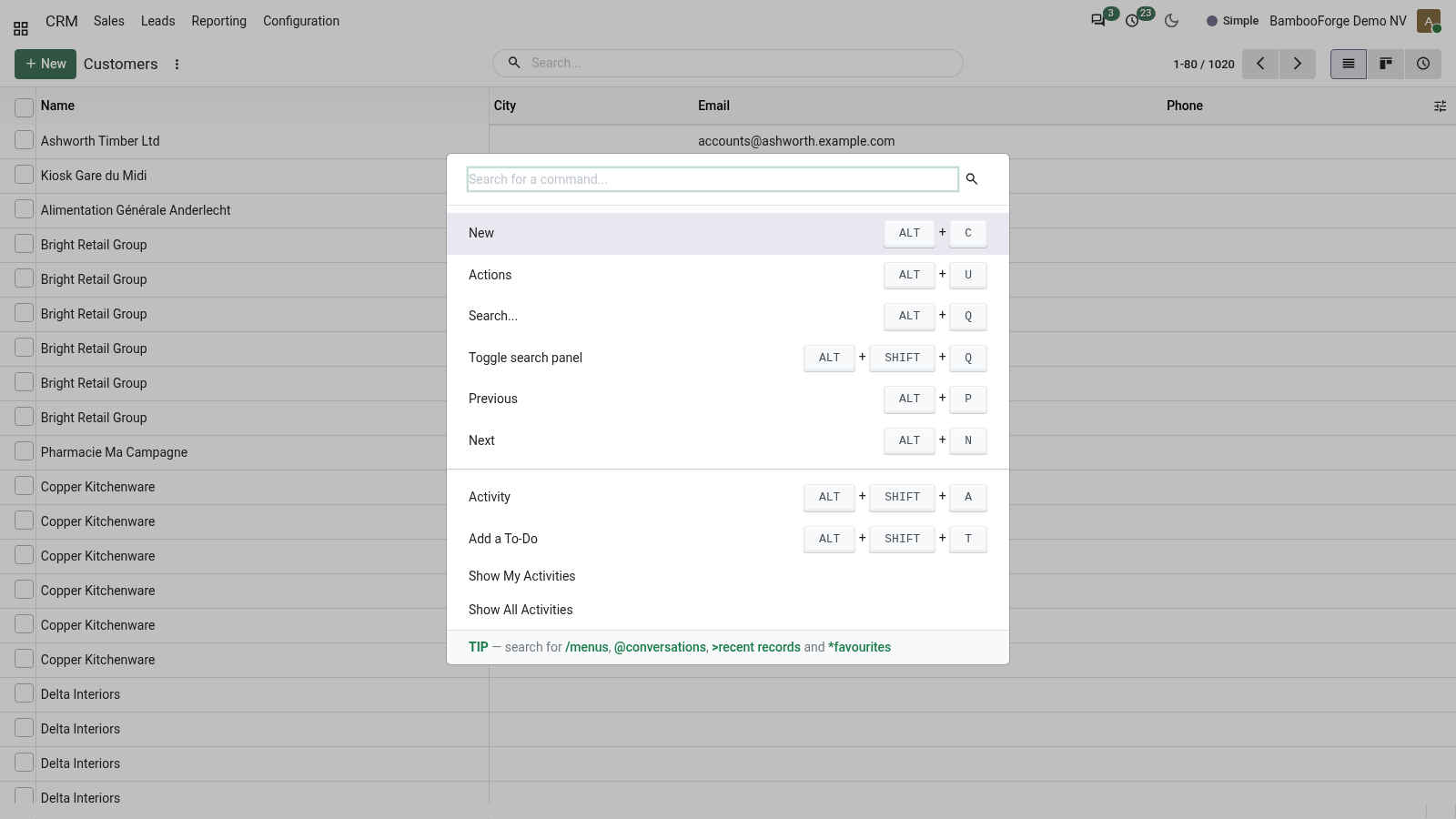
On mobile. The layout is mobile-first: the navigation collapses for small screens, the control panel and list headers stay sticky as you scroll, and the command palette and chatter are tuned for touch. Dark mode and your accent apply on mobile exactly as on desktop. Customization.
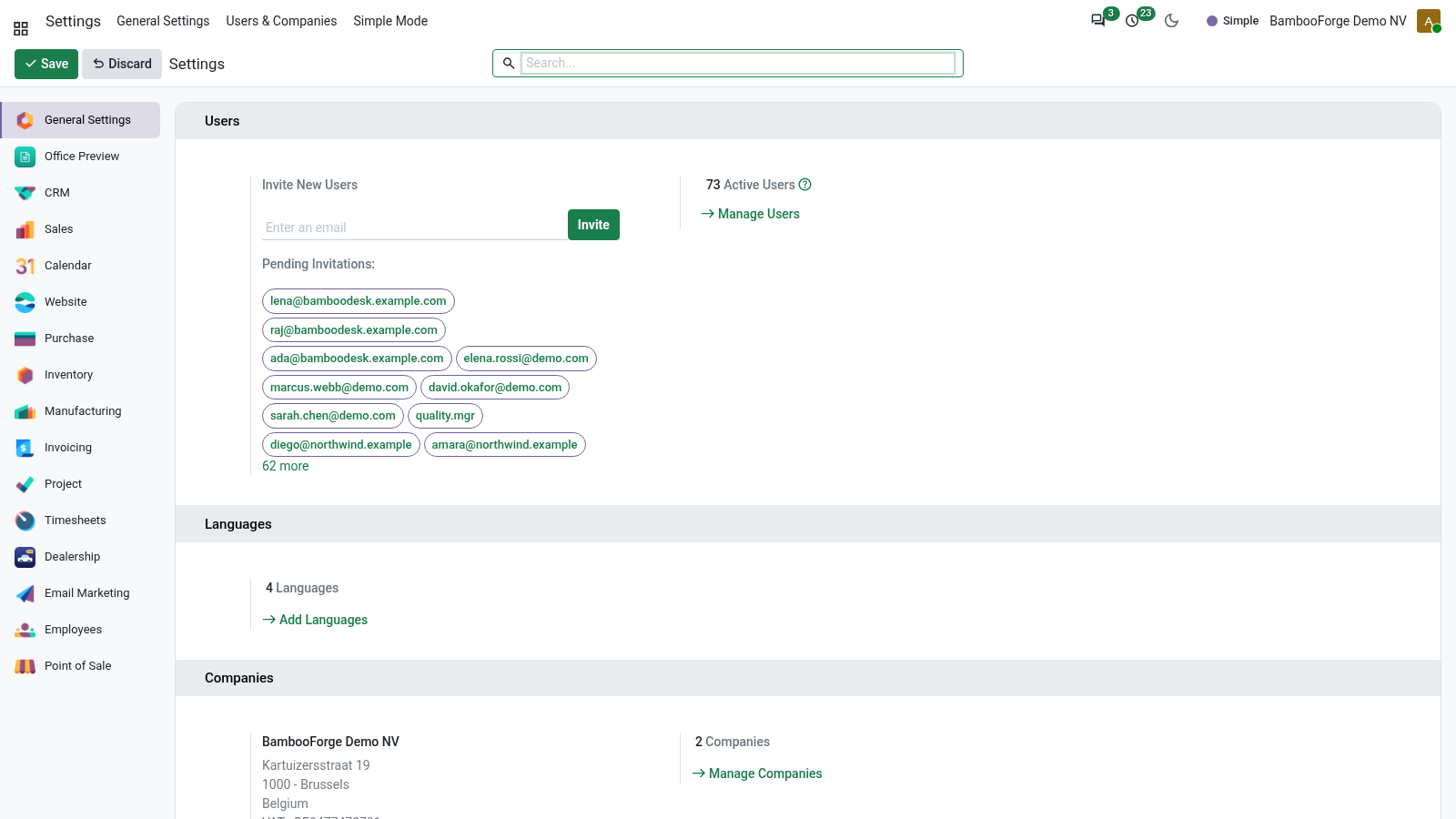
For administrators who want to influence defaults: Default appearance for new users — the out-of-the-box defaults are Light appearance and the Seagreen accent. To start a user somewhere else, open Settings ▸ Users ▸ (the user) and set Backend Appearance, Accent Preset and Accent Color on their form. A company brand color — set the Accent Preset to Custom and enter your brand hex in Accent Color on each user (or as part of your user-provisioning template). Because the accent is a runtime CSS variable, no SCSS edit is needed for a brand color.
Deeper SCSS changes — the dark palette and the accent surfaces live in static/src/scss/bf_dark.scss and static/src/scss/bf_accent.scss, and the full OPL-1 source ships with the module, so a developer can adjust the SCSS and rebuild the assets if a deeper restyle is required. The shipped behavior needs no such edit. Note: appearance is intentionally per user. There is no single global on/off switch — the theme is always active once installed, and each user controls their own look.
Frequently asked questions. Which Odoo versions does it support? Odoo 20.0 Community Edition. It excludes the Enterprise web client by design.
Is this a website theme? No. It restyles the backend (internal web client) only. The public website is unchanged.
Now the part most videos leave out: what this does not do. Community backend only. The theme targets Odoo 20 Community and excludes the Enterprise web client; it does not run side-by-side with Enterprise. Backend, not website.
It restyles the internal web client; it is not a website or eCommerce theme and does not change the public-facing site. Personalization is per user. There is no single global theme switch or forced company-wide color; defaults are set per user. One backend theme at a time.
Run only one backend theme; multiple themes that restyle the same web client will conflict. The complete manual is at docs dot bambooforge dot dev, the demo database is linked from the store page, and support answers within twenty-four hours. Links are in the description.
Transcript of the walkthrough (Odoo 19)
Backend Theme for Odoo Community. A modern, fully responsive backend theme for Odoo Community: dark mode, per-user accent colours, drag-to-reorder apps and pinned favourites. The theme restyles the Odoo 19 backend (the internal web client) and adds the personalization features usually reserved for Enterprise: In the next few minutes: backend theme for odoo community, then options & personalization, then where you set them, then dark mode, then accent color. Then what this app deliberately does not do, so you can tell before you buy whether it fits.
Backend Theme for Odoo Community. A modern, fully responsive backend theme for Odoo 19 Community that lets every user make Odoo their own — a one-click dark mode, a personal accent color, a full-screen app grid with fuzzy search, plus drag-to-reorder and pinned favorite apps. It is a polished fork of OCA web_responsive with a per-user appearance engine on top. This page is the complete manual.
If you follow it top to bottom you can install the theme, enable it, set every option, and fix the common issues without contacting support. Options & personalization. Every option below is per user — your choice never changes anyone else's screen. Where you set them.
There are two places, plus a one-click systray shortcut: Backend Appearance — Light / Dark / Auto (follow system). Accent Preset — one of six palettes, or Custom. Accent Color — the live hex color picker (used when the preset is Custom, or to fine-tune any preset). 1.
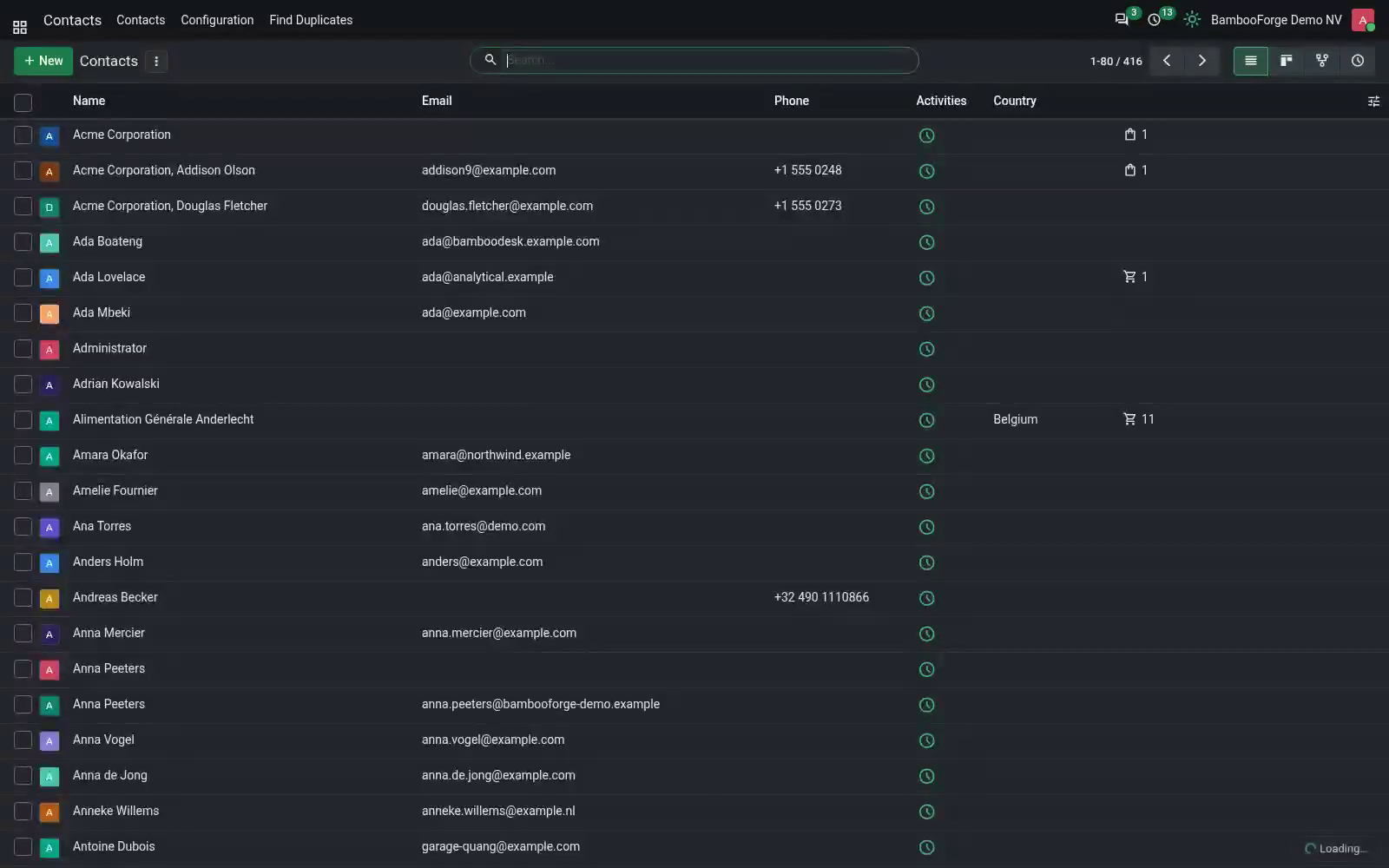
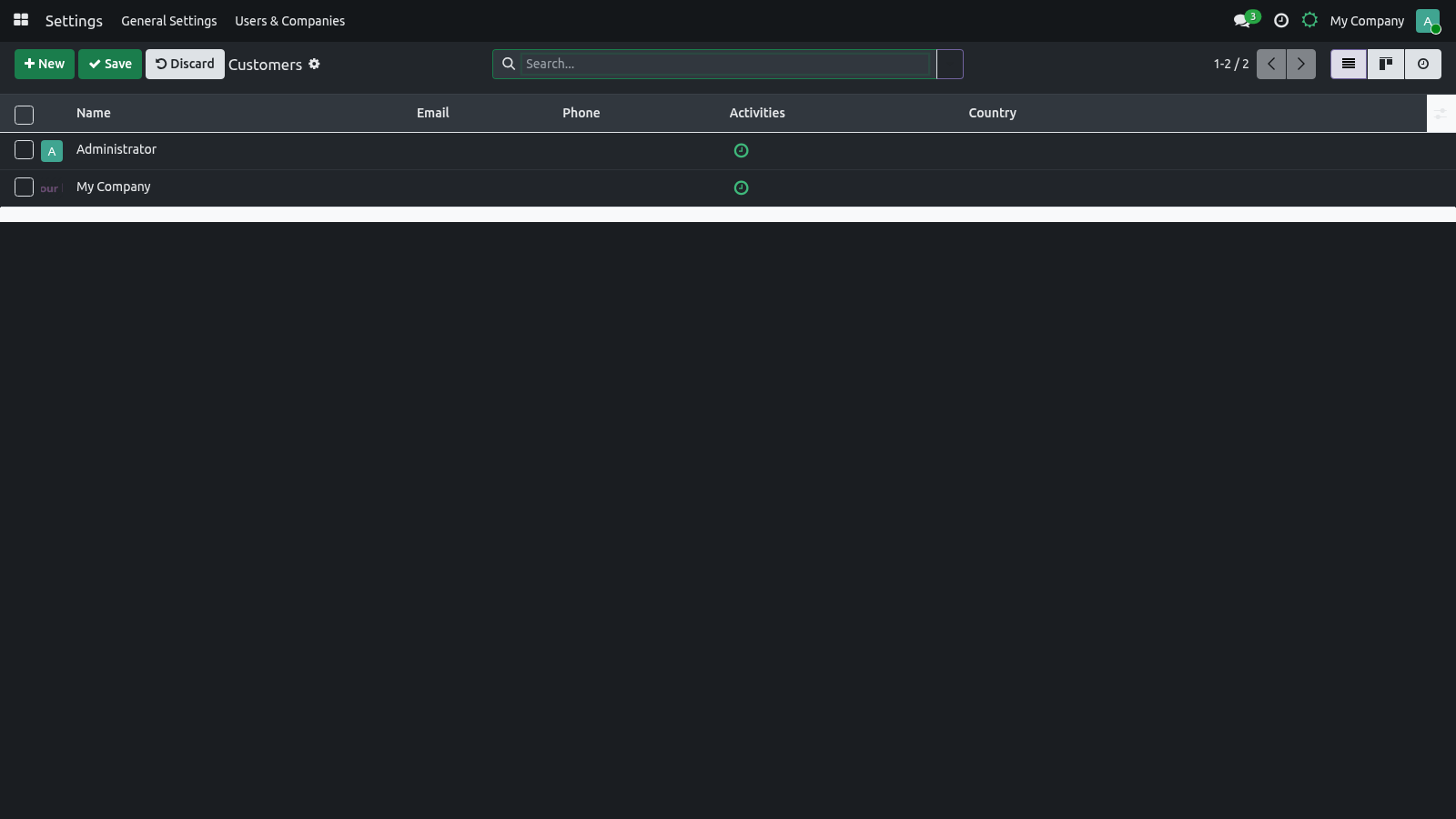
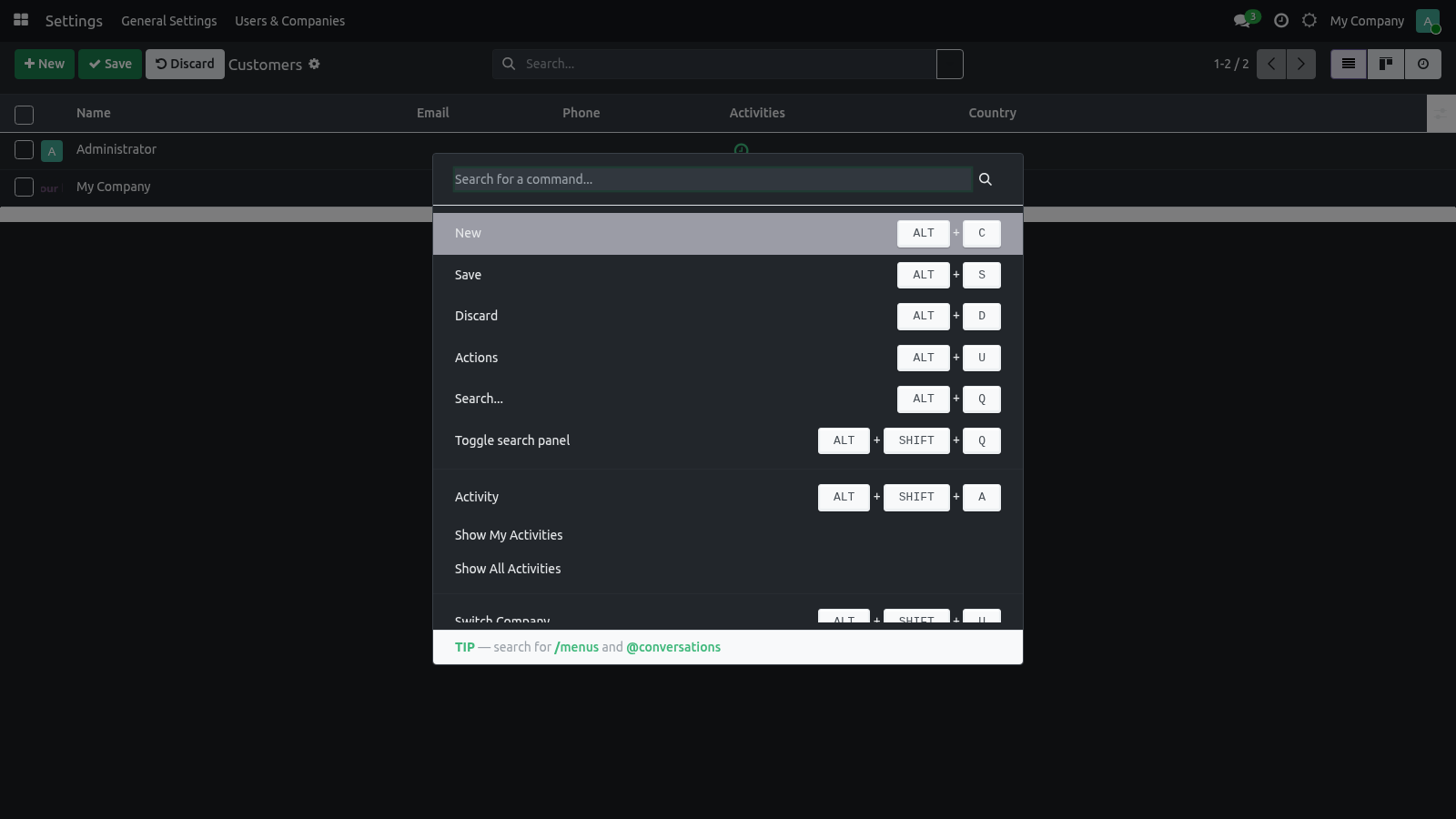
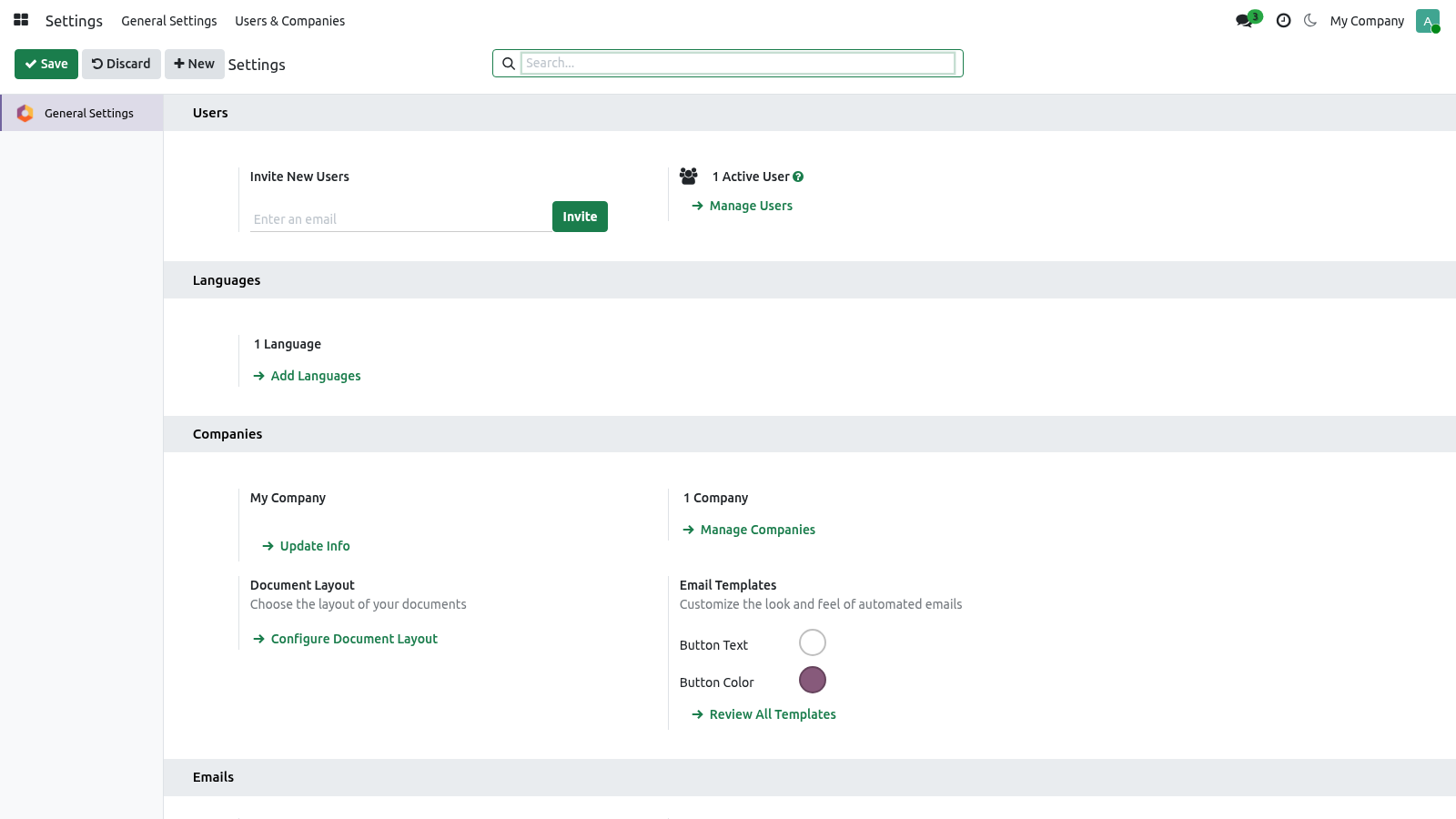
Preferences (the avatar menu, top-right ▸ Preferences). This is the main place. Three fields are added right under your Timezone: Dark mode. The systray sun / moon button is the fast path: it toggles Light ⇄ Dark and persists the choice immediately — no need to open Preferences.
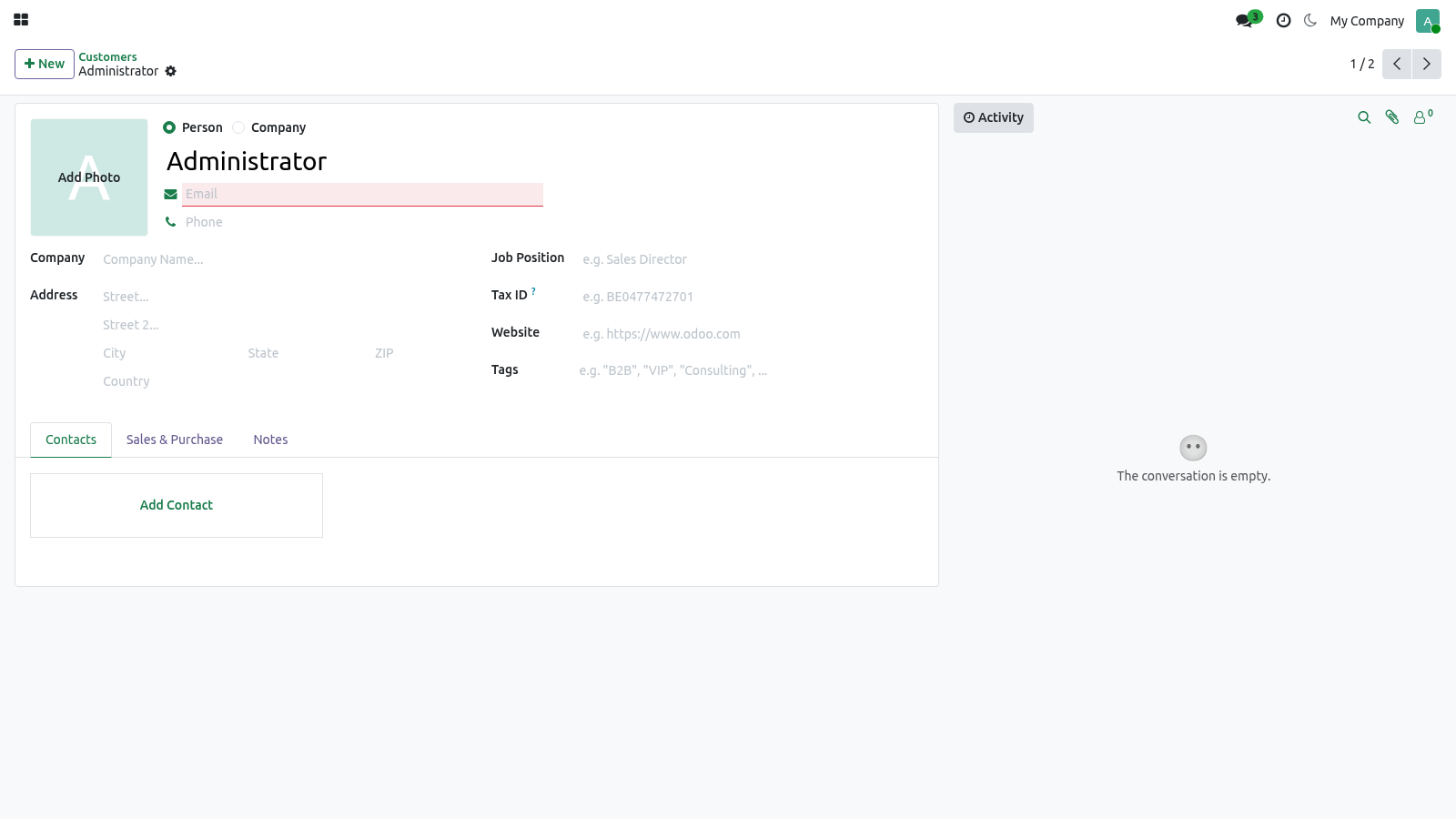
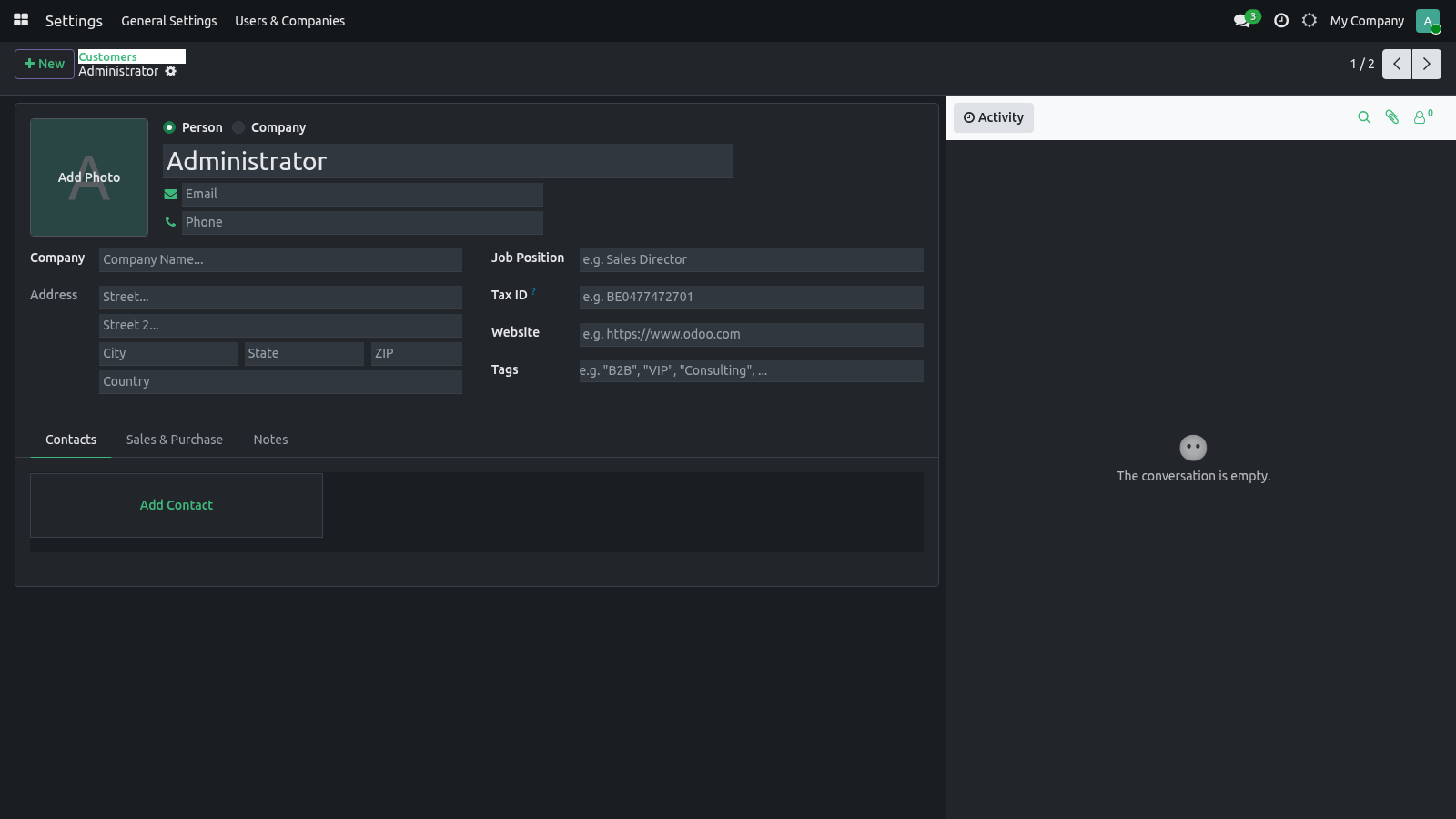
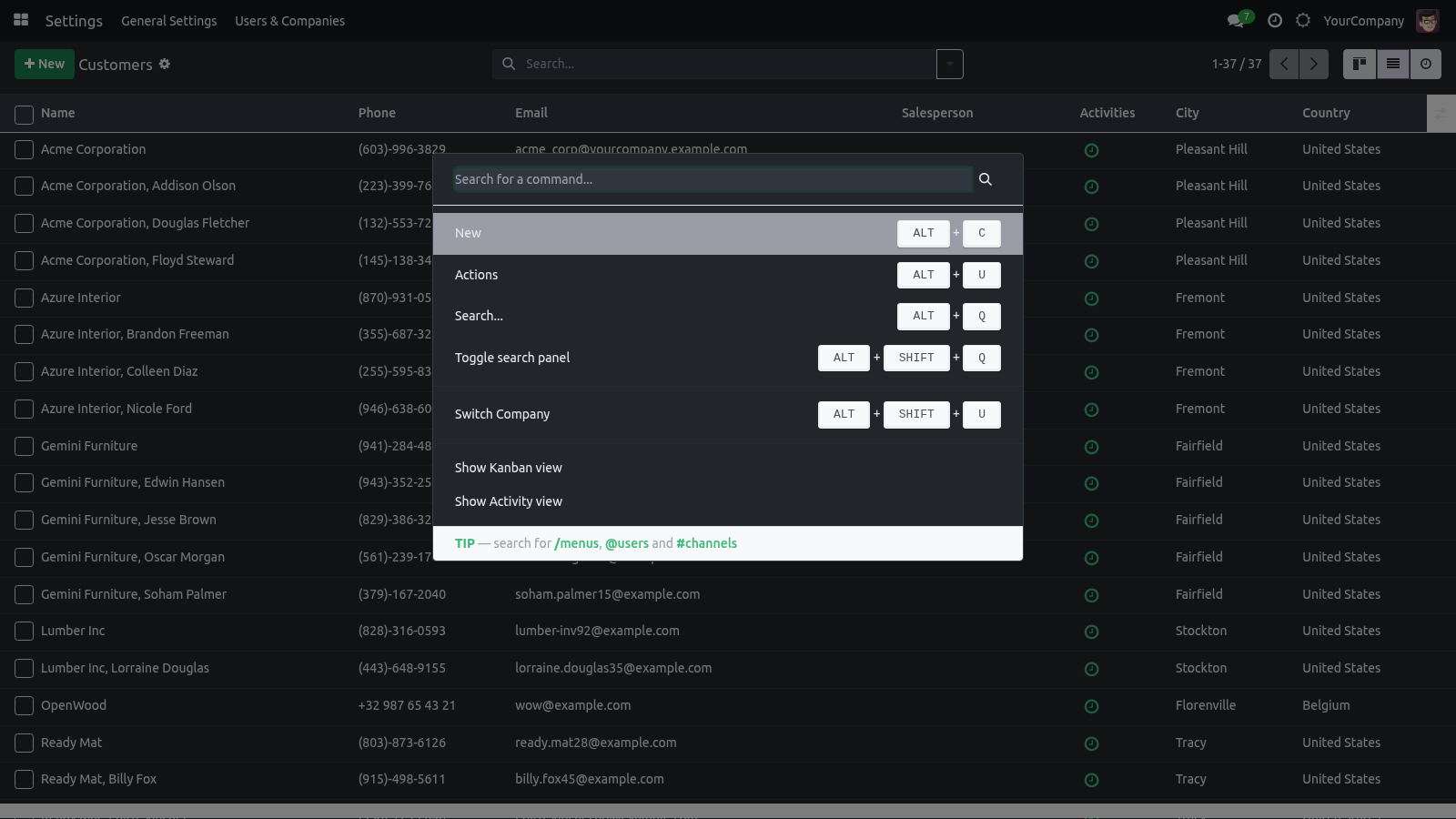
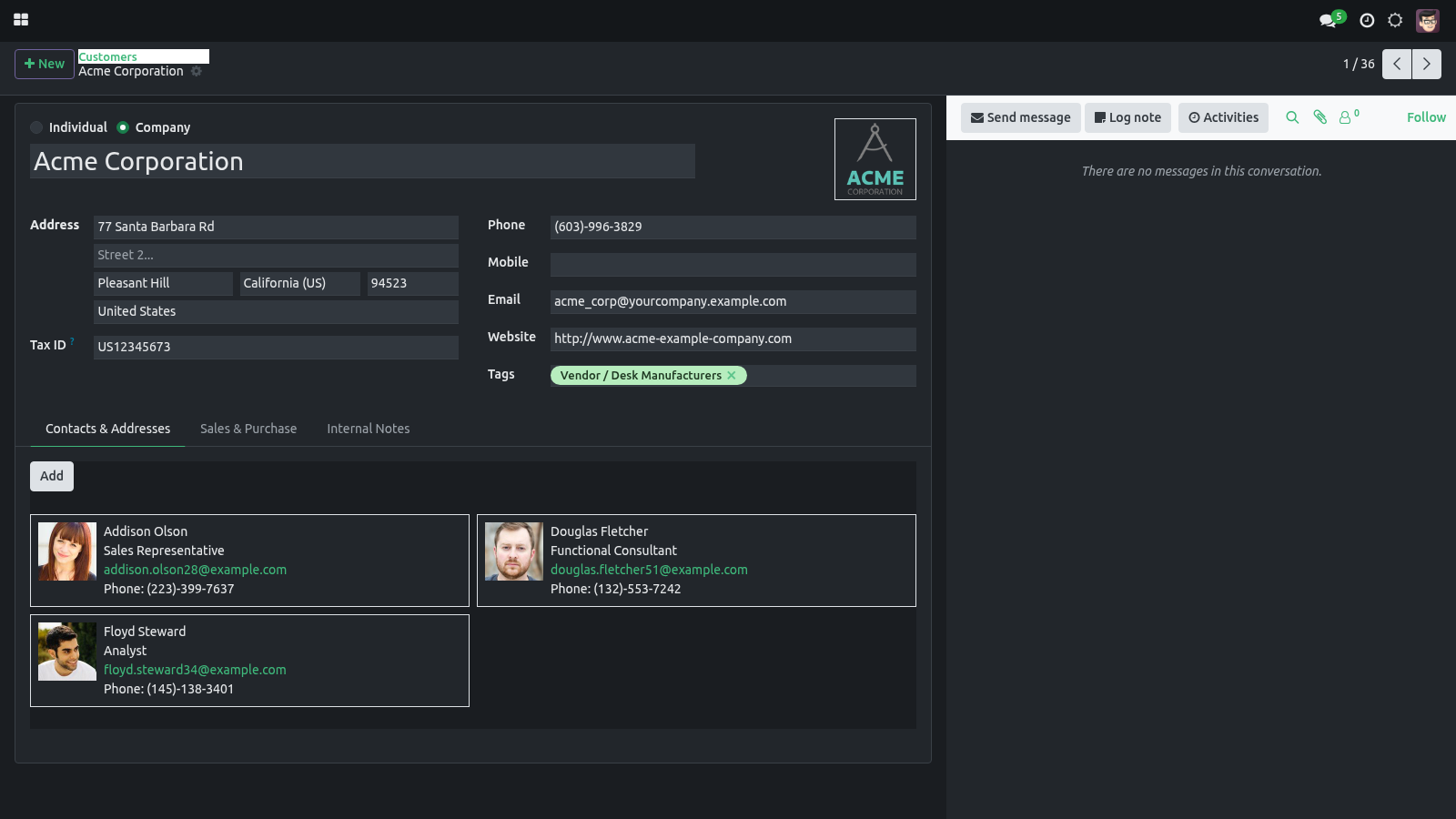
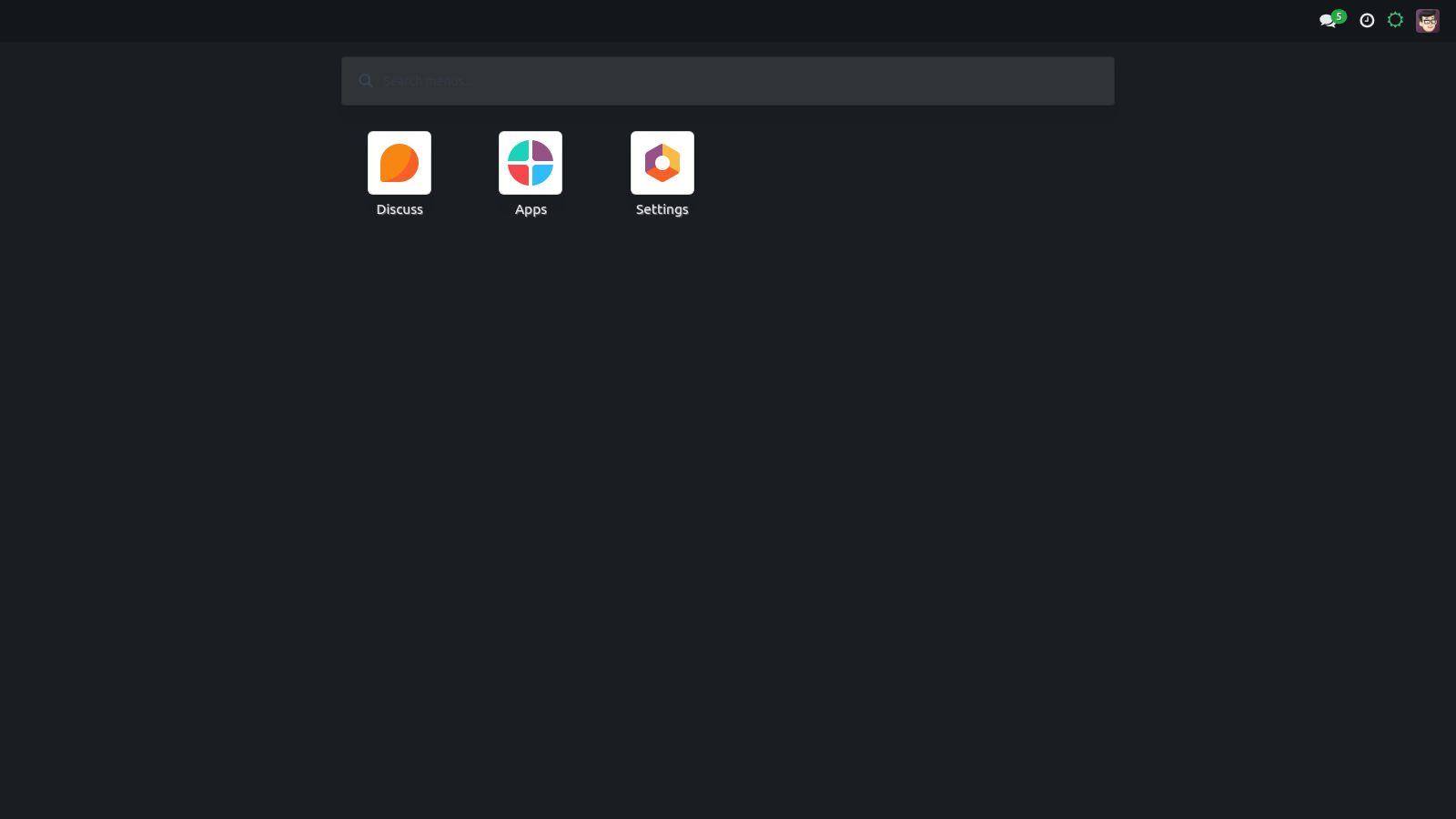
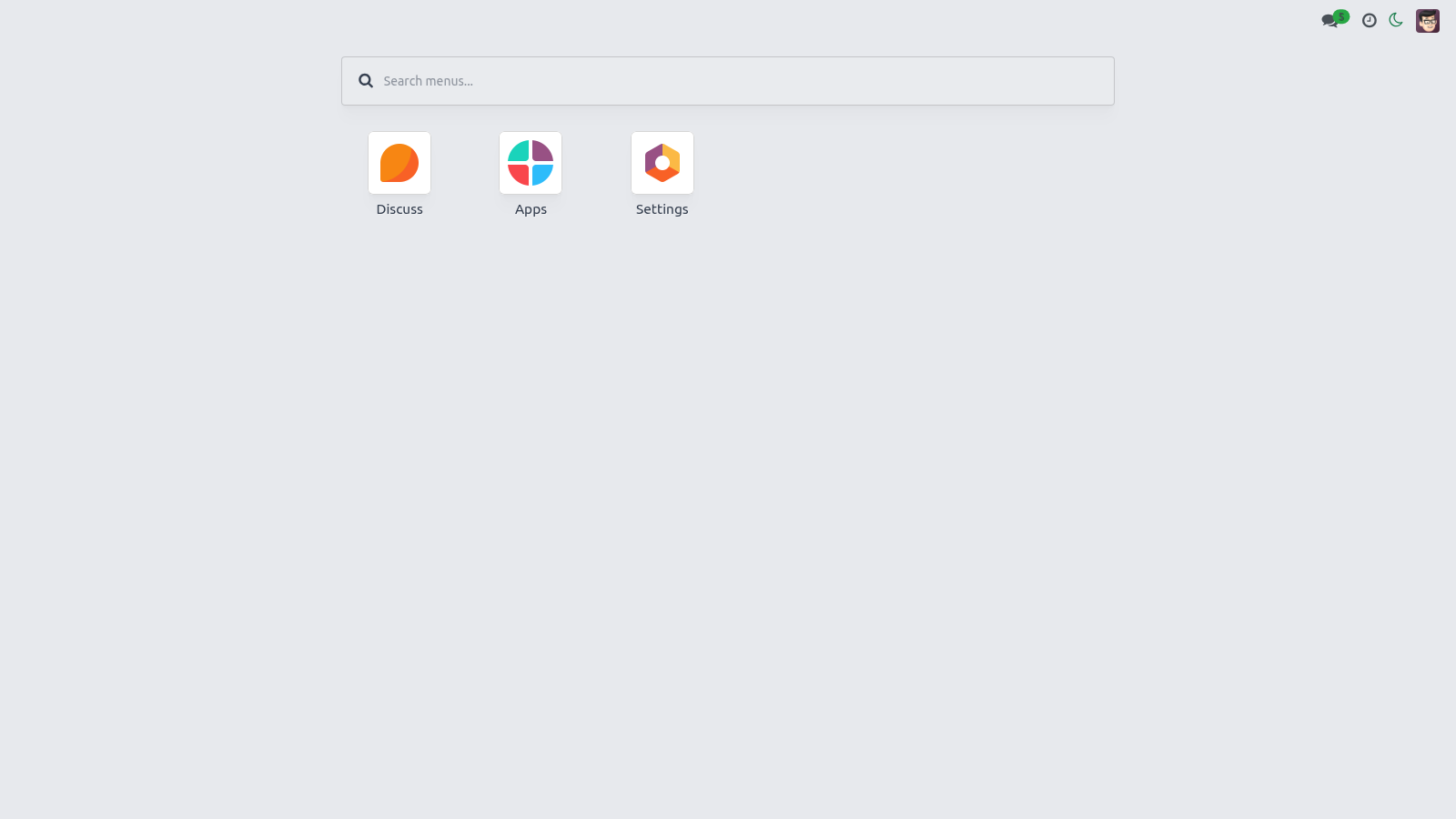
The default. Standard light backend. A true dark theme (dark backgrounds, light text) scoped so the light theme is never touched. - Auto (follow system) Follows your operating system's light/dark setting and flips live when the OS setting changes.
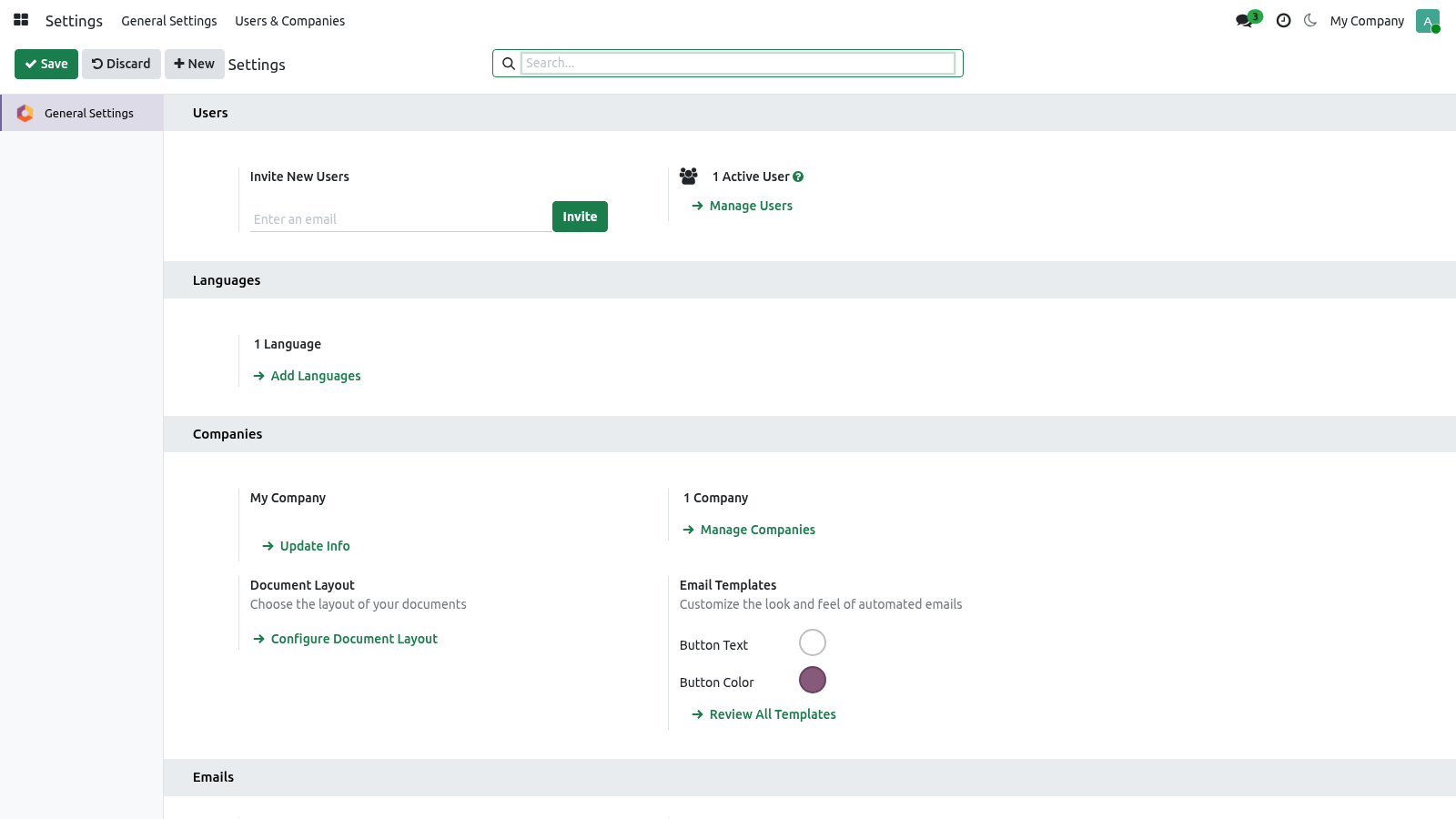
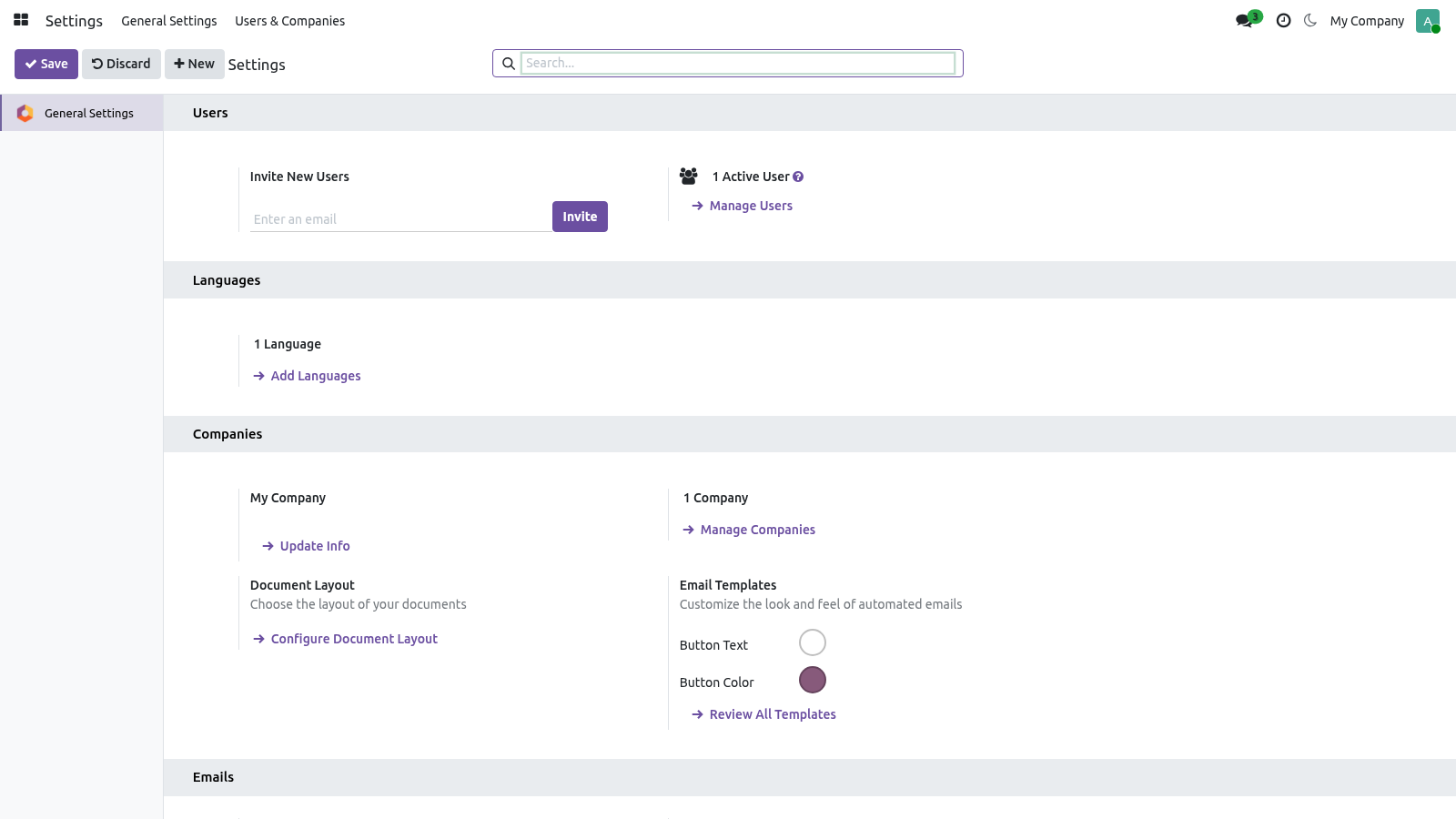
Accent color. The Accent Preset field offers six ready-made palettes plus Custom: The default accent. A purple accent. A pink/red accent.
A neutral, low-key gray. Keeps whatever color you set in Accent Color. Picking a preset fills the Accent Color hex automatically; choosing Custom leaves the hex as-is so you can dial in any brand color with the picker. The accent drives the highlight color of buttons, links, active menus, notebook tabs, checkboxes, switches, the focused search box and the selected status-bar stage.
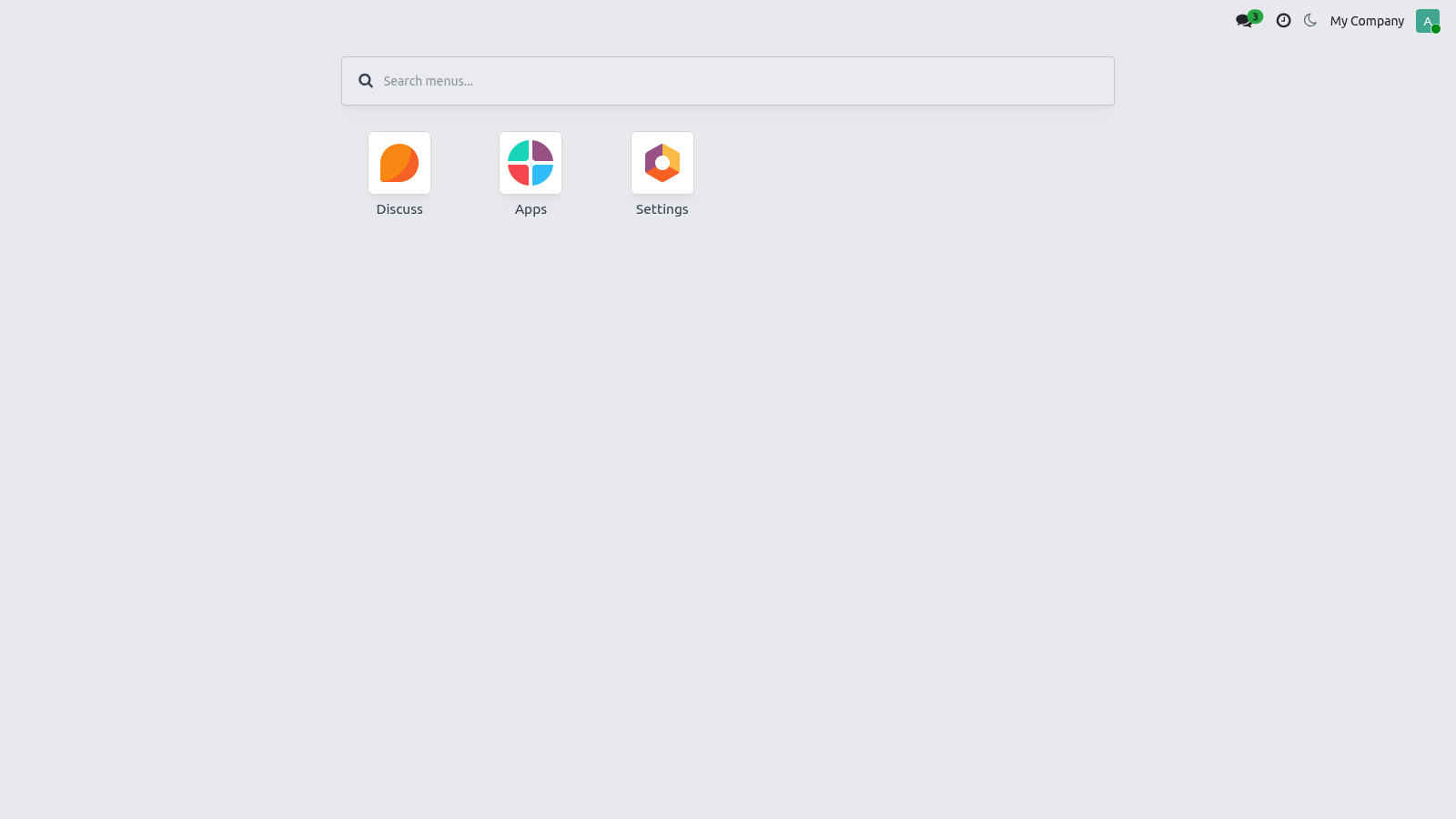
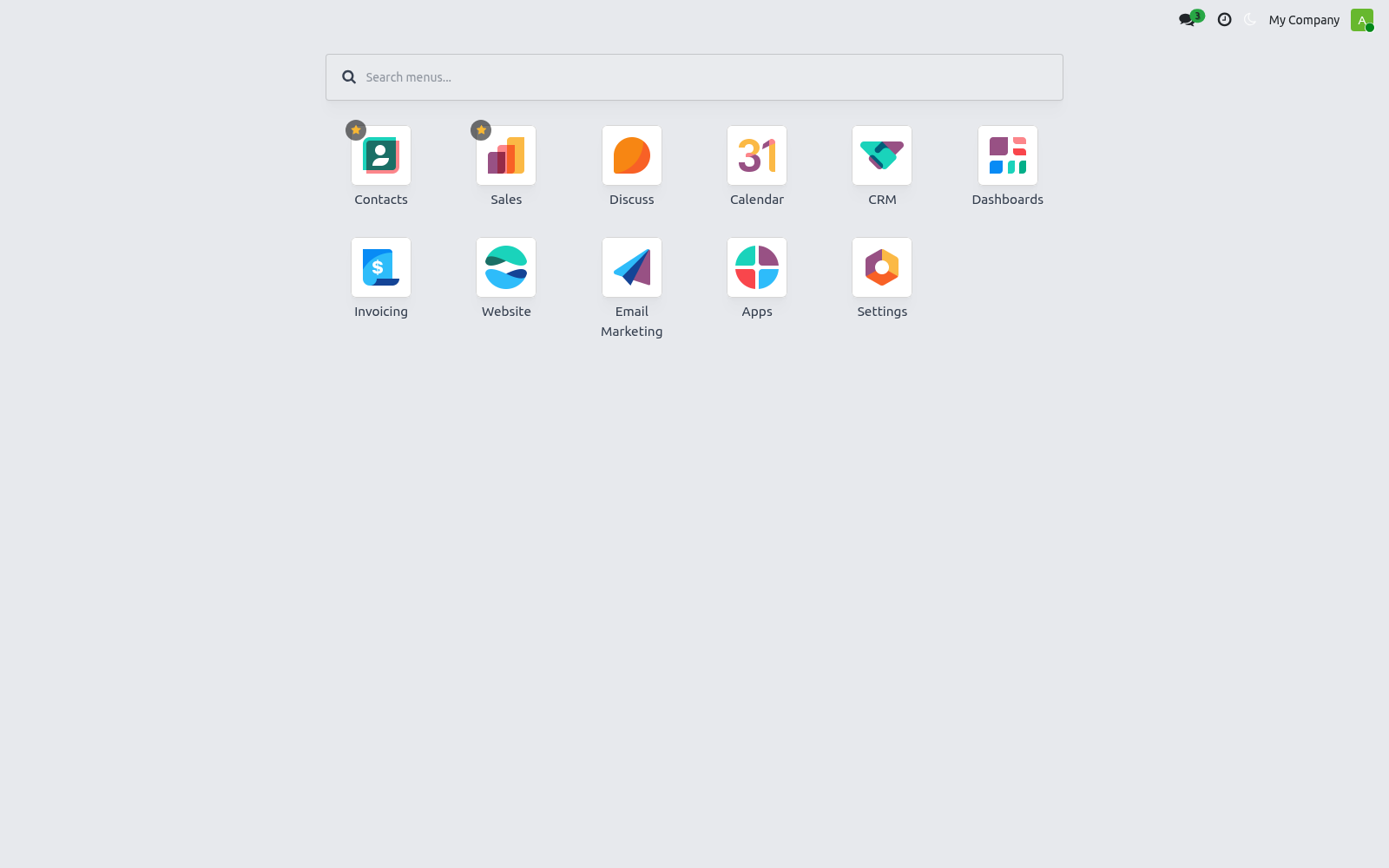
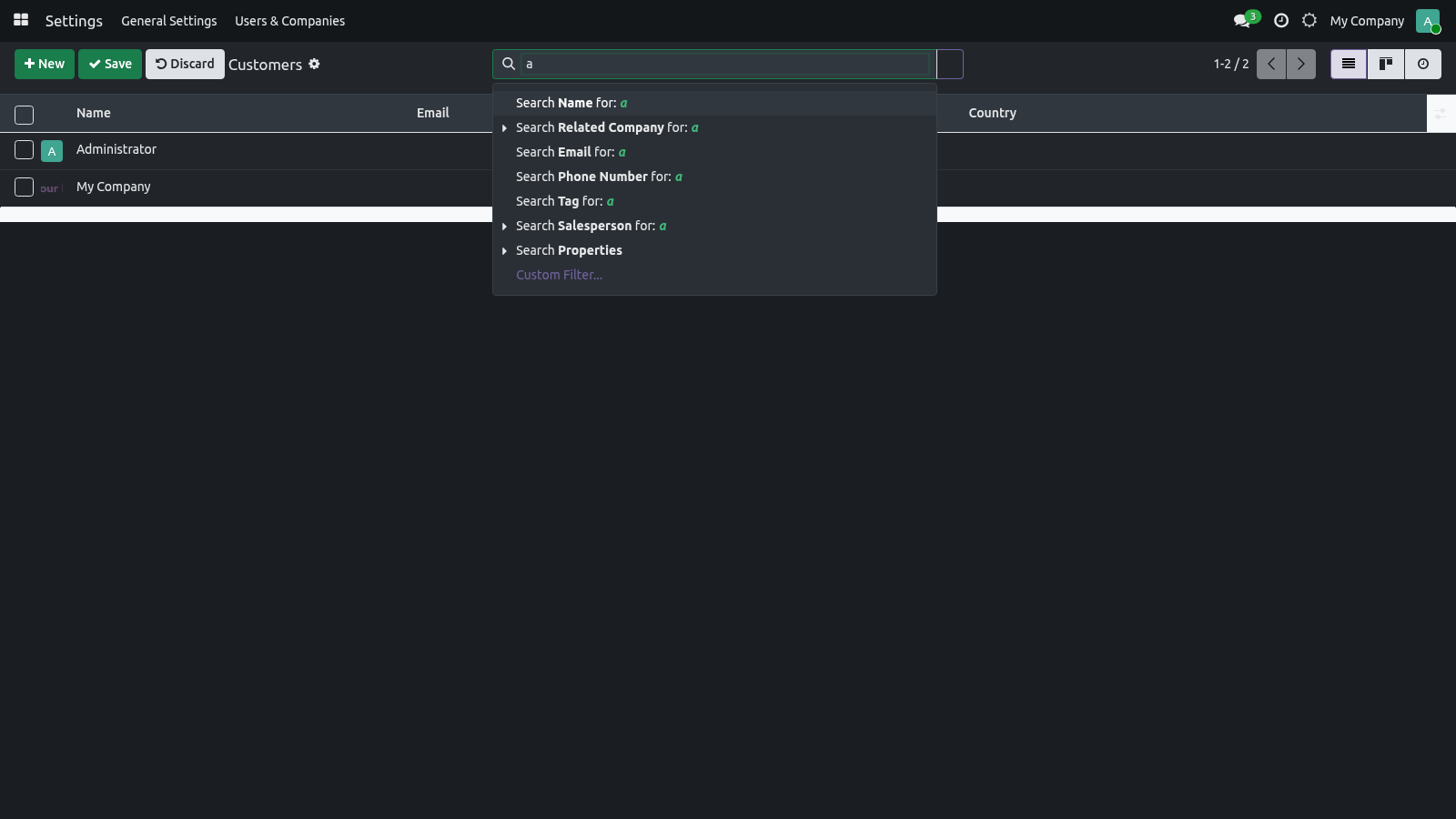
Recoloring happens live — the bundle is compiled once and the color is applied at runtime as a CSS variable, so there is no SCSS recompile and no administrator step. The apps menu. Click the apps / home button in the top-left to open a full-screen card grid of every app you can access. Fuzzy search — start typing in the search box at the top.
It searches across app names and their deep menu entries with a forgiving (fuzzy) match, so a near-miss or typo still finds the menu. Results update as you type. Keyboard navigation — use the arrow keys to move between cards and Esc to close the grid, so you can drive the launcher without the mouse. Reorder and pin apps.
Both the personal order and the pinned set are stored on your own user record, so they follow you across devices and sessions. Drag to reorder — with the apps grid open, drag any card to a new position. The new order is saved to your account and used every time you open the grid. A newly installed app that has no saved position simply appears at the end.
Pin a favorite — hover a card and click its star to pin it. Pinned apps float to the top of the grid (keeping their relative order); click the star again to unpin. On mobile. The layout is mobile-first: the navigation collapses for small screens, the control panel and list headers stay sticky as you scroll, and the command palette and chatter are tuned for touch.
Dark mode and your accent apply on mobile exactly as on desktop. Customization. For administrators who want to influence defaults: Default appearance for new users — the out-of-the-box defaults are Light appearance and the Seagreen accent. To start a user somewhere else, open Settings ▸ Users ▸ (the user) and set Backend Appearance, Accent Preset and Accent Color on their form.
A company brand color — set the Accent Preset to Custom and enter your brand hex in Accent Color on each user (or as part of your user-provisioning template). Because the accent is a runtime CSS variable, no SCSS edit is needed for a brand color. Deeper SCSS changes — the dark palette and the accent surfaces live in static/src/scss/bf_dark.scss and static/src/scss/bf_accent.scss, and the full OPL-1 source ships with the module, so a developer can adjust the SCSS and rebuild the assets if a deeper restyle is required. The shipped behavior needs no such edit.
Note: appearance is intentionally per user. There is no single global on/off switch — the theme is always active once installed, and each user controls their own look. Troubleshooting - The theme does not look applied after install The backend asset bundle is cached. Hard-refresh the browser (Ctrl/Cmd+Shift+R), then, if needed, regenerate assets: Settings ▸ (developer mode) ▸ Technical ▸ Regenerate Assets Bundles, or restart Odoo with --dev=assets while testing.
- Dark mode does not stick after reload The toggle saves to your own user record. If you are an impersonated/demo session or a public user, the write may be blocked — sign in as your real internal user. Also confirm your browser is not clearing localStorage on exit (used only to avoid a flash; the saved preference still lives on your account). - Auto mode never switches to dark Auto follows the operating system.
Set your OS/browser to dark and ensure the browser supports prefers-color-scheme; otherwise pick Dark explicitly. - The module will not install ("excludes web_enterprise") This is a Community backend theme and excludes the Enterprise web client. On an Enterprise database it will not install; use it on Community Edition. Now the part most videos leave out: what this does not do.
Community backend only. The theme targets Odoo 19 Community and excludes the Enterprise web client; it does not run side-by-side with Enterprise. Backend, not website. It restyles the internal web client; it is not a website or eCommerce theme and does not change the public-facing site.
Personalization is per user. There is no single global theme switch or forced company-wide color; defaults are set per user. One backend theme at a time. Run only one backend theme; multiple themes that restyle the same web client will conflict.
The complete manual is at docs dot bambooforge dot dev, the demo database is linked from the store page, and support answers within twenty-four hours. Links are in the description.
Transcript of the walkthrough (Odoo 18)
Backend Theme for Odoo Community. A modern, fully responsive backend theme for Odoo Community: dark mode, per-user accent colours, drag-to-reorder apps and pinned favourites. The theme restyles the Odoo 18 backend (the internal web client) and adds the personalization features usually reserved for Enterprise: In the next few minutes: backend theme for odoo community, then options & personalization, then where you set them, then dark mode, then accent color. Then what this app deliberately does not do, so you can tell before you buy whether it fits.
Backend Theme for Odoo Community. A modern, fully responsive backend theme for Odoo 18 Community that lets every user make Odoo their own — a one-click dark mode, a personal accent color, a full-screen app grid with fuzzy search, plus drag-to-reorder and pinned favorite apps. It is a polished fork of OCA web_responsive with a per-user appearance engine on top. This page is the complete manual.
If you follow it top to bottom you can install the theme, enable it, set every option, and fix the common issues without contacting support. Options & personalization. Every option below is per user — your choice never changes anyone else's screen. Where you set them.
There are two places, plus a one-click systray shortcut: Backend Appearance — Light / Dark / Auto (follow system). Accent Preset — one of six palettes, or Custom. Accent Color — the live hex color picker (used when the preset is Custom, or to fine-tune any preset). 1.
Preferences (the avatar menu, top-right ▸ Preferences). This is the main place. Three fields are added right under your Timezone: Dark mode. The systray sun / moon button is the fast path: it toggles Light ⇄ Dark and persists the choice immediately — no need to open Preferences.
The default. Standard light backend. A true dark theme (dark backgrounds, light text) scoped so the light theme is never touched. - Auto (follow system) Follows your operating system's light/dark setting and flips live when the OS setting changes.
Accent color. The Accent Preset field offers six ready-made palettes plus Custom: The default accent. A purple accent. A pink/red accent.
A neutral, low-key gray. Keeps whatever color you set in Accent Color. Picking a preset fills the Accent Color hex automatically; choosing Custom leaves the hex as-is so you can dial in any brand color with the picker. The accent drives the highlight color of buttons, links, active menus, notebook tabs, checkboxes, switches, the focused search box and the selected status-bar stage.
Recoloring happens live — the bundle is compiled once and the color is applied at runtime as a CSS variable, so there is no SCSS recompile and no administrator step. The apps menu. Click the apps / home button in the top-left to open a full-screen card grid of every app you can access. Fuzzy search — start typing in the search box at the top.
It searches across app names and their deep menu entries with a forgiving (fuzzy) match, so a near-miss or typo still finds the menu. Results update as you type. Keyboard navigation — use the arrow keys to move between cards and Esc to close the grid, so you can drive the launcher without the mouse. Reorder and pin apps.
Both the personal order and the pinned set are stored on your own user record, so they follow you across devices and sessions. Drag to reorder — with the apps grid open, drag any card to a new position. The new order is saved to your account and used every time you open the grid. A newly installed app that has no saved position simply appears at the end.
Pin a favorite — hover a card and click its star to pin it. Pinned apps float to the top of the grid (keeping their relative order); click the star again to unpin. On mobile. The layout is mobile-first: the navigation collapses for small screens, the control panel and list headers stay sticky as you scroll, and the command palette and chatter are tuned for touch.
Dark mode and your accent apply on mobile exactly as on desktop. Customization. For administrators who want to influence defaults: Default appearance for new users — the out-of-the-box defaults are Light appearance and the Seagreen accent. To start a user somewhere else, open Settings ▸ Users ▸ (the user) and set Backend Appearance, Accent Preset and Accent Color on their form.
A company brand color — set the Accent Preset to Custom and enter your brand hex in Accent Color on each user (or as part of your user-provisioning template). Because the accent is a runtime CSS variable, no SCSS edit is needed for a brand color. Deeper SCSS changes — the dark palette and the accent surfaces live in static/src/scss/bf_dark.scss and static/src/scss/bf_accent.scss, and the full OPL-1 source ships with the module, so a developer can adjust the SCSS and rebuild the assets if a deeper restyle is required. The shipped behavior needs no such edit.
Note: appearance is intentionally per user. There is no single global on/off switch — the theme is always active once installed, and each user controls their own look. Troubleshooting - The theme does not look applied after install The backend asset bundle is cached. Hard-refresh the browser (Ctrl/Cmd+Shift+R), then, if needed, regenerate assets: Settings ▸ (developer mode) ▸ Technical ▸ Regenerate Assets Bundles, or restart Odoo with --dev=assets while testing.
- Dark mode does not stick after reload The toggle saves to your own user record. If you are an impersonated/demo session or a public user, the write may be blocked — sign in as your real internal user. Also confirm your browser is not clearing localStorage on exit (used only to avoid a flash; the saved preference still lives on your account). - Auto mode never switches to dark Auto follows the operating system.
Set your OS/browser to dark and ensure the browser supports prefers-color-scheme; otherwise pick Dark explicitly. - The module will not install ("excludes web_enterprise") This is a Community backend theme and excludes the Enterprise web client. On an Enterprise database it will not install; use it on Community Edition. Now the part most videos leave out: what this does not do.
Community backend only. The theme targets Odoo 18 Community and excludes the Enterprise web client; it does not run side-by-side with Enterprise. Backend, not website. It restyles the internal web client; it is not a website or eCommerce theme and does not change the public-facing site.
Personalization is per user. There is no single global theme switch or forced company-wide color; defaults are set per user. One backend theme at a time. Run only one backend theme; multiple themes that restyle the same web client will conflict.
The complete manual is at docs dot bambooforge dot dev, the demo database is linked from the store page, and support answers within twenty-four hours. Links are in the description.

Transcript of the walkthrough (Odoo 17)
Backend Theme for Odoo Community. A modern, fully responsive backend theme for Odoo Community: dark mode, per-user accent colours, drag-to-reorder apps and pinned favourites. The theme restyles the Odoo 17 backend (the internal web client) and adds the personalization features usually reserved for Enterprise: In the next few minutes: backend theme for odoo community, then options & personalization, then where you set them, then dark mode, then accent color. Then what this app deliberately does not do, so you can tell before you buy whether it fits.
Backend Theme for Odoo Community. A modern, fully responsive backend theme for Odoo 17 Community that lets every user make Odoo their own — a one-click dark mode, a personal accent color, a full-screen app grid with fuzzy search, plus drag-to-reorder and pinned favorite apps. It is a polished fork of OCA web_responsive with a per-user appearance engine on top. This page is the complete manual.
If you follow it top to bottom you can install the theme, enable it, set every option, and fix the common issues without contacting support. Options & personalization. Every option below is per user — your choice never changes anyone else's screen. Where you set them.
There are two places, plus a one-click systray shortcut: Backend Appearance — Light / Dark / Auto (follow system). Accent Preset — one of six palettes, or Custom. Accent Color — the live hex color picker (used when the preset is Custom, or to fine-tune any preset). 1.
Preferences (the avatar menu, top-right ▸ Preferences). This is the main place. Three fields are added right under your Timezone: Dark mode. The systray sun / moon button is the fast path: it toggles Light ⇄ Dark and persists the choice immediately — no need to open Preferences.
The default. Standard light backend. A true dark theme (dark backgrounds, light text) scoped so the light theme is never touched. - Auto (follow system) Follows your operating system's light/dark setting and flips live when the OS setting changes.
Accent color. The Accent Preset field offers six ready-made palettes plus Custom: The default accent. A purple accent. A pink/red accent.
A neutral, low-key gray. Keeps whatever color you set in Accent Color. Picking a preset fills the Accent Color hex automatically; choosing Custom leaves the hex as-is so you can dial in any brand color with the picker. The accent drives the highlight color of buttons, links, active menus, notebook tabs, checkboxes, switches, the focused search box and the selected status-bar stage.
Recoloring happens live — the bundle is compiled once and the color is applied at runtime as a CSS variable, so there is no SCSS recompile and no administrator step. The apps menu. Click the apps / home button in the top-left to open a full-screen card grid of every app you can access. Fuzzy search — start typing in the search box at the top.
It searches across app names and their deep menu entries with a forgiving (fuzzy) match, so a near-miss or typo still finds the menu. Results update as you type. Keyboard navigation — use the arrow keys to move between cards and Esc to close the grid, so you can drive the launcher without the mouse. Reorder and pin apps.
Both the personal order and the pinned set are stored on your own user record, so they follow you across devices and sessions. Drag to reorder — with the apps grid open, drag any card to a new position. The new order is saved to your account and used every time you open the grid. A newly installed app that has no saved position simply appears at the end.
Pin a favorite — hover a card and click its star to pin it. Pinned apps float to the top of the grid (keeping their relative order); click the star again to unpin. On mobile. The layout is mobile-first: the navigation collapses for small screens, the control panel and list headers stay sticky as you scroll, and the command palette and chatter are tuned for touch.
Dark mode and your accent apply on mobile exactly as on desktop. Customization. For administrators who want to influence defaults: Default appearance for new users — the out-of-the-box defaults are Light appearance and the Seagreen accent. To start a user somewhere else, open Settings ▸ Users ▸ (the user) and set Backend Appearance, Accent Preset and Accent Color on their form.
A company brand color — set the Accent Preset to Custom and enter your brand hex in Accent Color on each user (or as part of your user-provisioning template). Because the accent is a runtime CSS variable, no SCSS edit is needed for a brand color. Deeper SCSS changes — the dark palette and the accent surfaces live in static/src/scss/bf_dark.scss and static/src/scss/bf_accent.scss, and the full OPL-1 source ships with the module, so a developer can adjust the SCSS and rebuild the assets if a deeper restyle is required. The shipped behavior needs no such edit.
Note: appearance is intentionally per user. There is no single global on/off switch — the theme is always active once installed, and each user controls their own look. Troubleshooting - The theme does not look applied after install The backend asset bundle is cached. Hard-refresh the browser (Ctrl/Cmd+Shift+R), then, if needed, regenerate assets: Settings ▸ (developer mode) ▸ Technical ▸ Regenerate Assets Bundles, or restart Odoo with --dev=assets while testing.
- Dark mode does not stick after reload The toggle saves to your own user record. If you are an impersonated/demo session or a public user, the write may be blocked — sign in as your real internal user. Also confirm your browser is not clearing localStorage on exit (used only to avoid a flash; the saved preference still lives on your account). - Auto mode never switches to dark Auto follows the operating system.
Set your OS/browser to dark and ensure the browser supports prefers-color-scheme; otherwise pick Dark explicitly. - The module will not install ("excludes web_enterprise") This is a Community backend theme and excludes the Enterprise web client. On an Enterprise database it will not install; use it on Community Edition. Now the part most videos leave out: what this does not do.
Community backend only. The theme targets Odoo 17 Community and excludes the Enterprise web client; it does not run side-by-side with Enterprise. Backend, not website. It restyles the internal web client; it is not a website or eCommerce theme and does not change the public-facing site.
Personalization is per user. There is no single global theme switch or forced company-wide color; defaults are set per user. One backend theme at a time. Run only one backend theme; multiple themes that restyle the same web client will conflict.
The complete manual is at docs dot bambooforge dot dev, the demo database is linked from the store page, and support answers within twenty-four hours. Links are in the description.

Transcript of the walkthrough (Odoo 16)
Backend Theme for Odoo Community. A modern, fully responsive backend theme for Odoo Community: dark mode, per-user accent colours, drag-to-reorder apps and pinned favourites. The theme restyles the Odoo 17 backend (the internal web client) and adds the personalization features usually reserved for Enterprise: In the next few minutes: backend theme for odoo community, then options & personalization, then where you set them, then dark mode, then accent color. Then what this app deliberately does not do, so you can tell before you buy whether it fits.
Backend Theme for Odoo Community. A modern, fully responsive backend theme for Odoo 17 Community that lets every user make Odoo their own — a one-click dark mode, a personal accent color, a full-screen app grid with fuzzy search, plus drag-to-reorder and pinned favorite apps. It is a polished fork of OCA web_responsive with a per-user appearance engine on top. This page is the complete manual.
If you follow it top to bottom you can install the theme, enable it, set every option, and fix the common issues without contacting support. Options & personalization. Every option below is per user — your choice never changes anyone else's screen. Where you set them.
There are two places, plus a one-click systray shortcut: Backend Appearance — Light / Dark / Auto (follow system). Accent Preset — one of six palettes, or Custom. Accent Color — the live hex color picker (used when the preset is Custom, or to fine-tune any preset). 1.
Preferences (the avatar menu, top-right ▸ Preferences). This is the main place. Three fields are added right under your Timezone: Dark mode. The systray sun / moon button is the fast path: it toggles Light ⇄ Dark and persists the choice immediately — no need to open Preferences.
The default. Standard light backend. A true dark theme (dark backgrounds, light text) scoped so the light theme is never touched. - Auto (follow system) Follows your operating system's light/dark setting and flips live when the OS setting changes.
Accent color. The Accent Preset field offers six ready-made palettes plus Custom: The default accent. A purple accent. A pink/red accent.
A neutral, low-key gray. Keeps whatever color you set in Accent Color. Picking a preset fills the Accent Color hex automatically; choosing Custom leaves the hex as-is so you can dial in any brand color with the picker. The accent drives the highlight color of buttons, links, active menus, notebook tabs, checkboxes, switches, the focused search box and the selected status-bar stage.
Recoloring happens live — the bundle is compiled once and the color is applied at runtime as a CSS variable, so there is no SCSS recompile and no administrator step. The apps menu. Click the apps / home button in the top-left to open a full-screen card grid of every app you can access. Fuzzy search — start typing in the search box at the top.
It searches across app names and their deep menu entries with a forgiving (fuzzy) match, so a near-miss or typo still finds the menu. Results update as you type. Keyboard navigation — use the arrow keys to move between cards and Esc to close the grid, so you can drive the launcher without the mouse. Reorder and pin apps.
Both the personal order and the pinned set are stored on your own user record, so they follow you across devices and sessions. Drag to reorder — with the apps grid open, drag any card to a new position. The new order is saved to your account and used every time you open the grid. A newly installed app that has no saved position simply appears at the end.
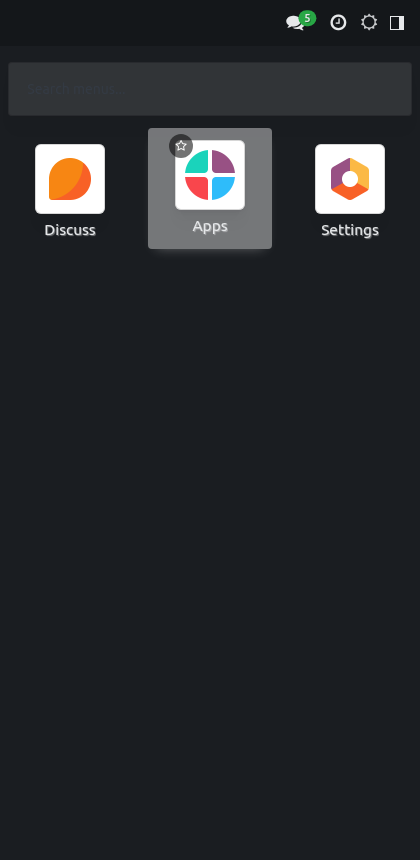
Pin a favorite — hover a card and click its star to pin it. Pinned apps float to the top of the grid (keeping their relative order); click the star again to unpin. On mobile. The layout is mobile-first: the navigation collapses for small screens, the control panel and list headers stay sticky as you scroll, and the command palette and chatter are tuned for touch.
Dark mode and your accent apply on mobile exactly as on desktop. Customization. For administrators who want to influence defaults: Default appearance for new users — the out-of-the-box defaults are Light appearance and the Seagreen accent. To start a user somewhere else, open Settings ▸ Users ▸ (the user) and set Backend Appearance, Accent Preset and Accent Color on their form.
A company brand color — set the Accent Preset to Custom and enter your brand hex in Accent Color on each user (or as part of your user-provisioning template). Because the accent is a runtime CSS variable, no SCSS edit is needed for a brand color. Deeper SCSS changes — the dark palette and the accent surfaces live in static/src/scss/bf_dark.scss and static/src/scss/bf_accent.scss, and the full OPL-1 source ships with the module, so a developer can adjust the SCSS and rebuild the assets if a deeper restyle is required. The shipped behavior needs no such edit.
Note: appearance is intentionally per user. There is no single global on/off switch — the theme is always active once installed, and each user controls their own look. Troubleshooting - The theme does not look applied after install The backend asset bundle is cached. Hard-refresh the browser (Ctrl/Cmd+Shift+R), then, if needed, regenerate assets: Settings ▸ (developer mode) ▸ Technical ▸ Regenerate Assets Bundles, or restart Odoo with --dev=assets while testing.
- Dark mode does not stick after reload The toggle saves to your own user record. If you are an impersonated/demo session or a public user, the write may be blocked — sign in as your real internal user. Also confirm your browser is not clearing localStorage on exit (used only to avoid a flash; the saved preference still lives on your account). - Auto mode never switches to dark Auto follows the operating system.
Set your OS/browser to dark and ensure the browser supports prefers-color-scheme; otherwise pick Dark explicitly. - The module will not install ("excludes web_enterprise") This is a Community backend theme and excludes the Enterprise web client. On an Enterprise database it will not install; use it on Community Edition. Now the part most videos leave out: what this does not do.
Community backend only. The theme targets Odoo 17 Community and excludes the Enterprise web client; it does not run side-by-side with Enterprise. Backend, not website. It restyles the internal web client; it is not a website or eCommerce theme and does not change the public-facing site.
Personalization is per user. There is no single global theme switch or forced company-wide color; defaults are set per user. One backend theme at a time. Run only one backend theme; multiple themes that restyle the same web client will conflict.
The complete manual is at docs dot bambooforge dot dev, the demo database is linked from the store page, and support answers within twenty-four hours. Links are in the description.

Key facts
- What it is
- A modern, fully responsive backend theme for Odoo Community: dark mode, per-user accent colours, drag-to-reorder apps and pinned favourites.
- For
- Extra Tools
- Odoo versions
- 16.0, 17.0, 18.0, 19.0, 20.0 - Community and Enterprise
- Runs on
- Odoo.sh or Odoo you host yourself - not Odoo Online, which accepts no third-party apps
- Price
- 89 EUR, one-time, on the Odoo Apps Store
- Technical name
- bambooforge_backend_theme
- Not for
- Community backend only. The theme targets Odoo 20 Community and excludes the Enterprise web client; it does not run side-by-side with Enterprise.; Backend, not website. It restyles the internal web client; it is not a website or eCommerce theme and does not change the public-facing site.; Personalization is per user. There is no single global theme switch or forced company-wide color; defaults are set per user.; One backend theme at a time. Run only one backend theme; multiple themes that restyle the same web client will conflict.
- Live demo
- https://demo20.bambooforge.dev/odoo
- Manual last updated
- 2026-10-15
Backend Theme for Odoo Community
A modern, fully responsive backend theme for Odoo 20 Community that lets every user make Odoo their own — a one-click dark mode, a personal accent color, a full-screen app grid with fuzzy search, plus drag-to-reorder and pinned favorite apps. It is a polished fork of OCA web_responsive with a per-user appearance engine on top.
This page is the complete manual. If you follow it top to bottom you can install the theme, enable it, set every option, and fix the common issues without contacting support.
Overview
The theme restyles the Odoo 20 backend (the internal web client) and adds the personalization features usually reserved for Enterprise:
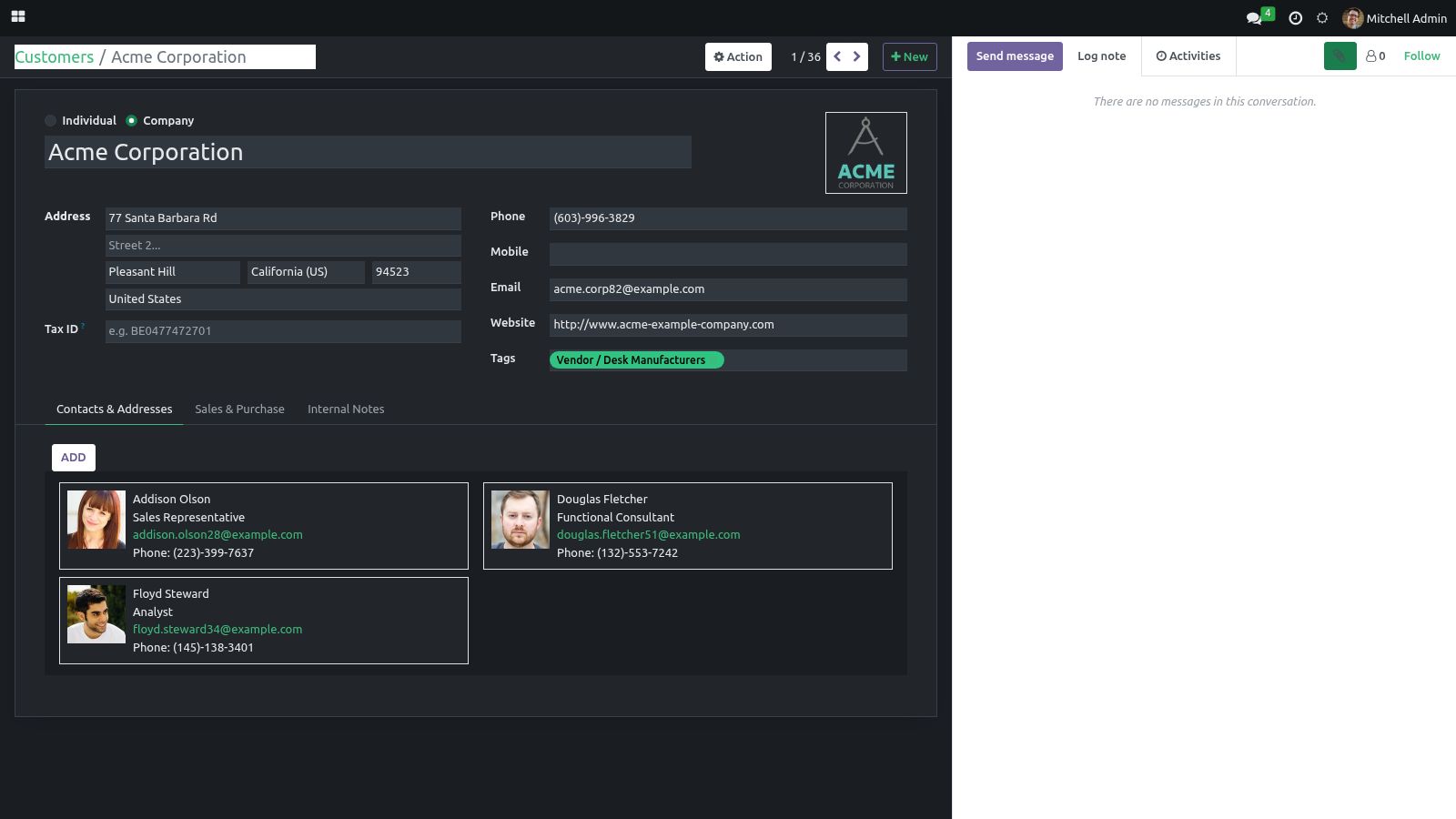
Dark mode (per user) — a true backend dark theme. Each user chooses Light, Dark, or Auto (follow system), and the choice is saved on their own account.
Personal accent color — pick one of six ready-made palettes or any custom hex. Buttons, links, active menus, tabs, toggles and the selected status-bar stage all recolor live, with no recompiling and no administrator involved.
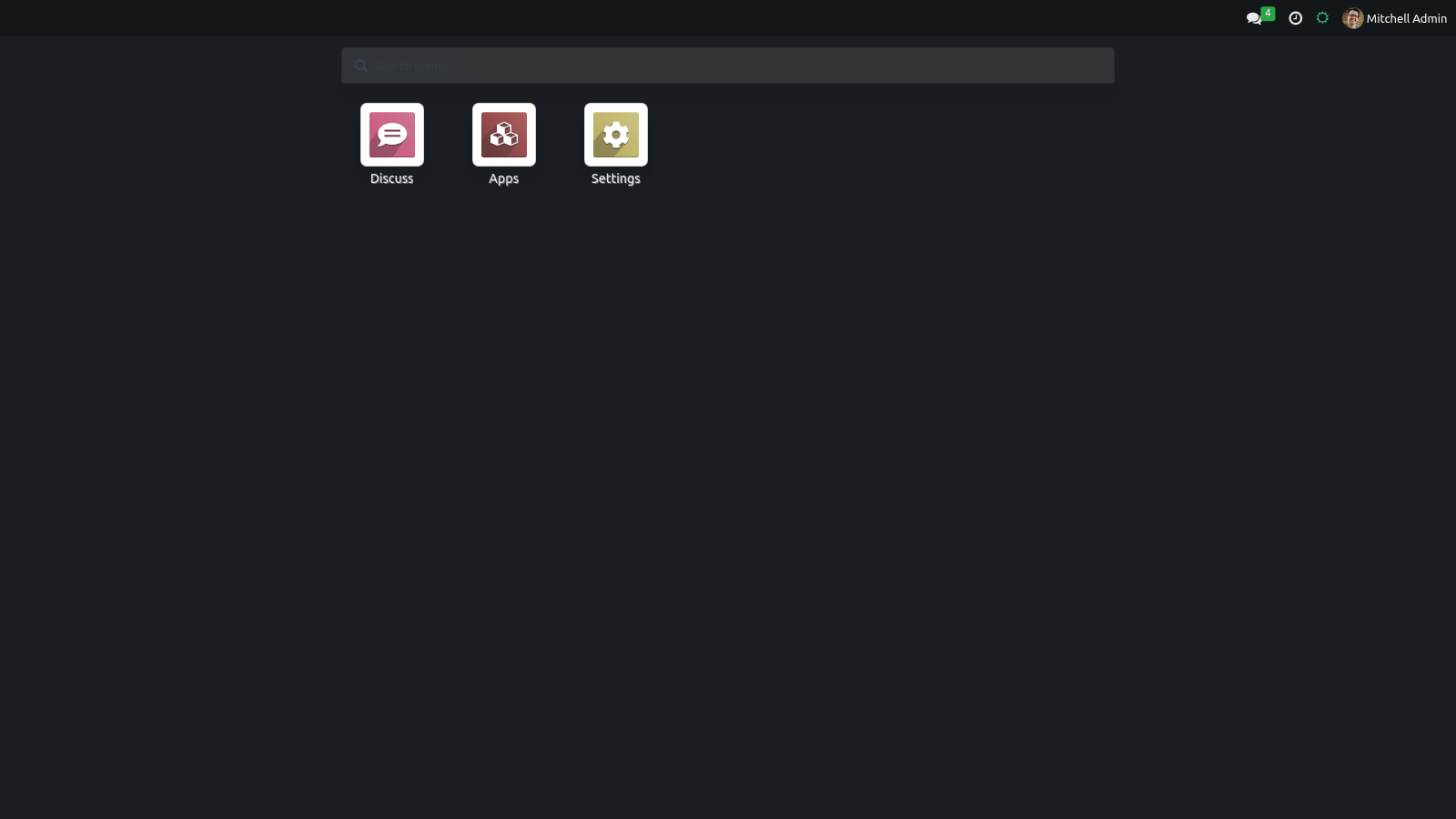
Full-screen app grid with fuzzy search — a card grid of apps with a Fuse.js fuzzy search across apps and deep menus, full keyboard navigation and hotkeys.
Drag-to-reorder apps — rearrange the home apps grid by drag & drop; the order is remembered per user.
Pinned favorite apps — star the apps you use most and they float to the top of the grid.
Fully responsive layout — a mobile-first layout for phone, tablet and desktop, a touch-tuned command palette and chatter, sticky control panel and list headers, roomier forms and a polished file viewer.
Every appearance choice is stored on the user's own record (res.users) and is exposed to the web client at login, so the theme is applied before the first paint — there is no flash of the old style on reload.
Requirements
Item |
Detail |
|---|---|
Odoo |
19.0 Community Edition. The module declares excludes: web_enterprise, so it does not install alongside the Enterprise web client. |
Scope |
This is a backend theme: it restyles the internal web client only. It is not a website/eCommerce theme and does not change the public website. |
Dependencies |
The Odoo web and mail modules (both part of a standard install). No extra Python libraries are required. |
Access |
Any internal user can set their own appearance. No special group is needed. |
Browser |
A current evergreen browser (Chrome, Firefox, Edge, Safari). Dark mode uses the CSS prefers-color-scheme media query for the Auto option. |
Installation
Copy bambooforge_backend_theme into your Odoo addons path.
Restart the Odoo service.
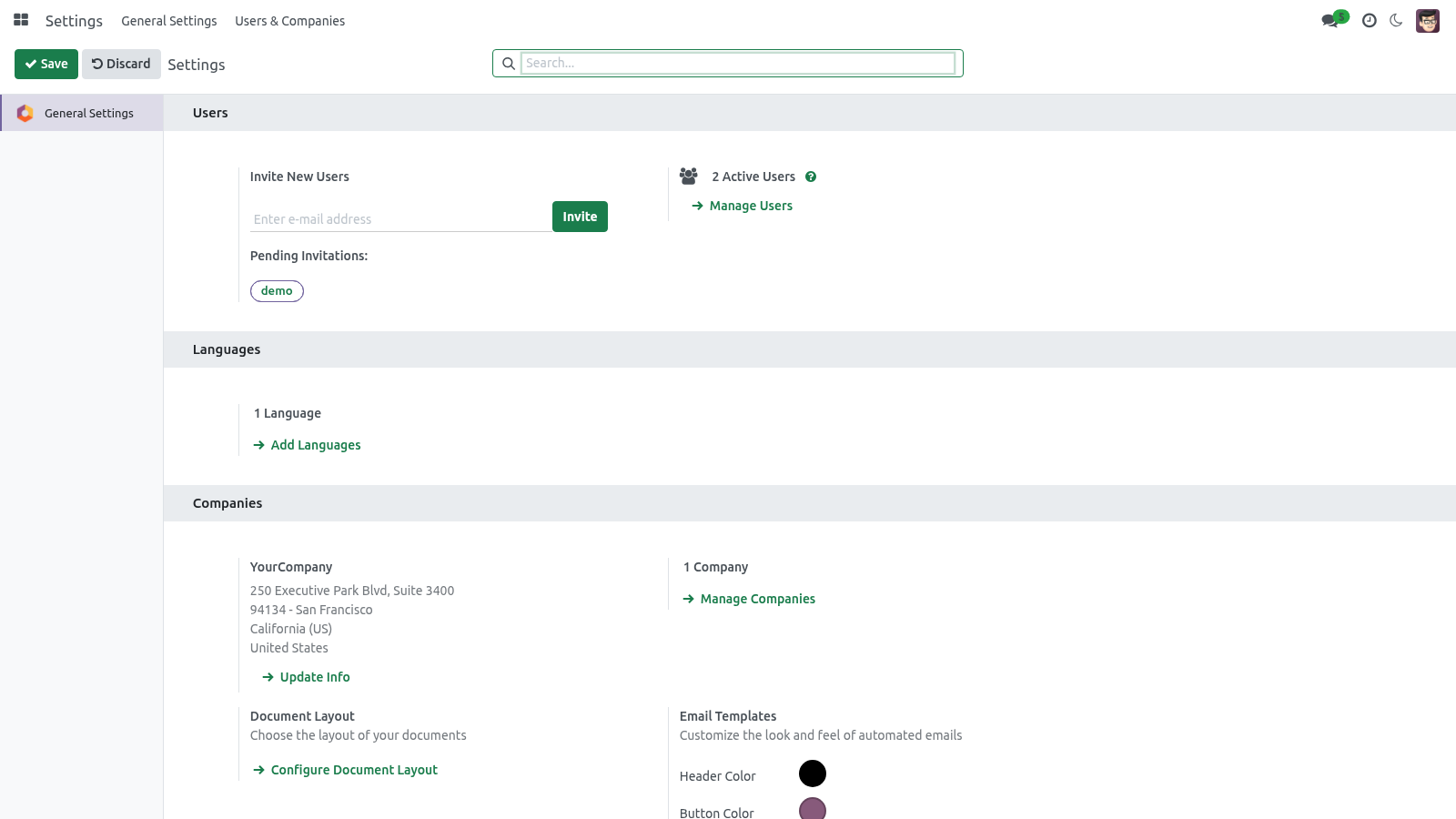
Open Apps, click Update Apps List, search for bambooforge_backend_theme and press Activate / Install. The web and mail dependencies install automatically.
The theme applies automatically the moment it is installed: it is loaded as part of the backend asset bundle (web.assets_backend), so there is no switch to flip to "turn the theme on". On your next page load the backend already uses the new layout. From there, each user personalizes their own appearance (next section).
There is nothing to configure on a second platform — this is a self-contained Odoo theme with no companion app and no external service.
Options & personalization
Every option below is per user — your choice never changes anyone else's screen.
Where you set them
There are two places, plus a one-click systray shortcut:
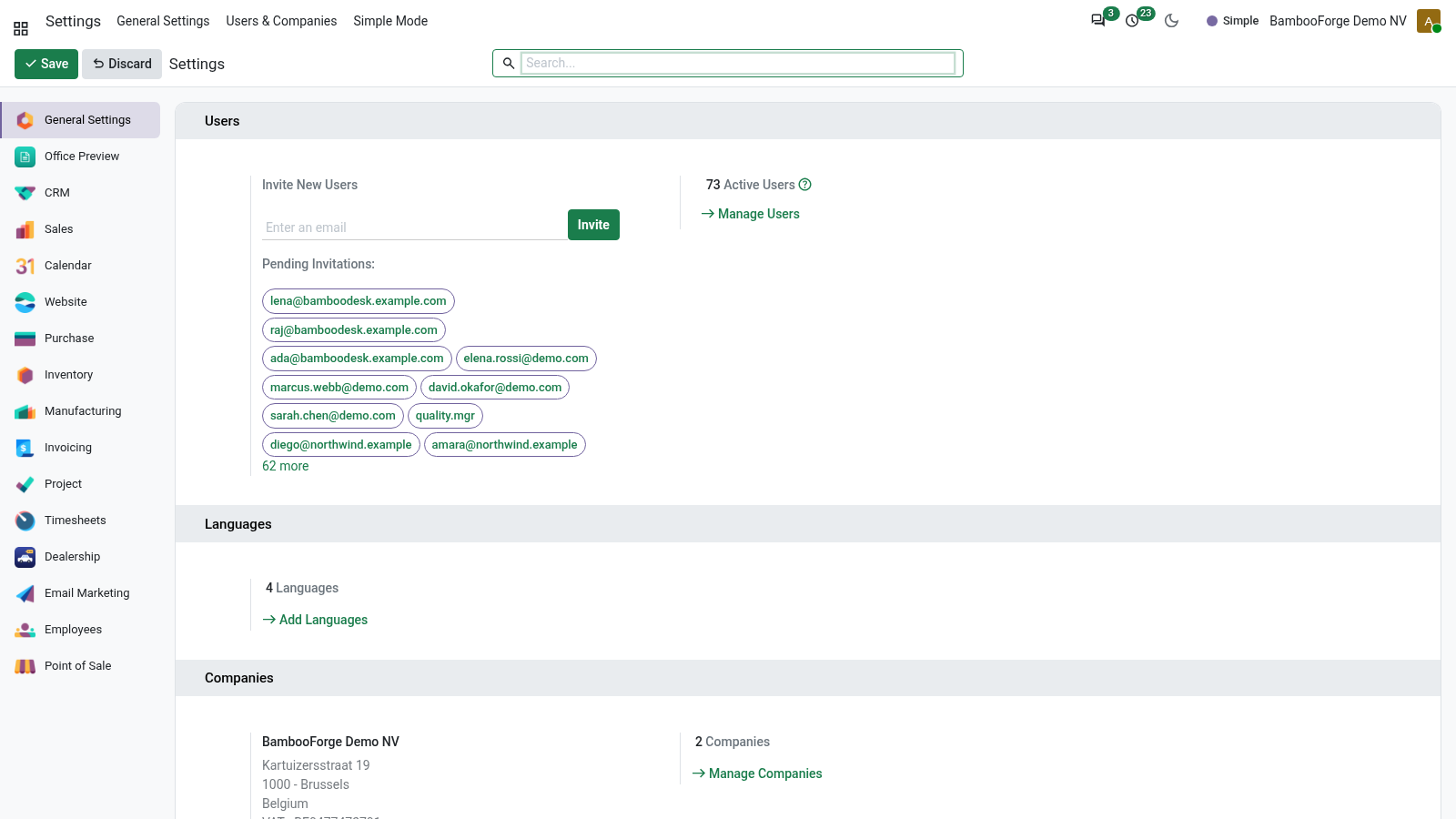
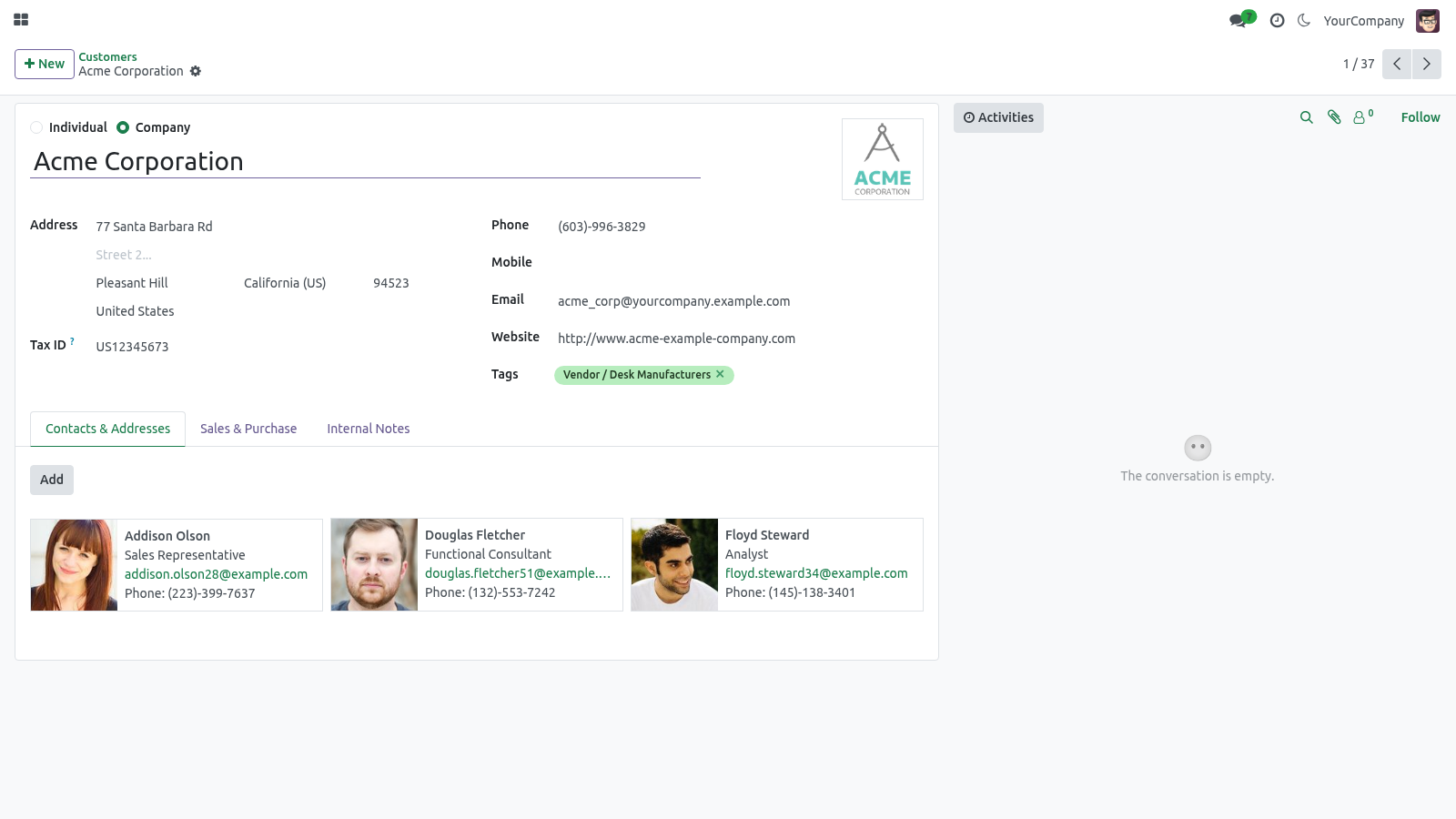
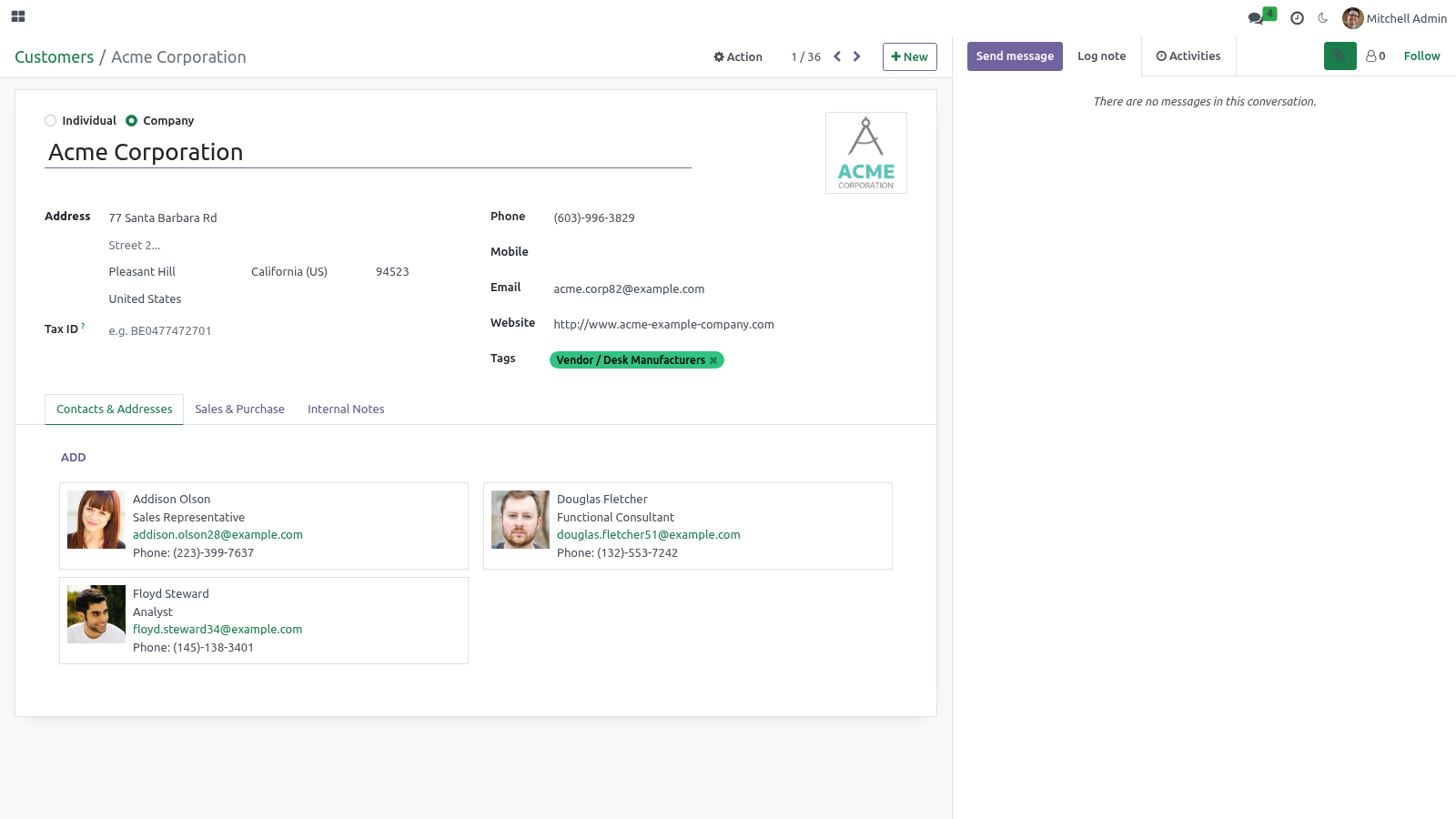
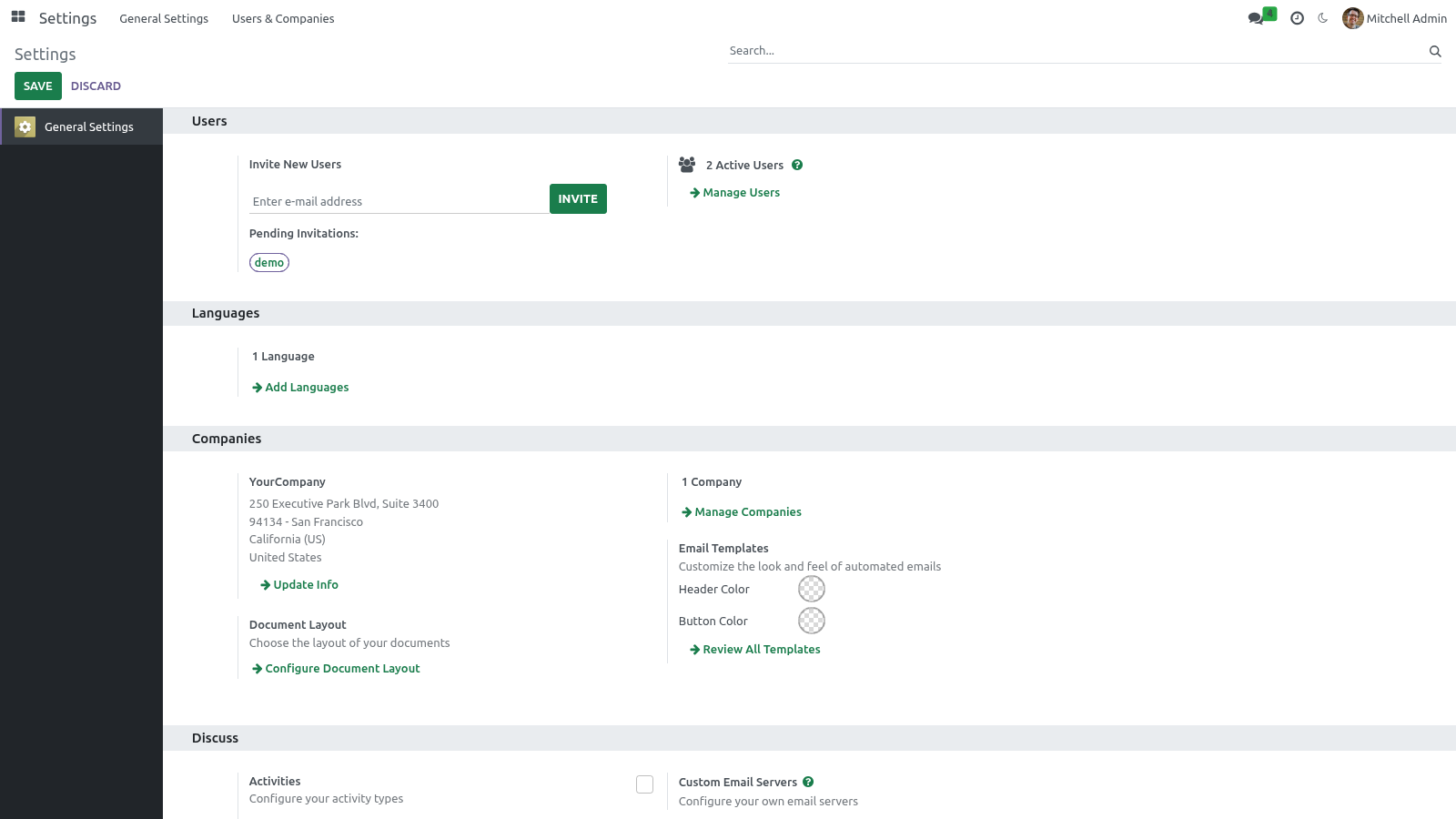
Preferences (the avatar menu, top-right ▸ Preferences). This is the main place. Three fields are added right under your Timezone:
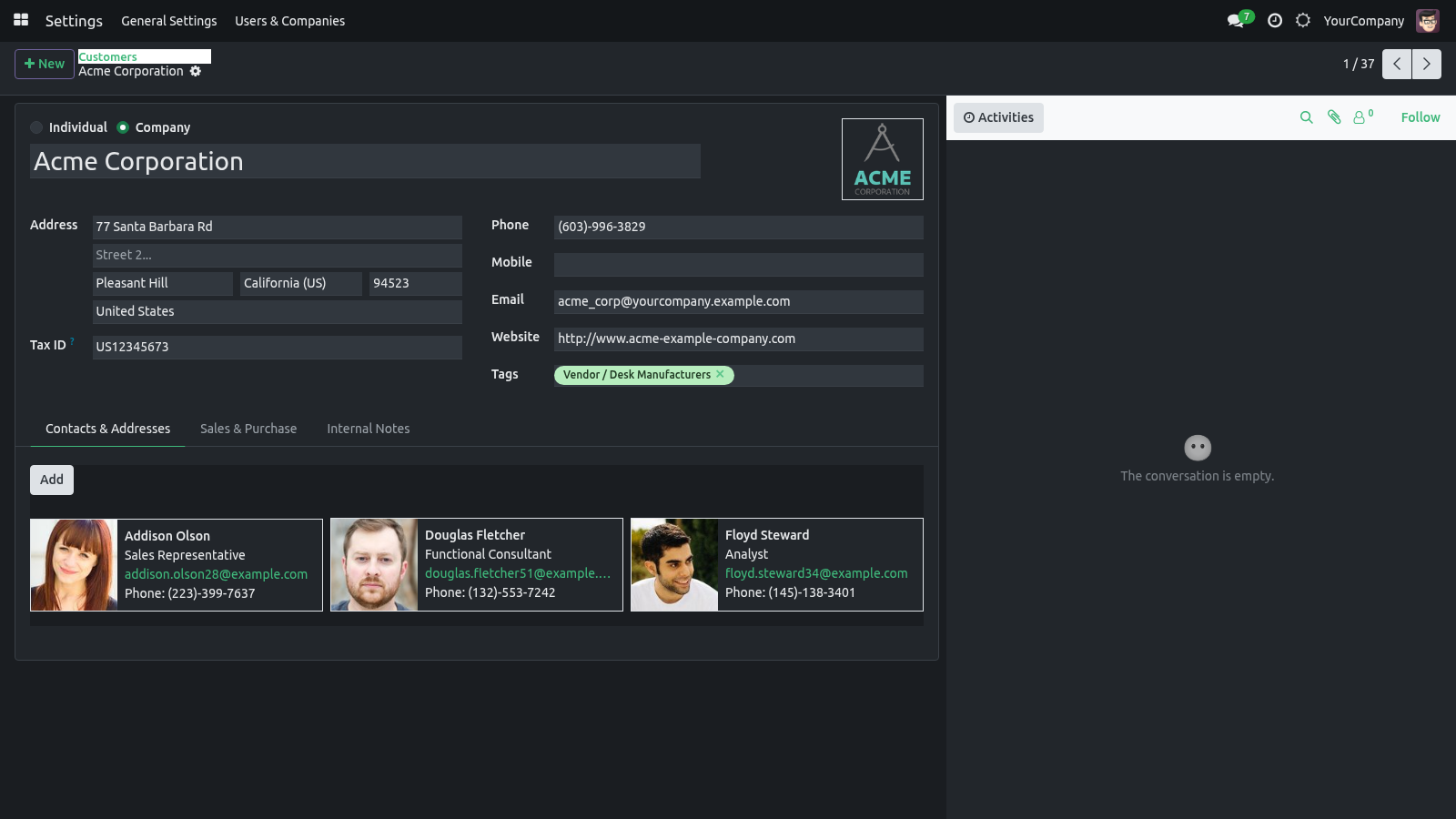
Backend Appearance — Light / Dark / Auto (follow system).
Accent Preset — one of six palettes, or Custom.
Accent Color — the live hex color picker (used when the preset is Custom, or to fine-tune any preset).
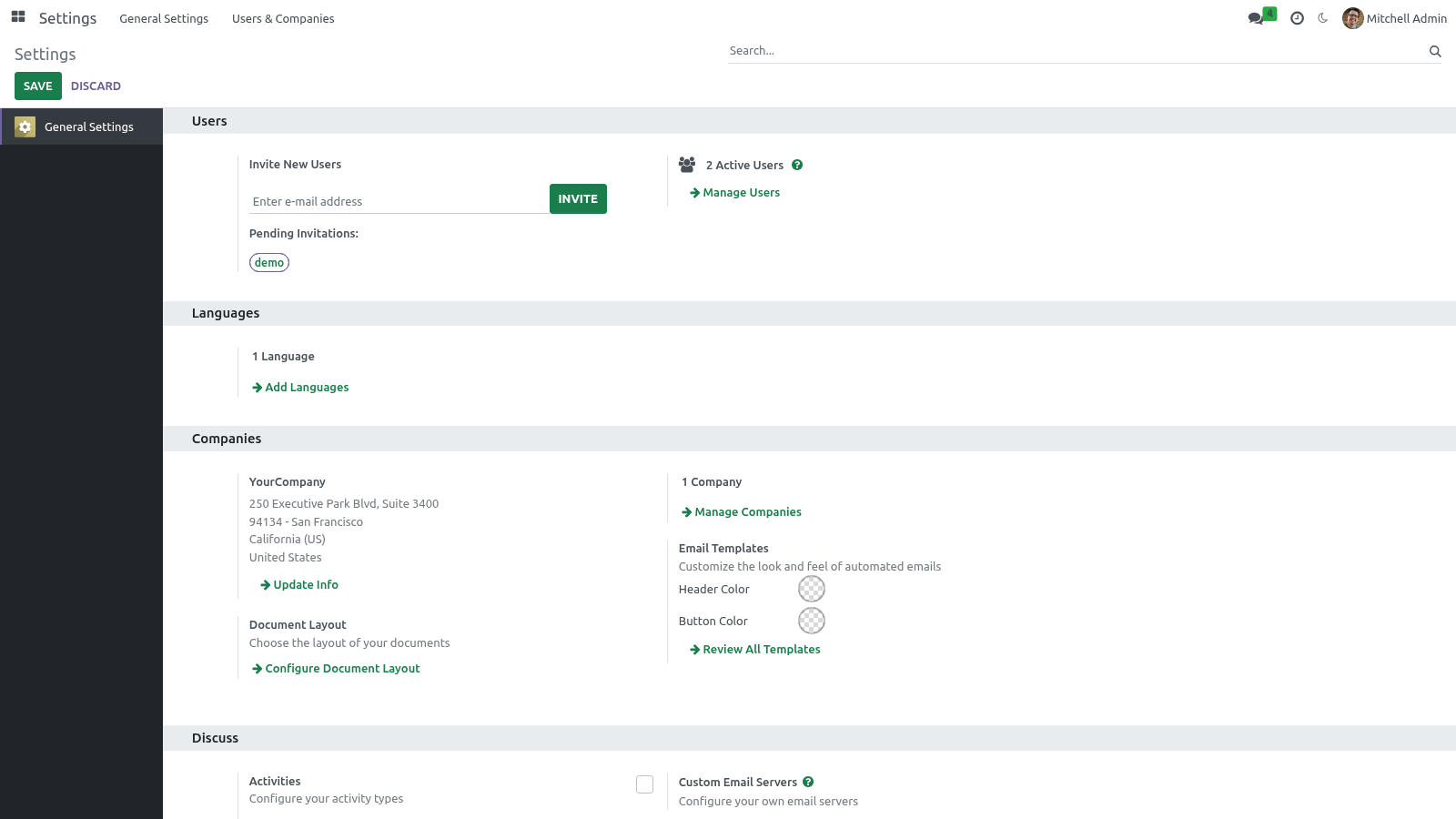
Settings ▸ Users ▸ (a user) — an administrator sees the same three fields on any user's form and can set a starting appearance for them.
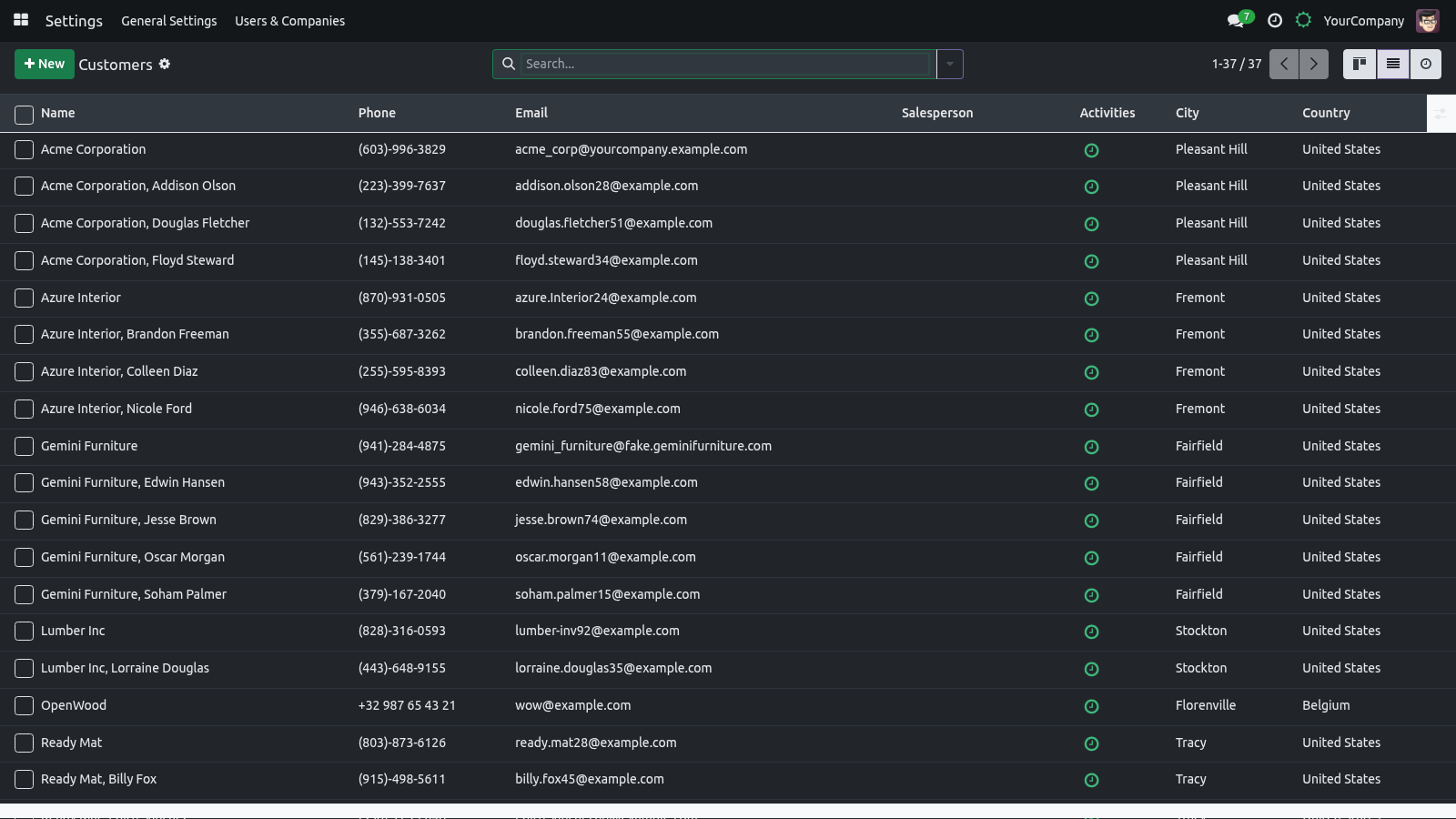
The systray dark-mode toggle — a sun / moon button in the top bar that flips between Light and Dark instantly and saves the choice to your account.
Dark mode
Backend Appearance has three values:
Value |
Behavior |
|---|---|
Light |
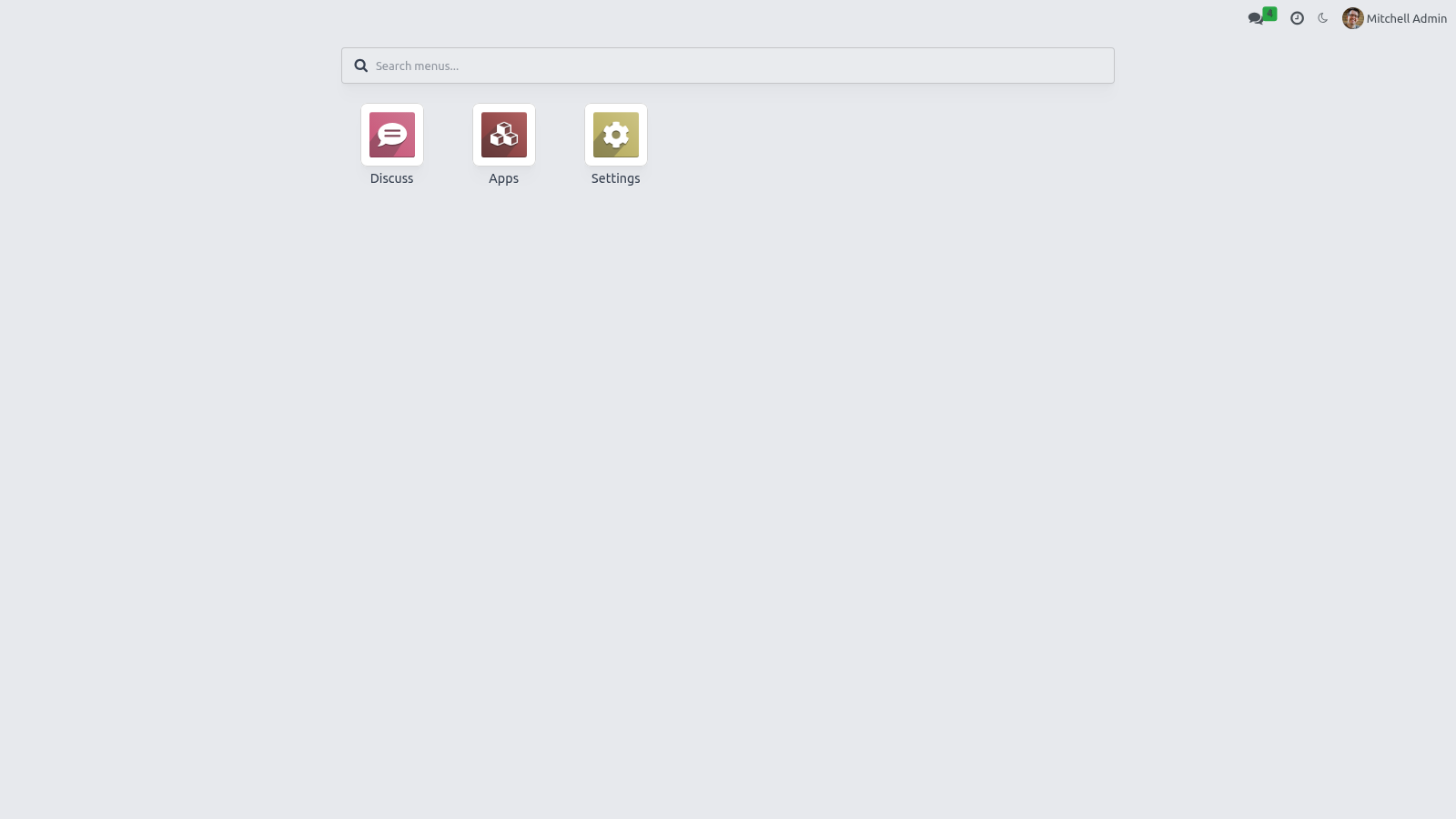
The default. Standard light backend. |
Dark |
A true dark theme (dark backgrounds, light text) scoped so the light theme is never touched. |
Auto (follow system) |
Follows your operating system's light/dark setting and flips live when the OS setting changes. |
The systray sun / moon button is the fast path: it toggles Light ⇄ Dark and persists the choice immediately — no need to open Preferences.
Accent color
The Accent Preset field offers six ready-made palettes plus Custom:
Preset |
Hex |
Notes |
|---|---|---|
Seagreen |
#1A7D4C |
The default accent. |
Ocean |
#1F6FEB |
A clear blue. |
Violet |
#7B3FE4 |
A purple accent. |
Sunset |
#E8590C |
A warm orange. |
Ruby |
#C2255C |
A pink/red accent. |
Graphite |
#3A4047 |
A neutral, low-key gray. |
Custom |
any hex |
Keeps whatever color you set in Accent Color. |
Picking a preset fills the Accent Color hex automatically; choosing Custom leaves the hex as-is so you can dial in any brand color with the picker. The accent drives the highlight color of buttons, links, active menus, notebook tabs, checkboxes, switches, the focused search box and the selected status-bar stage. Recoloring happens live — the bundle is compiled once and the color is applied at runtime as a CSS variable, so there is no SCSS recompile and no administrator step.
While you drag the color picker, the whole backend previews the color live; it is saved to your account only when you save the Preferences form.
Usage
The apps menu
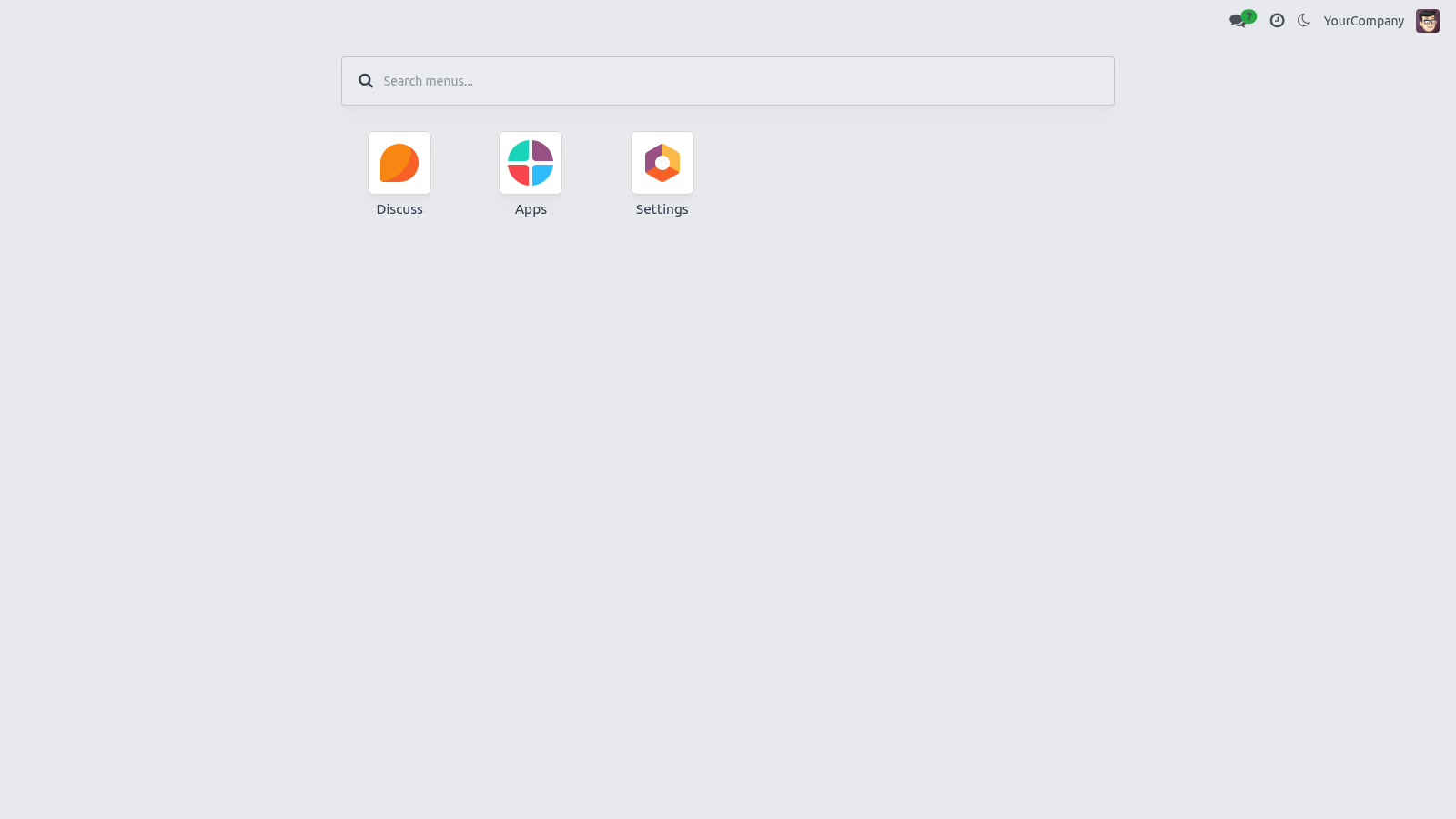
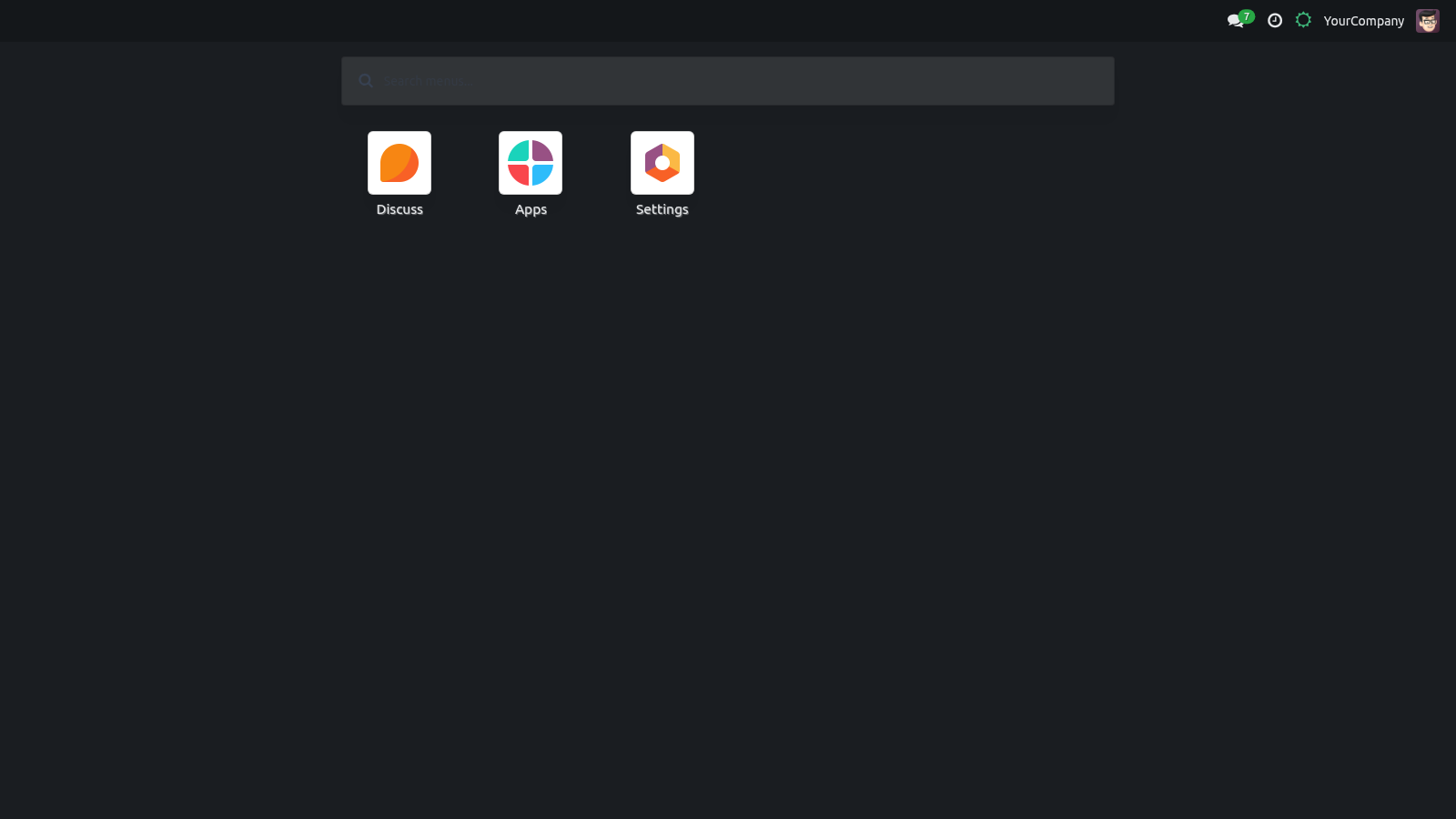
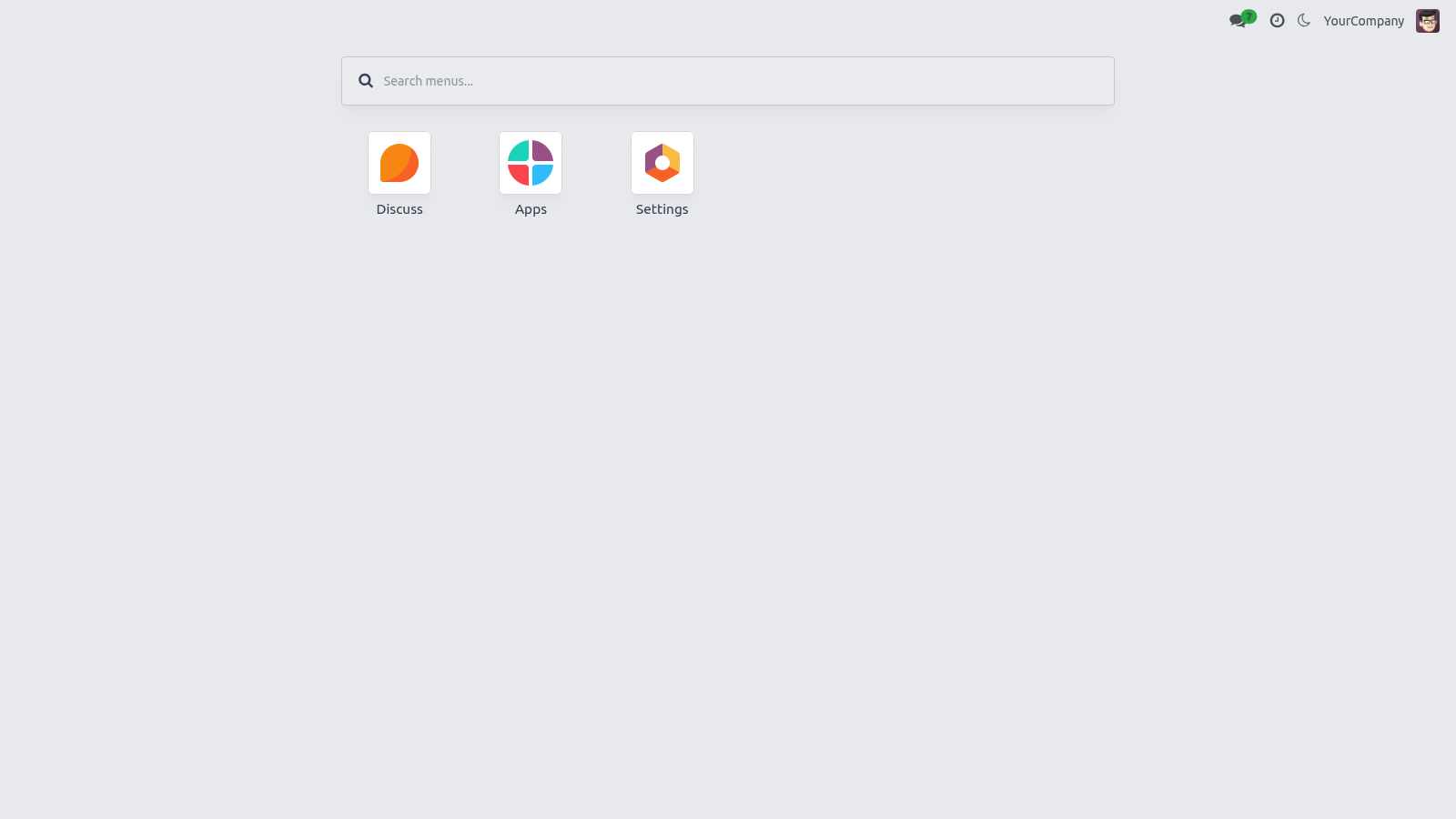
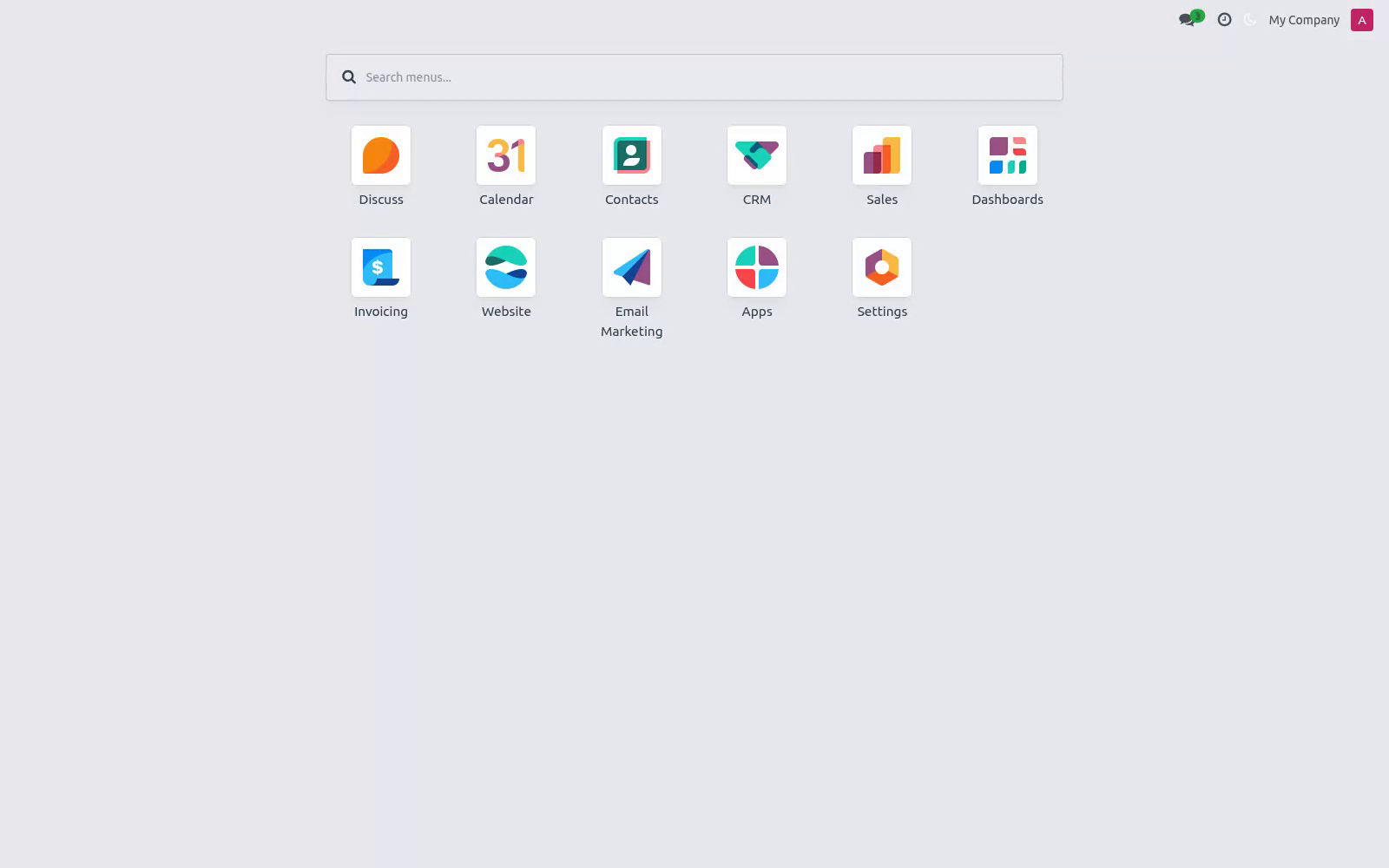
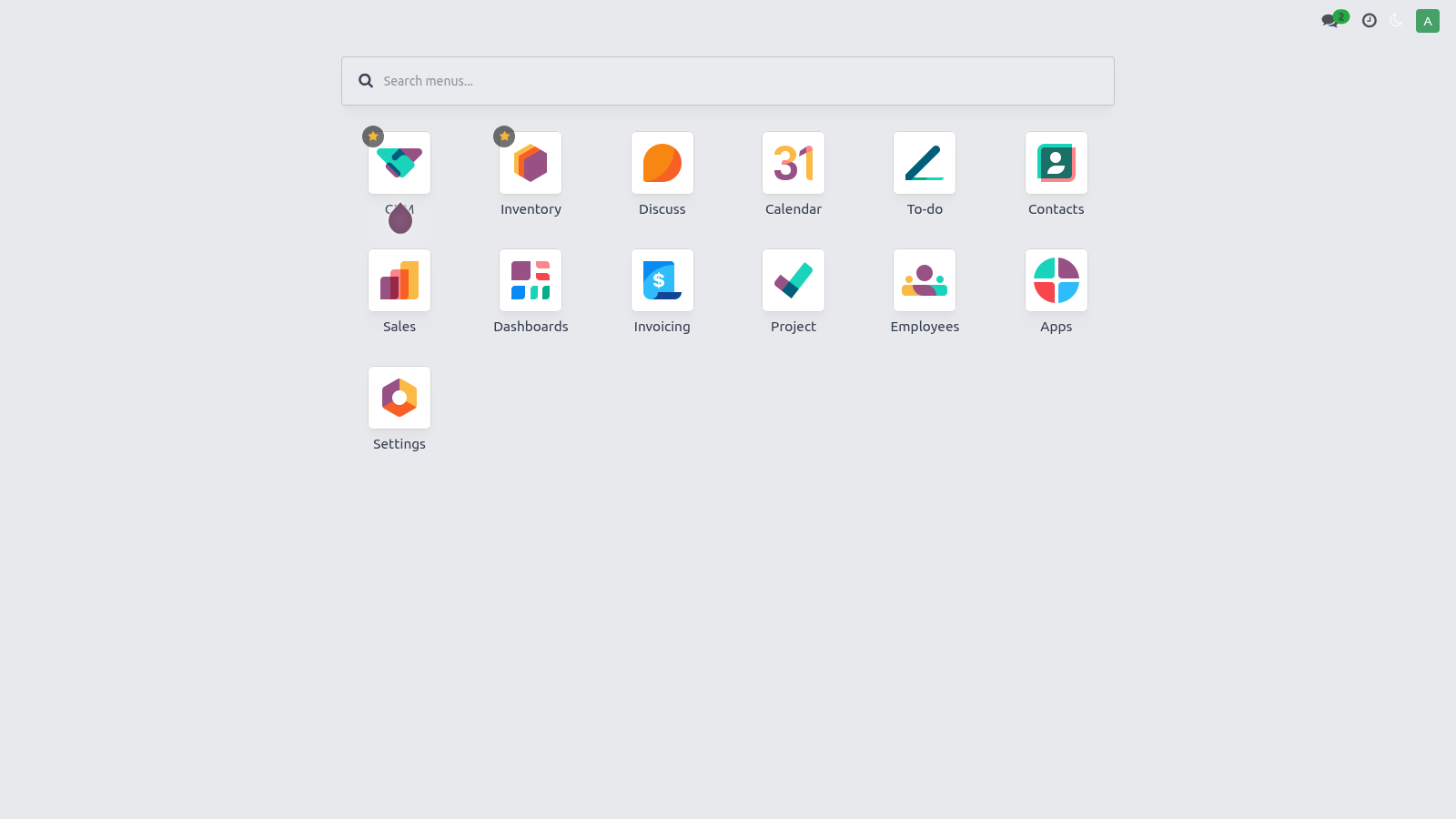
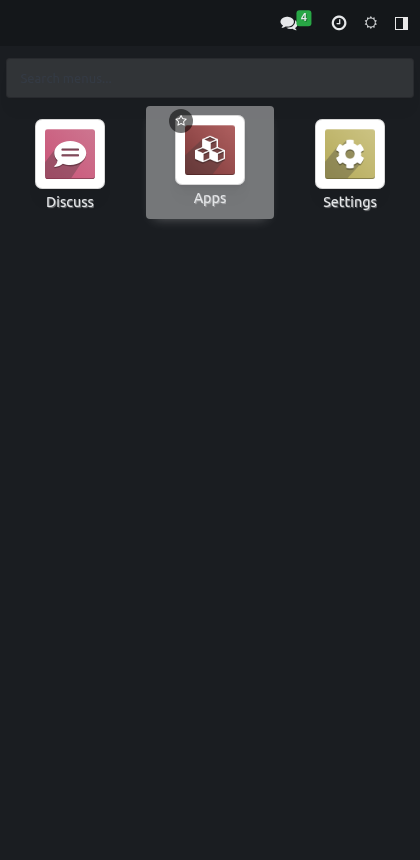
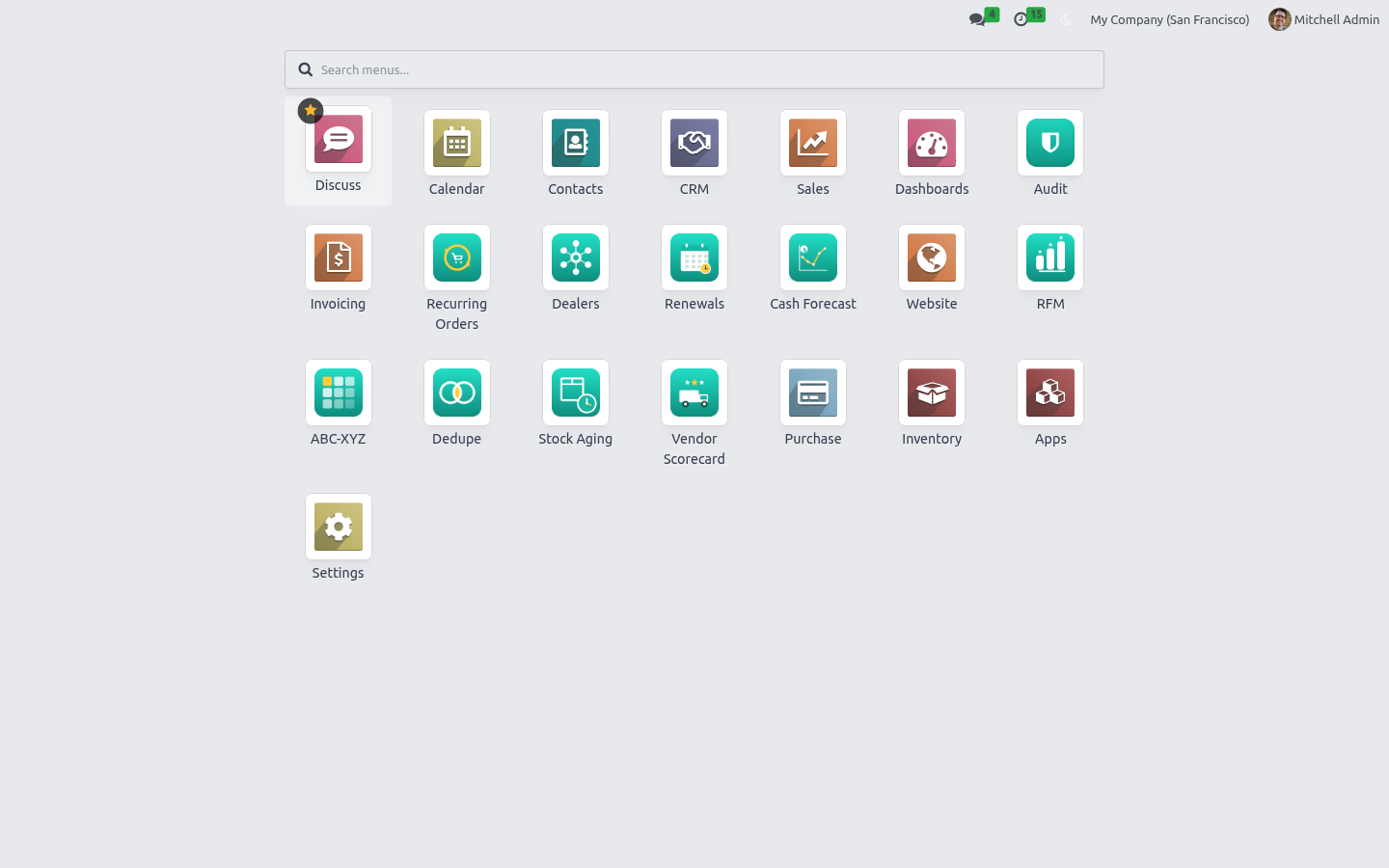
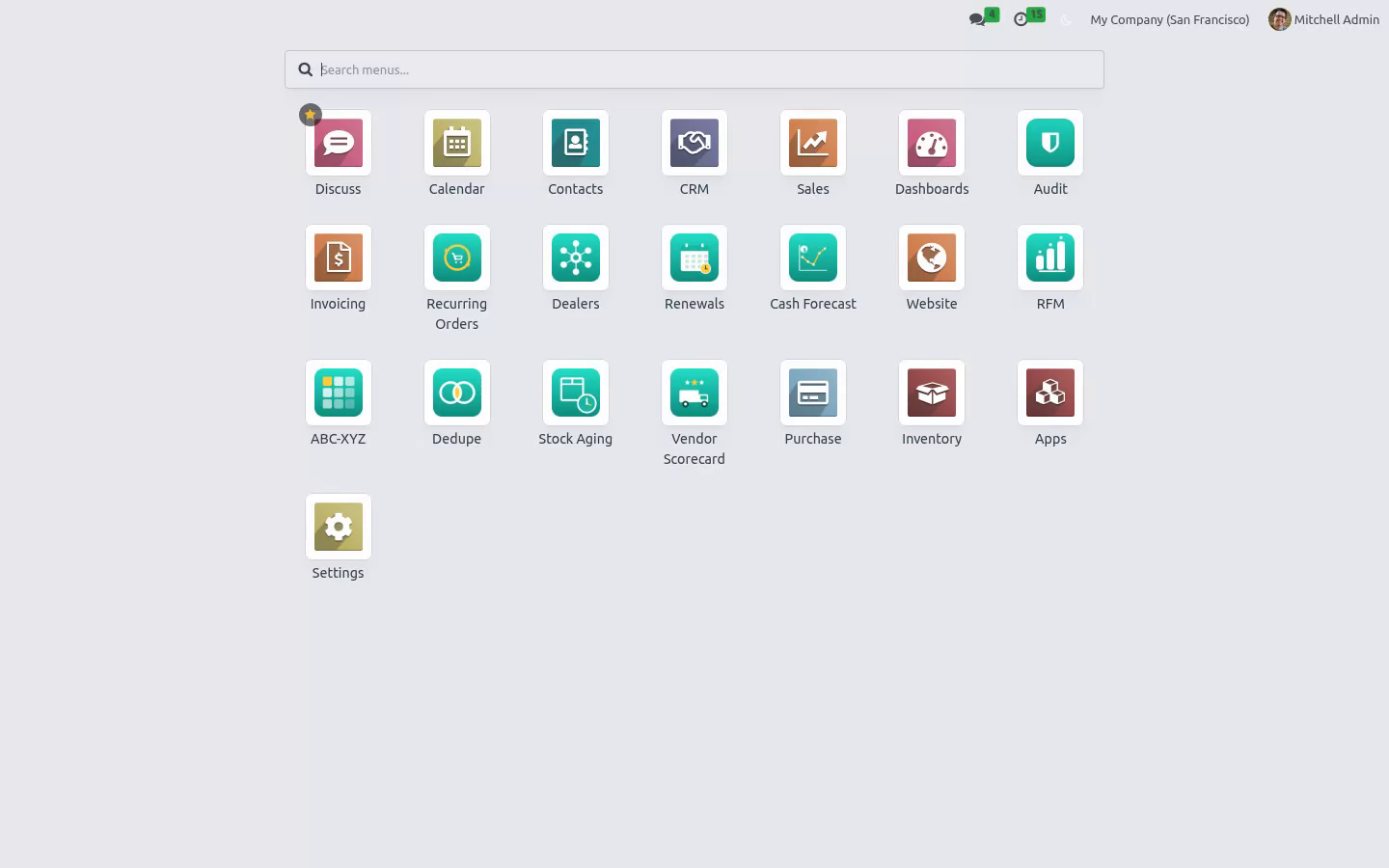
Click the apps / home button in the top-left to open a full-screen card grid of every app you can access.
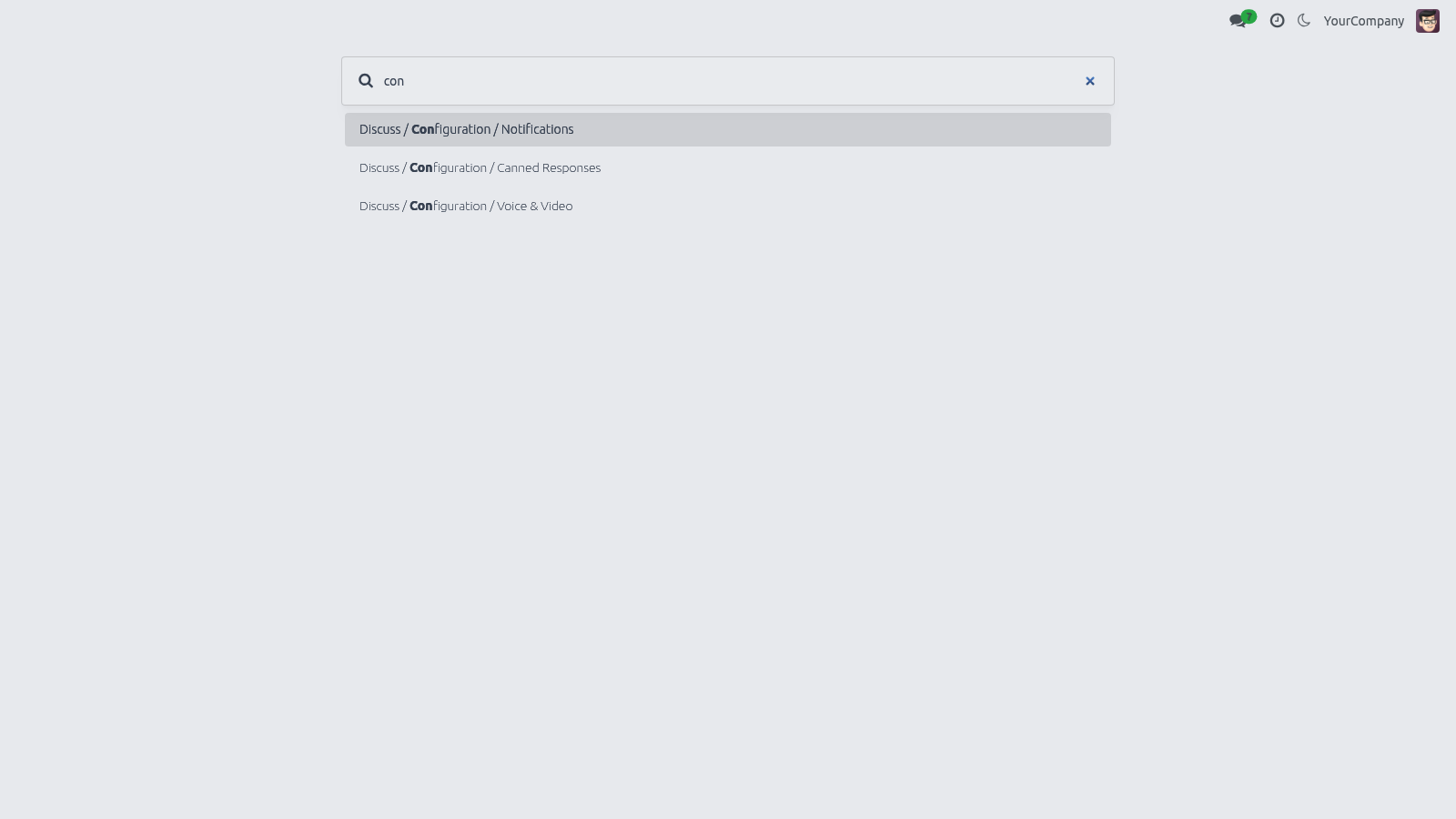
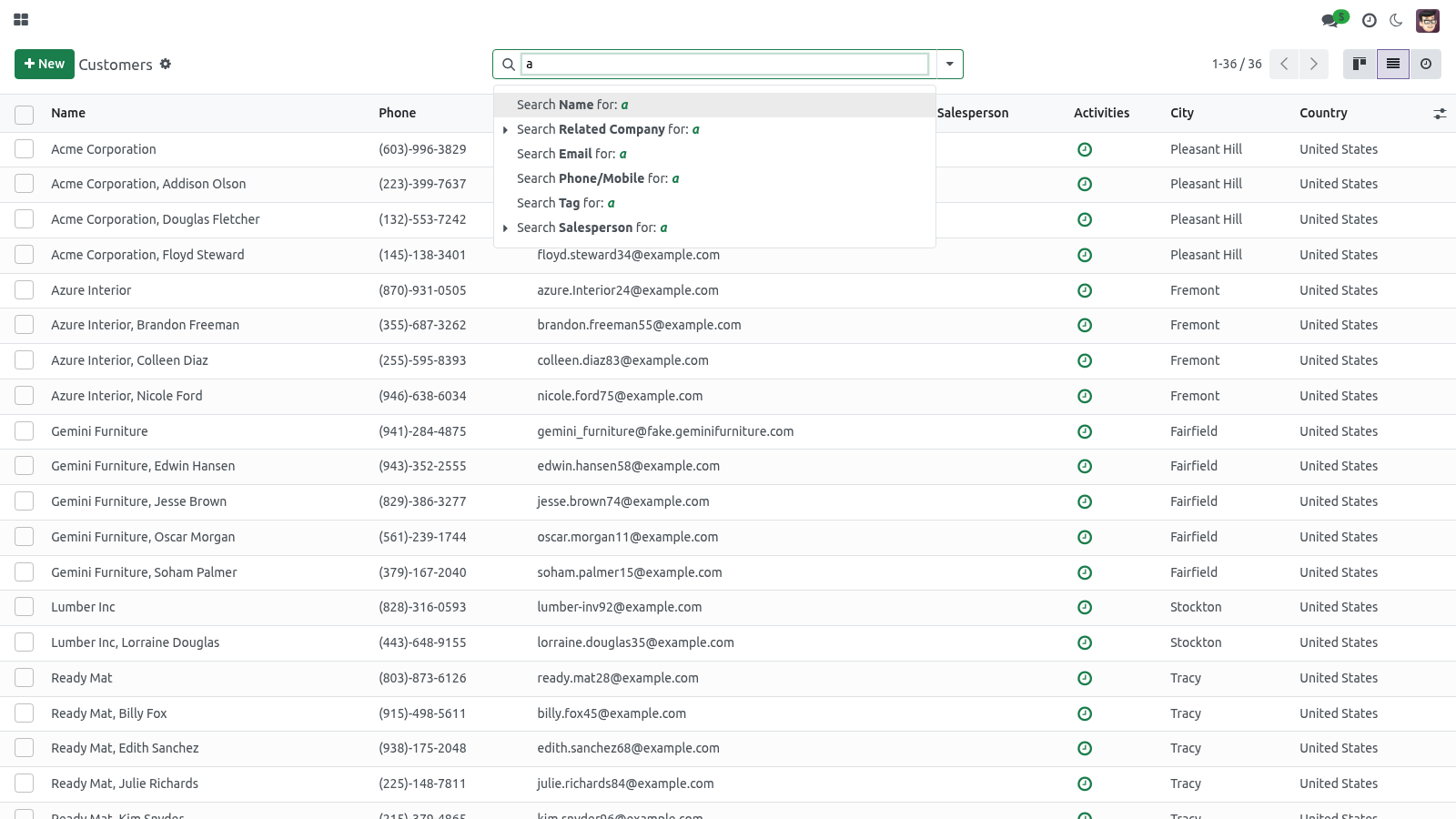
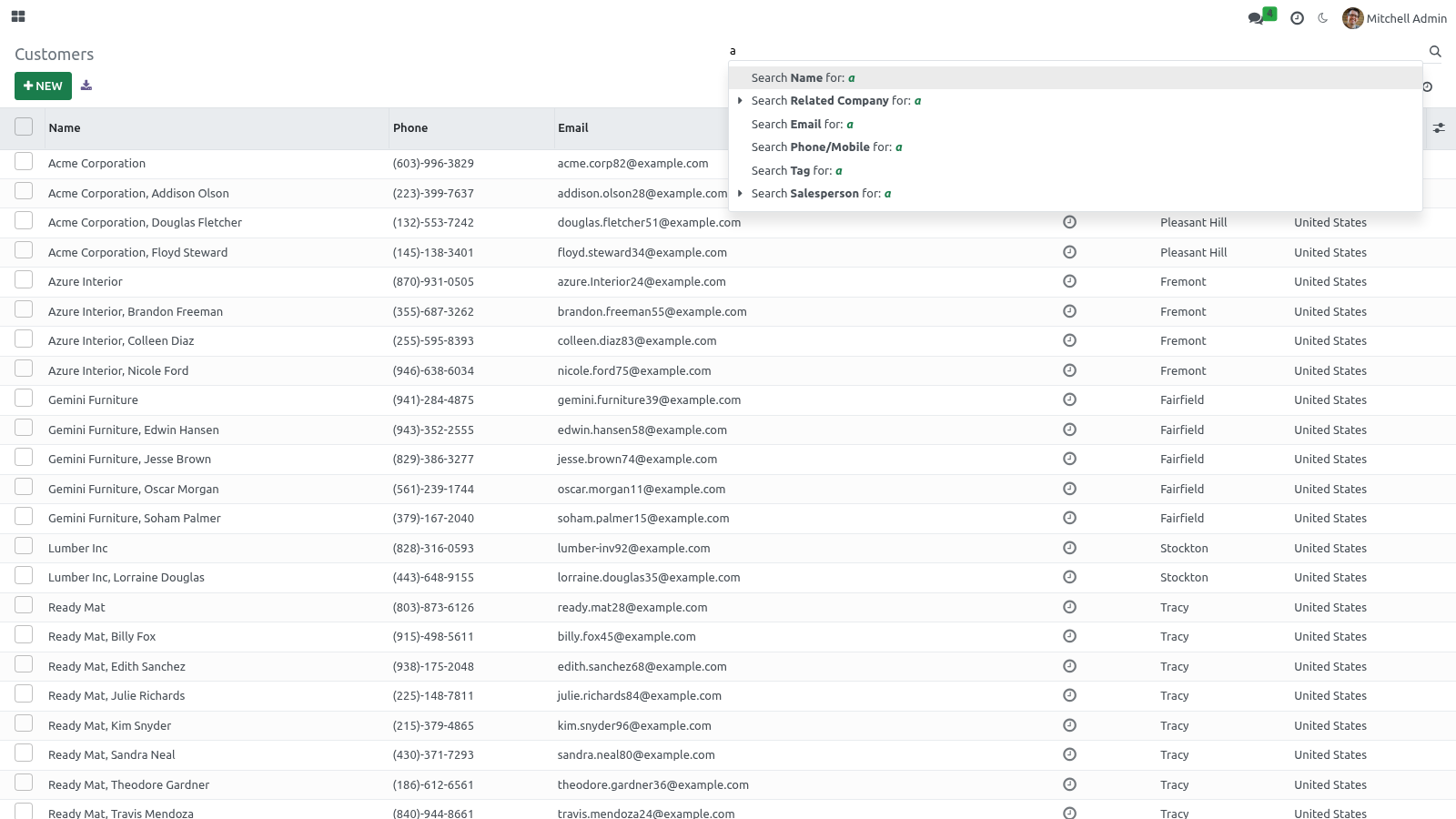
Fuzzy search — start typing in the search box at the top. It searches across app names and their deep menu entries with a forgiving (fuzzy) match, so a near-miss or typo still finds the menu. Results update as you type.
Keyboard navigation — use the arrow keys to move between cards and Esc to close the grid, so you can drive the launcher without the mouse.
Reorder and pin apps
Drag to reorder — with the apps grid open, drag any card to a new position. The new order is saved to your account and used every time you open the grid. A newly installed app that has no saved position simply appears at the end.
Pin a favorite — hover a card and click its star to pin it. Pinned apps float to the top of the grid (keeping their relative order); click the star again to unpin.
Both the personal order and the pinned set are stored on your own user record, so they follow you across devices and sessions.
On mobile
The layout is mobile-first: the navigation collapses for small screens, the control panel and list headers stay sticky as you scroll, and the command palette and chatter are tuned for touch. Dark mode and your accent apply on mobile exactly as on desktop.
Customization
For administrators who want to influence defaults:
Default appearance for new users — the out-of-the-box defaults are Light appearance and the Seagreen accent. To start a user somewhere else, open Settings ▸ Users ▸ (the user) and set Backend Appearance, Accent Preset and Accent Color on their form.
A company brand color — set the Accent Preset to Custom and enter your brand hex in Accent Color on each user (or as part of your user-provisioning template). Because the accent is a runtime CSS variable, no SCSS edit is needed for a brand color.
Deeper SCSS changes — the dark palette and the accent surfaces live in static/src/scss/bf_dark.scss and static/src/scss/bf_accent.scss, and the full OPL-1 source ships with the module, so a developer can adjust the SCSS and rebuild the assets if a deeper restyle is required. The shipped behavior needs no such edit.
Note: appearance is intentionally per user. There is no single global on/off switch — the theme is always active once installed, and each user controls their own look.
Troubleshooting
Symptom |
Cause and fix |
|---|---|
The theme does not look applied after install |
The backend asset bundle is cached. Hard-refresh the browser (Ctrl/Cmd+Shift+R), then, if needed, regenerate assets: Settings ▸ (developer mode) ▸ Technical ▸ Regenerate Assets Bundles, or restart Odoo with --dev=assets while testing. |
Dark mode does not stick after reload |
The toggle saves to your own user record. If you are an impersonated/demo session or a public user, the write may be blocked — sign in as your real internal user. Also confirm your browser is not clearing localStorage on exit (used only to avoid a flash; the saved preference still lives on your account). |
Auto mode never switches to dark |
Auto follows the operating system. Set your OS/browser to dark and ensure the browser supports prefers-color-scheme; otherwise pick Dark explicitly. |
The module will not install ("excludes web_enterprise") |
This is a Community backend theme and excludes the Enterprise web client. On an Enterprise database it will not install; use it on Community Edition. |
Conflicts with another backend theme |
Two backend themes that both restyle the web client will fight over the same components. Install only one backend theme at a time; uninstall the other, then regenerate assets. |
The accent color does not change |
The accent is saved when you save the Preferences form (the picker only previews while dragging). Save the form; if it still looks unchanged, hard-refresh to clear the asset cache. A Custom preset uses exactly the hex in Accent Color. |
Mobile layout looks broken / zoomed |
A stale cached bundle from before install. Hard-refresh on the device and confirm the page is not pinned-zoomed; the layout is responsive once fresh assets load. |
A drag reorder or pin did not save |
Reordering and pinning write to your own user record. If you are in a read-only or impersonated session the write is rejected — use your real internal user and retry. |
Frequently asked questions
Which Odoo versions does it support? Odoo 20.0 Community Edition. It excludes the Enterprise web client by design.
Is this a website theme? No. It restyles the backend (internal web client) only. The public website is unchanged.
Do I have to switch the theme on after installing? No. It applies automatically as part of the backend assets. Each user then personalizes their own dark mode and accent.
Is each user's choice private? Yes. Appearance, accent, app order and pinned apps are all stored per user, so your settings never change anyone else's screen.
Which accent colors are available? Six presets — Seagreen (default), Ocean, Violet, Sunset, Ruby, Graphite — plus a Custom hex you can set with the color picker.
Where do I turn on dark mode? Either the sun / moon button in the systray (instant toggle) or Preferences ▸ Backend Appearance, where you can also choose Auto (follow system).
Can an admin set a company-wide brand color or default? An admin can set each user's starting appearance and accent on Settings ▸ Users. There is no single forced global color, because appearance is per user by design; for a brand color, set Custom + your hex on the users (or your provisioning template).
Does it work on phones and tablets? Yes. The layout is mobile-first, with a touch-tuned command palette and chatter, and dark mode plus accent apply on mobile too.
What happens when I uninstall it? Uninstall is clean and reversible — the backend returns to standard Odoo styling.
What support and refund policy do I get? Every request is answered within 24 hours. If you report a bug within 2 months of purchase and it is not resolved within 15 days, you are entitled to a full money-back refund.
Limits
Community backend only. The theme targets Odoo 20 Community and excludes the Enterprise web client; it does not run side-by-side with Enterprise.
Backend, not website. It restyles the internal web client; it is not a website or eCommerce theme and does not change the public-facing site.
Personalization is per user. There is no single global theme switch or forced company-wide color; defaults are set per user.
One backend theme at a time. Run only one backend theme; multiple themes that restyle the same web client will conflict.
Support & updates
Support: support@bambooforge.dev — answered within 24 hours, setup help included.
Refund: report a bug within 2 months of purchase; if it is not resolved within 15 days, you get a full refund.
Full OPL-1 source is included. Updates track the supported Odoo 20 Community line.
Upgrading & version compatibility
This build targets Odoo 20.0. Each Odoo major series (16.0, 17.0, 18.0, 19.0, 20.0) has its own dedicated build of this module — always install the build that matches your Odoo version. Mixing a build with a different Odoo series is not supported.
Patch upgrades (same series, e.g. 20.0.1.0.0 → later)
Back up your database and filestore first.
Replace the module folder with the newer build.
Restart Odoo with the module updated:
./odoo-bin -c your.conf -u bambooforge_backend_theme -d your_db
Odoo applies any schema/data changes automatically. Your existing records and configuration are preserved.
Cross-version migration (moving to a newer Odoo)
Upgrading Odoo itself is a database migration handled by Odoo's standard upgrade tooling. When you migrate the database to the next Odoo series, install the matching build of this module for that series. Data created by this module carries over with the database migration.
Uninstallation
You can remove this module at any time from Apps → (this module) → Uninstall, or from the command line. Uninstalling is clean and reversible by reinstalling — but note what is and is not deleted.
What is removed
The fields, views and analysis definitions this module added.
The menus, actions, views and reports this module installed.
What is preserved
Your standard Odoo data (partners, products, sales, invoices, inventory moves) is not deleted — this module only reads and annotates it; the underlying records stay.
Attachments and chatter messages on standard records are kept.
As always, take a database backup before uninstalling in production.
Changelog
20.0.1.3.0
Built for Odoo 20: record rules and access rights rewritten onto Odoo 20's single ir.access model, the screens rebuilt on Owl 3, and every icon moved to the icon set Odoo 20 ships.
20.0.1.1.0
Current release for Odoo 20.0. This build includes:
Dark mode, per-user accent colors, drag-to-reorder apps & pinned favorites.
A modern, fully responsive backend theme for Odoo 20 Community.
Feature additions and fixes ship as new builds on the Odoo Apps store; this page and the module's version reflect the current published release. Always keep the build matched to your Odoo series (see Upgrading & version compatibility).
How we make sure it works
Before every release, 24 automated checks run against this app on Odoo 16, 17, 18, 19 and 20. Among them:
A corrupted preference cannot break the grid.
Pinned apps are not folded into a section.
Auto without a browser is light.
A section made in the browser is still there after a reload.
A very long name is cut rather than stored.
The complete list is in the source you receive.